Old Staff Logins: The Hidden Cyber Security Risk in Your Business
· Updated
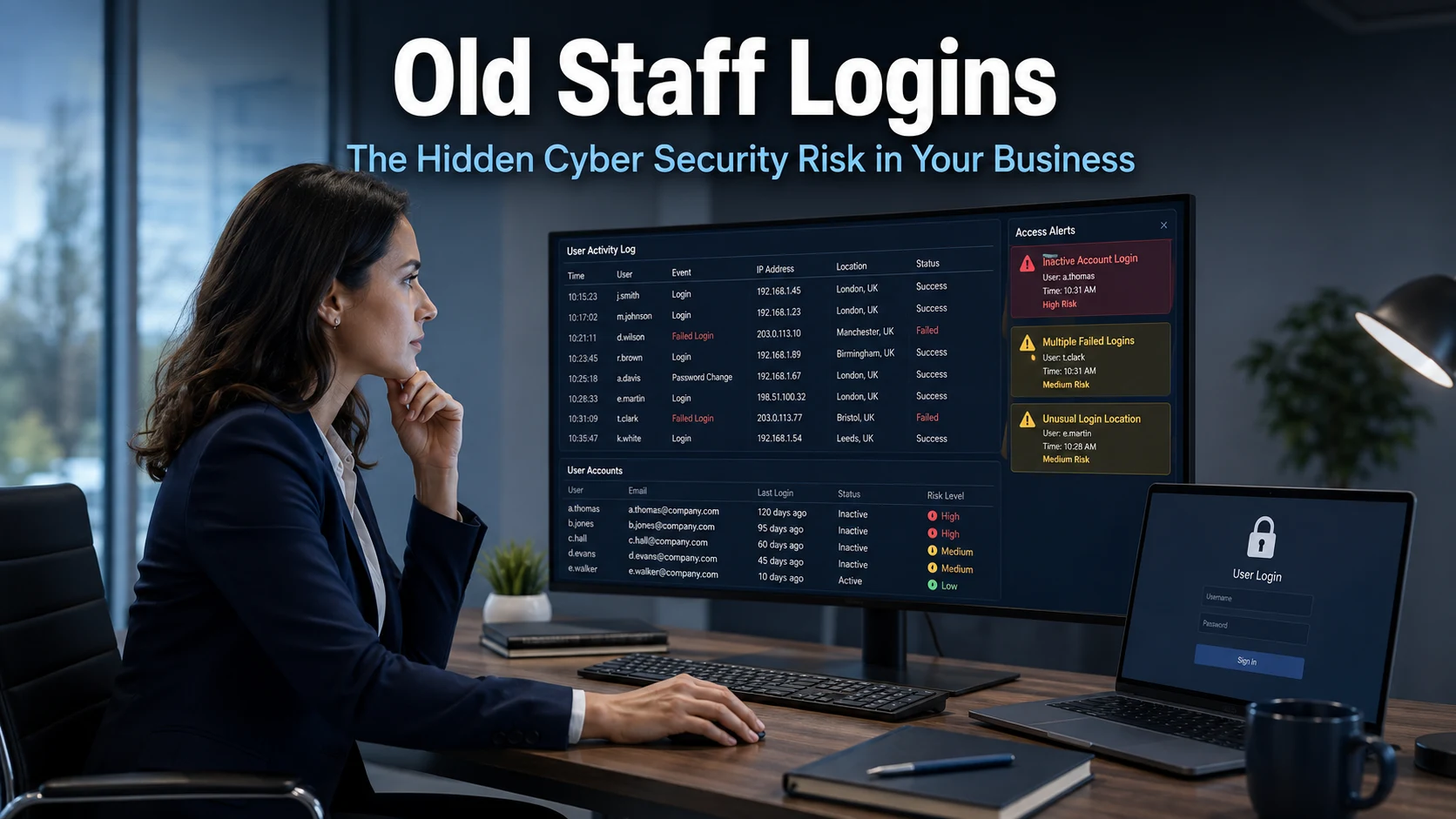
When a member of staff leaves your business, there is a lot to think about. Handovers, replacing the role, redistributing workload. In the midst of it all, one small but important task often gets pushed to the bottom of the list: removing their access to your systems. Old staff logins represent a genuine cyber security risk, and it is one that far too many businesses overlook.
It might not feel urgent. The account is just sitting there, inactive. But that is precisely the problem.
Why Old Staff Logins Are a Cyber Security Risk
An unused account that nobody is watching is an open door. If a former employee’s login details are still active, anyone who obtains those credentials can walk straight into your systems. That includes ex-staff members themselves, but more often it includes cyber criminals who have found or purchased those details through data breaches or phishing attacks.
Research has found that almost half of businesses have accounts that are no longer actively managed. That is a striking figure. It means a large proportion of businesses have access points they are not monitoring, not reviewing, and not aware of.
Many cloud security breaches trace directly back to dormant accounts. The attacker does not need to force their way in. They simply use credentials that should have been removed months or years earlier. As a result, the breach can go undetected for some time, because the activity looks like a legitimate user.
Furthermore, inactive accounts rarely trigger suspicion. Nobody notices unusual activity on an account that nobody is expected to use. This makes them particularly attractive to attackers and particularly dangerous for your business.
The Budget Drain You Might Not Have Noticed
Beyond the security concern, old staff logins often carry a financial cost. Many businesses pay per user for their software subscriptions. Microsoft 365, project management tools, accounting platforms, and communication applications all typically charge on a per-seat basis.
If a former employee’s account is still active, your business is likely still paying for it. In some cases, businesses discover they have been paying for accounts that have not been used in months, or even years. Across several applications and several former employees, this can add up to a meaningful and entirely avoidable expense.
A thorough account audit often reveals both security gaps and unnecessary costs at the same time. It is worth doing for both reasons.
It Is Not Just About Former Employees
Old staff logins get most of the attention, but unused accounts extend further than just ex-employees. Many businesses also accumulate software and service subscriptions that they have stopped using entirely.
A tool trialled for a project and never cancelled. A subscription taken out by someone who has since left. A service replaced by something better but never formally deactivated. These are all common scenarios, and each one represents a potential entry point if the account credentials were ever shared or compromised.
Similarly, consider third-party access. Contractors, freelancers, and partner organisations are sometimes granted system access on a temporary basis. When the work ends, that access is not always removed. The same risks apply.
For businesses in Brighton and across Sussex, where many growing companies work with a mix of permanent staff, remote workers, and external partners, managing access carefully is especially relevant.
What a Security Audit of Your Accounts Should Cover
A proper review of your business accounts does not need to be complicated, but it does need to be thorough. Here is what to focus on.
Start with user accounts across every system your business uses. This includes your email platform, cloud storage, accounting software, CRM, communication tools, and any other application that requires a login. Cross-reference these against your current list of employees and active contractors.
Any account that belongs to someone who has left should be disabled or deleted immediately. Deactivating an account is not always enough. In some systems, a deactivated account can be reactivated. Full removal is the safer option wherever possible.
Next, review permissions. Even for active employees, it is worth checking that each person only has access to the systems and data they genuinely need for their role. This principle, known as least privilege access, limits the damage that can result if any single account is ever compromised.
Finally, review your software subscriptions. List everything your business pays for and confirm that each tool is actively in use. Cancel anything that is not. This step alone can save a surprising amount of money.
You can find further guidance on protecting your business on our cyber security page.
Building a Process That Prevents the Problem
A one-off audit is a good start, but the real goal is to prevent old accounts from accumulating again. That requires a clear, consistent process for managing user access across the employee lifecycle.
When someone joins your business, grant them access to only what they need from day one. When their role changes, update their access accordingly. When they leave, remove their access on the same day, before their final session if possible.
This off-boarding process should be documented and followed every time, without exception. It should cover every system the individual had access to, not just the most obvious ones. Email and file storage tend to get addressed. It is the secondary tools that are frequently missed.
Regular reviews, perhaps every three to six months, help to catch anything that slips through. They also give you an opportunity to remove access for contractors whose work has concluded and to review subscriptions for value and relevance.
Our article on building a security-first culture covers how to embed good habits like these across your whole team.
What This Means For Businesses
The old staff logins cyber security risk is one of the most common and most avoidable vulnerabilities in business IT. It does not require sophisticated technology to exploit. An attacker simply needs valid credentials, and dormant accounts provide exactly that.
The practical implications for business owners and directors are clear. A regular account audit should become a standard part of how your business operates, alongside a documented process for removing access when staff leave. Neither of these things requires significant investment. They require discipline and a system.
If your business does not currently have visibility over who has access to what, that is the place to start. The user management solutions available to businesses today make it far easier to maintain a clear picture of account activity and access rights across your entire organisation.
Working with a managed IT provider means someone is keeping an eye on this on your behalf, flagging issues before they become breaches and helping you stay on top of access management as your team changes.
Final Thoughts
Cyber security does not always involve sophisticated attacks or complex technology. Sometimes the greatest risks come from simple oversights, like an old login that nobody remembered to remove.
Taking the time to audit your accounts, tighten up your off-boarding process, and review your subscriptions regularly is straightforward work. Nevertheless, its impact on your business security can be significant.
Start with a list. Work through every system your business uses. Ask who has access, whether they still need it, and whether they still work for you. The answers will tell you everything you need to know.
How big a risk are old staff logins to my business?
Significant. Dormant accounts are one of the most common causes of cloud security breaches. If former employee credentials are compromised, an attacker can gain access to your systems without triggering any obvious alarms, because the login appears legitimate.
What should I do when an employee leaves?
Remove their access on the day they leave, covering every system they had access to including email, cloud storage, internal tools, and any third-party applications. Do not simply deactivate the account; remove it entirely where possible, and transfer any essential data beforehand.
How do I find out which accounts my business has?
Start by listing every application and service your business subscribes to, then check the user accounts within each one. Many platforms include an admin area that lists all active users. Compare this against your current employee list and identify any accounts that should no longer be active.
What is least privilege access and why does it matter?
Least privilege access means each person only has access to the systems and data they genuinely need for their job. It limits the potential damage if any one account is compromised. For example, a member of the sales team does not need access to your payroll system. Keeping permissions tight reduces your overall risk.
How often should I review user accounts and subscriptions?
At minimum, every six months. Many businesses also conduct a review whenever there is a significant change in staffing, such as a period of growth or redundancies. Building this into your routine means you are less likely to discover a problem only after something has gone wrong.