A Sussex Ransomware Example: What Fails First
A Sussex ransomware example does not need to begin with a dramatic Hollywood-style hack. More often, it starts with an ordinary-looking email at 8.43am, sent to a busy accounts or operations colleague who is trying to clear a crowded inbox before the day gets going.
The message appears to come from a supplier. It asks the recipient to review an overdue invoice, sign in to a shared document or confirm revised bank details. One click is enough to give a criminal access to an email account. From there, they can watch conversations, copy contacts and look for a route into the wider business.
For a small business, the effect is rarely confined to one laptop. It can mean staff unable to access customer records, invoices, stock systems, phone services or shared files. The immediate question is not usually technical. It is: can we keep trading today?
A realistic Sussex ransomware example
Consider a fictional but realistic Sussex business: a 25-person company with an office, remote workers, cloud email, a shared file system and software used to run sales, accounts and customer jobs. Its technology has grown over time, with different suppliers responsible for different systems.
On a Friday morning, an administrator receives an email that appears to be from a regular courier. The branding looks right and the wording is believable. The email links to a sign-in page that closely resembles Microsoft 365. The administrator enters their details, assuming they need to check a delivery query.
Those details are captured. The criminals sign in to the real email account from elsewhere and set up a forwarding rule, quietly sending selected messages to an external address. They search the mailbox for phrases such as “payment”, “bank details”, “password”, “invoice” and “urgent”. They also use the account to send convincing messages internally, because colleagues naturally trust an email from a familiar address.
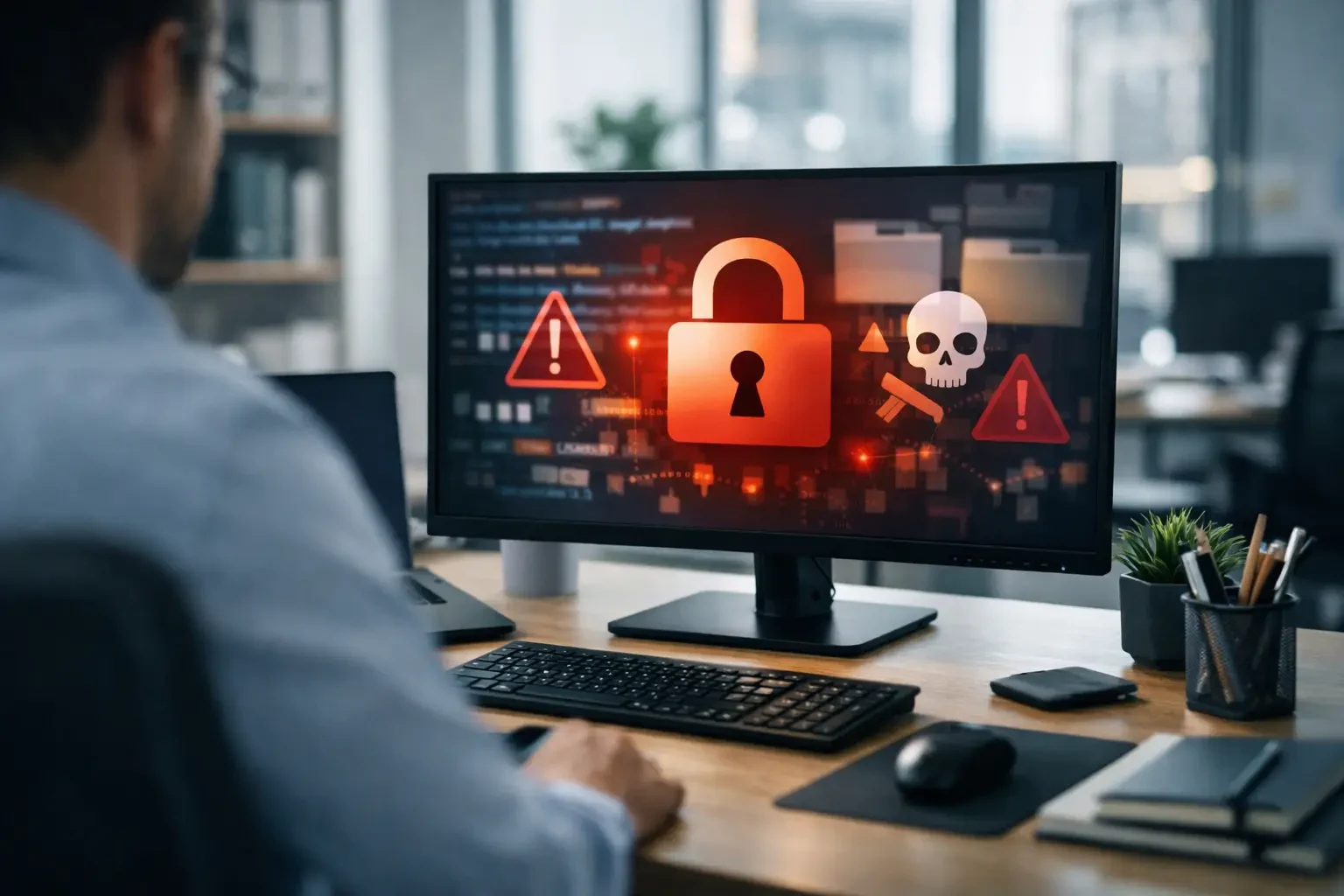
By Monday, the attackers have persuaded another user to approve a sign-in request. They gain access to shared documents and find an old administrator account with more permissions than it should have. Overnight, files on the shared drive are encrypted. A ransom note appears on screens the next morning, demanding payment in cryptocurrency.
The business now faces a series of difficult decisions. Staff cannot access job sheets. The accounts team cannot see which invoices have been paid. Customer information may have been copied before the encryption began. Directors are trying to work out whether the latest backup is usable, while customers are calling for updates.
This is why ransomware is not simply an IT problem. It is an interruption to operations, cash flow, reputation and customer service.
What tends to fail first
The first failure is often visibility. If nobody is monitoring sign-in activity, unusual email rules, new devices or suspicious file activity, an attacker may have days to explore the business before they trigger the ransomware itself.
The next weak point is identity. A password alone is no longer enough protection for email, cloud files and business applications. Passwords are reused, guessed, stolen through phishing pages or exposed in breaches outside your business. Multi-factor authentication adds a valuable second check, but it must be set up carefully. Staff should know never to approve a sign-in request they did not initiate, and higher-risk accounts should have stronger controls.
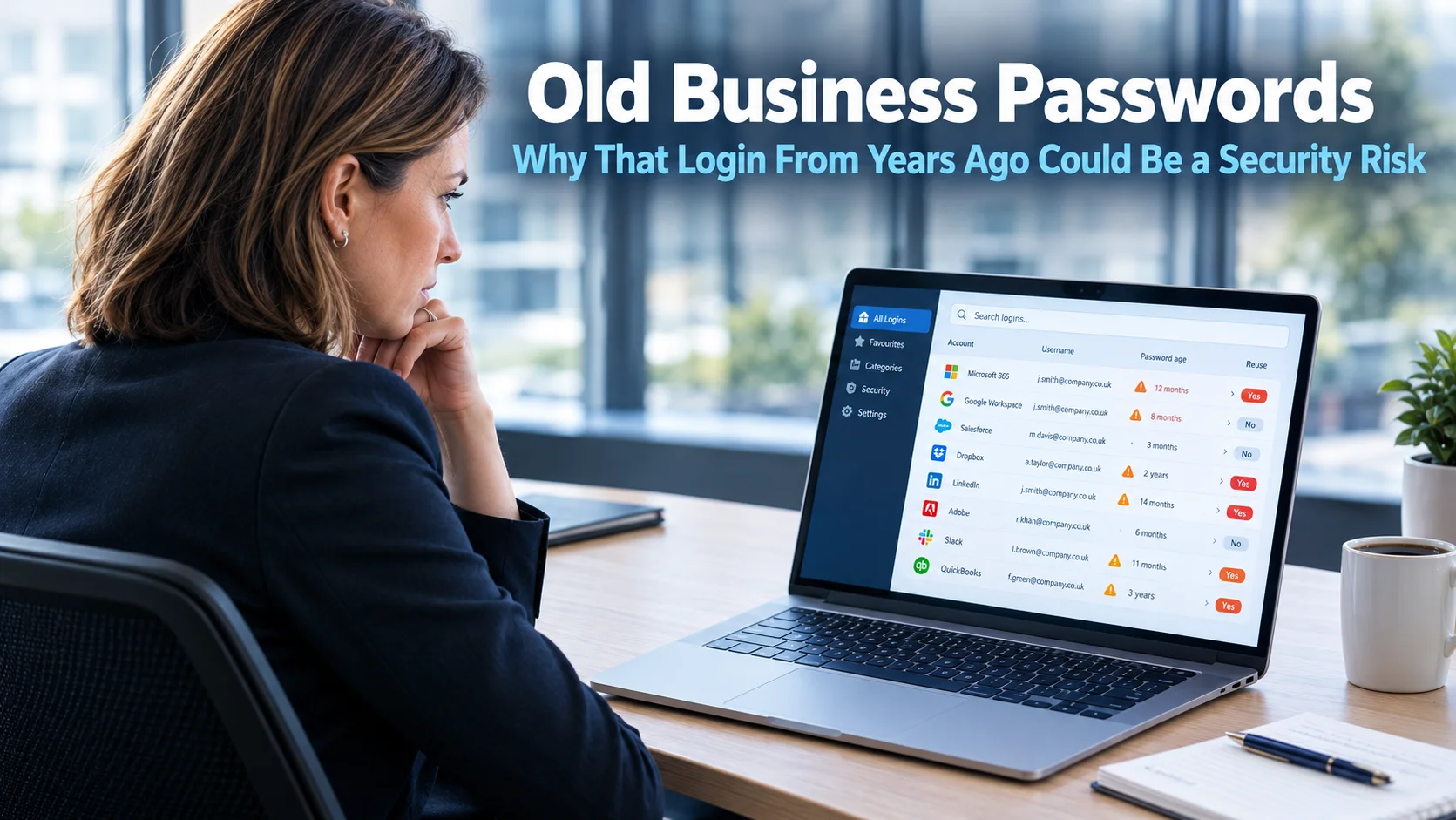
Permissions can make a manageable incident much worse. People need access to the systems and folders required for their job, not unrestricted access because it was convenient when the account was created. Former staff accounts, shared logins and old administrator privileges are particularly risky.
Finally, backups may not be what the business assumes they are. A backup is only useful if it is protected from the attacker, retained long enough to avoid infected copies, and tested regularly. Many businesses discover too late that their backup was connected to the same network, stopped running weeks ago or cannot restore key systems within a workable timescale.
Why paying the ransom is not a business plan
When files are unavailable and customers are waiting, paying can feel like the fastest route back to normal. It is understandable that directors consider it. However, payment brings no guarantee that criminals will provide a working decryption tool, delete stolen data or avoid targeting the business again.
There is also a wider issue. Modern ransomware attacks frequently involve data theft as well as file encryption. Even if systems are restored, the business may still have to assess what information was accessed and whether it has reporting obligations. That can involve customer, employee or supplier data, depending on what was held in the affected systems.
The practical objective is to avoid reaching that decision under pressure. A well-prepared business can isolate the incident, restore from clean backups, investigate what happened and communicate with customers from a position of control rather than panic.
The controls that make the biggest difference
There is no single product that stops every ransomware attack. Good protection comes from several sensible layers that support one another. For a small or midsize business, the following measures usually offer the strongest return on effort.
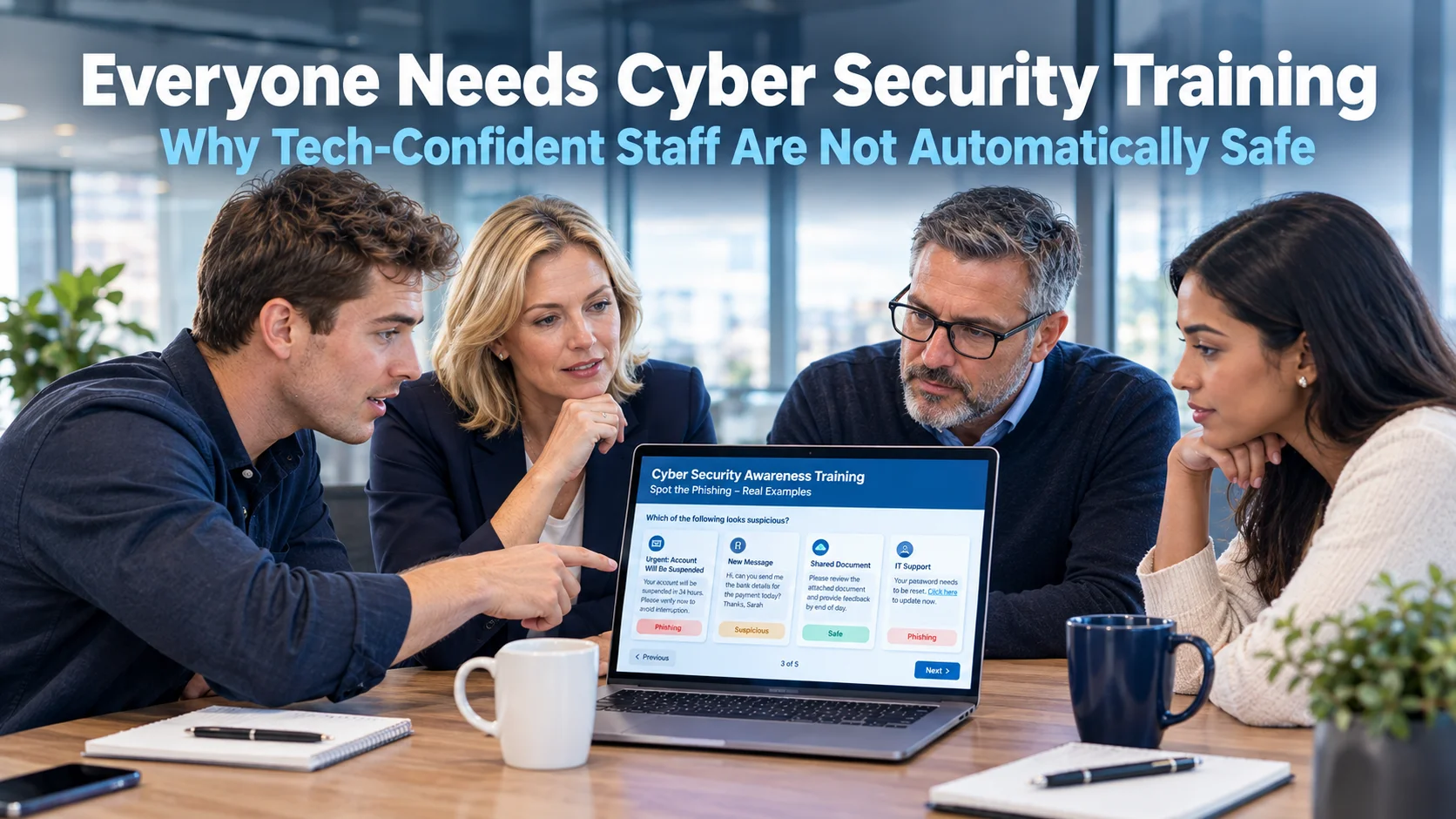
- Protected email and staff awareness: Email filtering should block obvious threats, but staff still need confidence to pause and check unexpected requests. Training works best when it uses realistic examples and is repeated, not delivered once a year and forgotten.
- Multi-factor authentication and secure account management: Enable multi-factor authentication across email, cloud services, remote access and privileged accounts. Review who has administrator access and remove old, unused or shared accounts.
- Managed devices and updates: Laptops, desktops, servers and mobile devices need regular security updates, active anti-malware protection and monitoring. Unsupported systems create an opening that criminals actively look for.
- Backups designed for recovery: Keep separate, protected copies of important data and test restores. Test the systems that run the business, not just a random folder, because a successful file restore does not always mean a critical application will work.
- An incident response plan: Decide in advance who can make decisions, who contacts your IT provider, how staff will communicate if email is unavailable and where essential customer and supplier contact details can be accessed securely.
The right balance depends on the business. A garage reliant on diagnostic platforms and booking systems may need a different recovery priority from a charity handling sensitive beneficiary records. In both cases, the key is understanding which systems cannot be unavailable for long and building protection around them.
What to do if you suspect ransomware
Speed matters, but so does avoiding a rushed response that destroys useful evidence. If you see a ransom note, unusual file extensions, a sudden flood of password prompts or files becoming inaccessible, disconnect the affected device from the network and Wi-Fi if it is safe to do so. Do not keep clicking through messages or attempt to “fix” every machine individually.
Contact your IT support provider immediately and tell staff not to use affected systems. Preserve the ransom note, suspicious emails and any details about when the issue was first noticed. If email may be compromised, use a known safe phone number or another trusted communication route rather than replying to messages that could be monitored by the attacker.
Your response should then focus on containment, investigation and recovery. That means identifying affected accounts and devices, resetting credentials where appropriate, checking whether data has been accessed, and restoring only after the route in has been closed. Turning systems back on too early can allow the attacker to return.
Prevention is easier when someone owns it
Technology often becomes fragmented as a business grows. One company supplies broadband, another looks after phones, a third handles email, and nobody has a complete view of security, backups and user access. That creates gaps, especially when a problem crosses more than one system.
A managed IT partner can provide that joined-up oversight: monitoring devices, managing updates, reviewing access, checking backups and helping staff recognise threats before a busy morning becomes a business outage. For Sussex organisations that do not have a large internal IT department, this is less about adding complexity and more about having a clear owner for the essentials.
My Tech Team helps businesses put those essentials into place with practical advice and no jargon. The most useful next step is not to wait for a suspicious email or encrypted file. Review how your business would operate tomorrow morning if email, shared files or core systems were suddenly unavailable - then close the gaps while you still have time to choose the solution.