Backup Data Loss: Why a Third of Businesses Lose Data Through Their Own Backups
· Updated

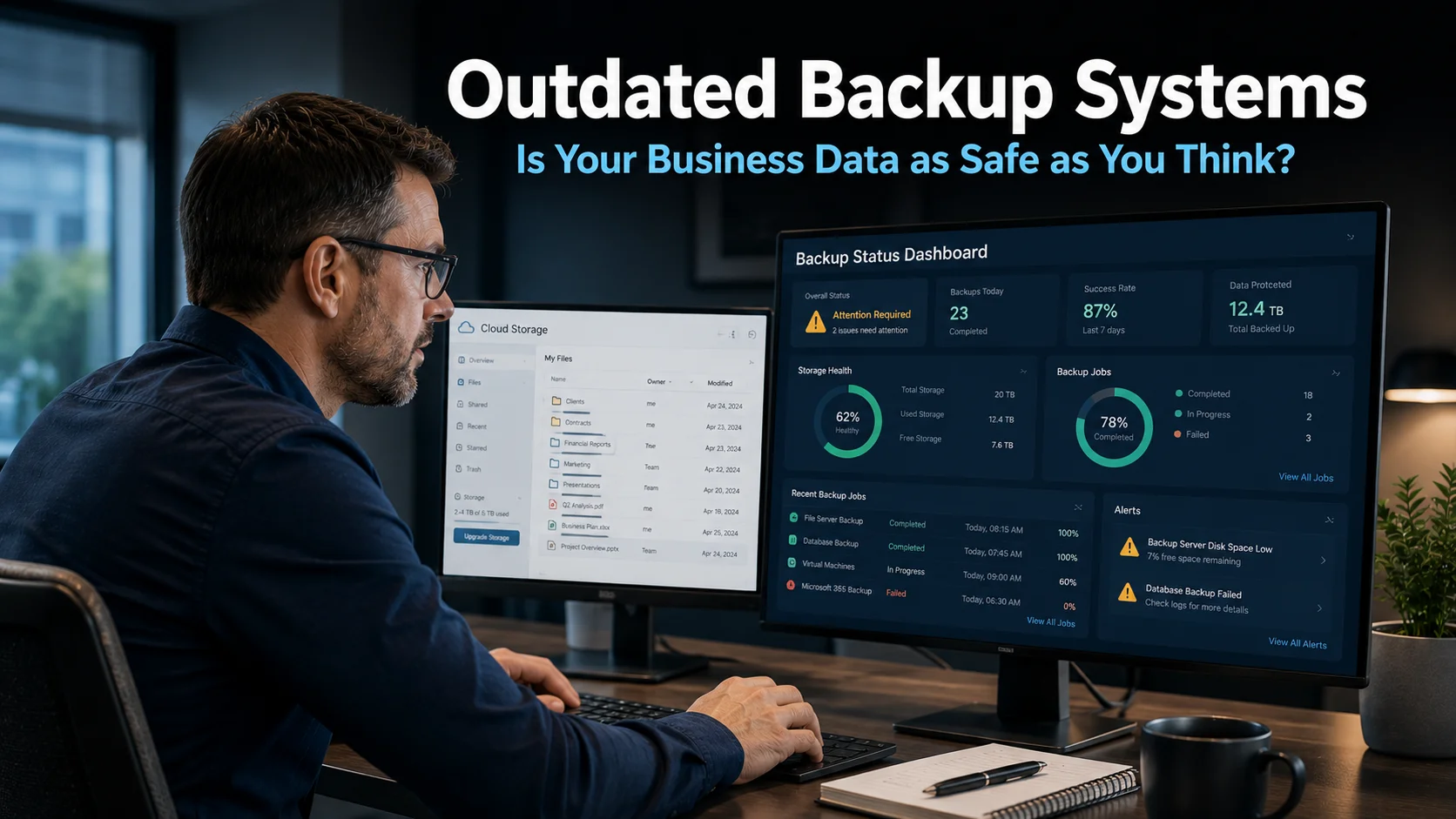
Backup data loss is one of the most unsettling discoveries a business can make: reaching for the safety net at the worst possible moment and finding it is not there. Many business owners assume that because a backup system is in place, their data is protected. Research suggests that assumption is frequently wrong. A third of all data losses in businesses occur not through attacks or hardware failure, but through problems with the backup itself at the point when recovery is attempted.
Why Backup Systems Are Not as Reliable as Most Businesses Assume
Setting up a backup system creates a reasonable sense of security. The software runs, the data is copied, and the business moves on. The problem is that running and working correctly are not the same thing. A backup tool can appear to be functioning while silently producing corrupted copies, backing up incomplete datasets, or failing on specific file types without generating any visible warning.
The critical moment when backup reliability becomes apparent is recovery. Most businesses discover their backup has been failing not during a routine check, but when something has gone wrong and they are attempting to restore their data under pressure. That is the worst possible moment to discover the problem.
Several factors contribute to backup failure. Poor initial configuration means the system was never backing up everything it should have been. Changes to the business, such as new applications, additional data locations, or expanded cloud storage, can fall outside the scope of a backup tool that was configured for a smaller or simpler environment. Software updates can sometimes alter behaviour in ways that affect backup performance. And older tools, designed before current threats and data volumes, may simply lack the capability to keep pace with what businesses need today.
Ransomware and the Backup Reliability Problem
Backup data loss is not only a passive risk. It sits at the centre of one of the most serious business security threats currently affecting UK businesses. Ransomware attacks encrypt your files and demand payment before restoring access. The standard advice for decades has been: maintain good backups and you can restore your data without paying.
That advice remains correct in principle. However, the research tells a more complicated story in practice. Half of businesses that use backup tools and still fall victim to ransomware end up paying the ransom anyway, because using their own recovery tools is too slow or the backup data proves unreliable. Even more concerning is that only a small proportion of those who pay actually recover their data fully. They lose money and their files.
This finding points to two distinct problems. First, many backups are not set up or maintained to support rapid recovery in a crisis. Second, ransomware attacks increasingly target backup data specifically. Attackers know that backups represent the business’s route to recovery without payment, so compromising them increases the pressure to pay. Our article on outdated backup systems and data protection covers why older backup approaches are particularly vulnerable to this kind of targeted attack.
How to Know Whether Your Backup Is Actually Working
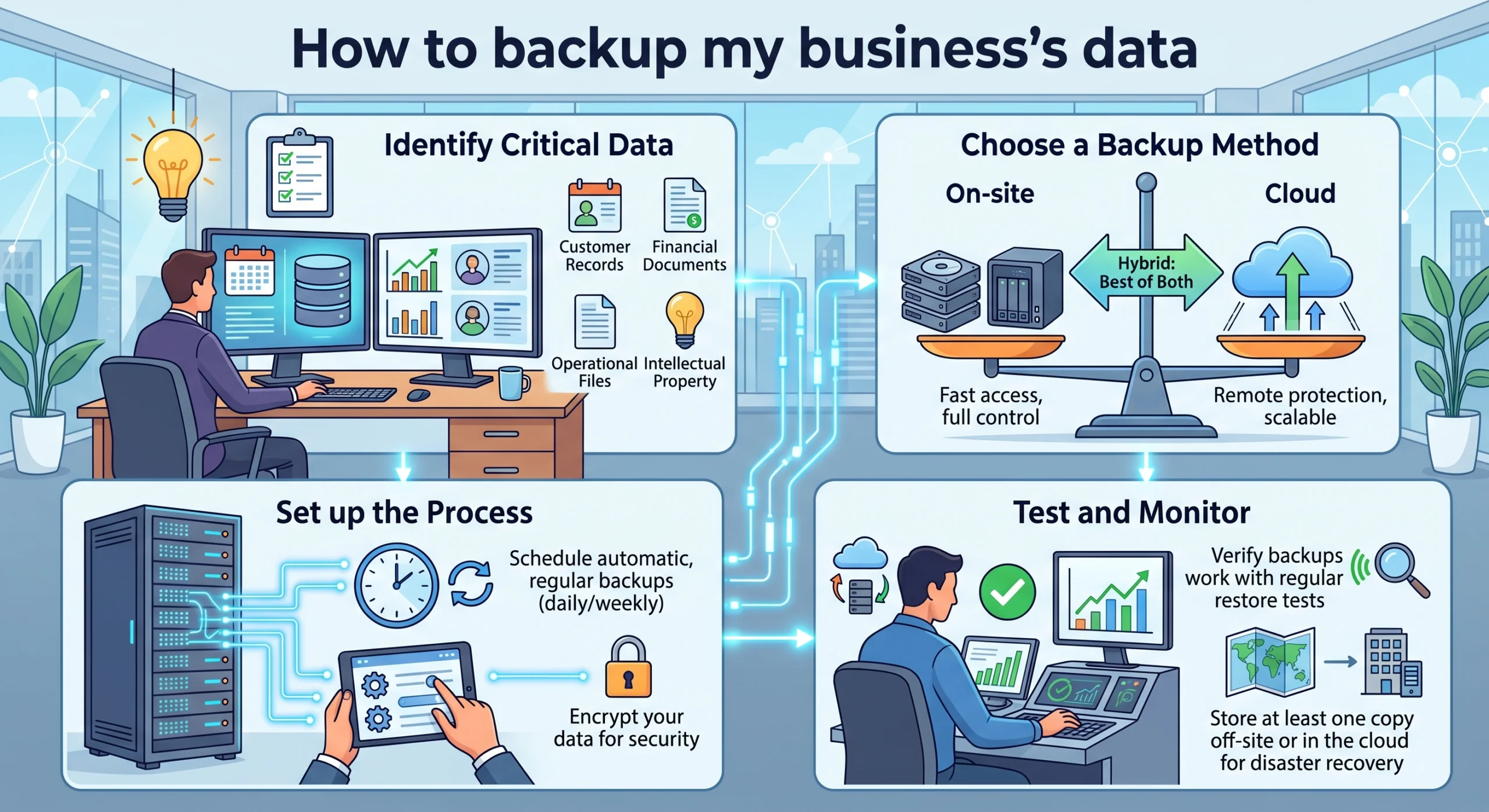
The most reliable way to know whether your backup is working is to test it. This means performing a complete or representative restoration and confirming that the data that comes back is complete, current, and usable. Many businesses have never done this. Some have not reviewed their backup configuration since it was first set up, potentially years ago.
A backup that has never been successfully tested is a backup of unknown reliability. It might work perfectly. It might fail. Without testing, there is no way to know. For a business that holds important client data, financial records, or operational information, that uncertainty is a significant risk.
Regular testing should be a standard part of how backup systems are managed. For most businesses, quarterly testing provides a reasonable balance between diligence and overhead. Each test should confirm not only that data can be recovered, but that the recovery process can be completed within a timeframe the business can tolerate. Our article on immutable backup storage covers the most current approach to backup technology that provides the strongest protection against ransomware-targeted attacks on your recovery data.
Continuous Data Protection: Going Beyond Standard Backups
Standard backup tools typically create copies of data at regular intervals, whether hourly, daily, or weekly. If data is lost, the business can restore to the most recent backup point. However, anything created or changed between the last backup and the point of loss is not recovered.
Continuous data protection, often referred to as CDP, takes a different approach. Rather than capturing data at defined intervals, it records every change to every file in real time. This means the recovery point is not the last scheduled backup but the last moment before the loss or attack occurred. For businesses where even a short gap in recovered data has consequences, this is a meaningful improvement.
CDP also changes the dynamic in a ransomware scenario. Rather than choosing between paying a ransom and recovering to a backup that may be hours or days old, a business with continuous data protection in place can restore to the moment just before the attack. The attacker’s leverage is substantially reduced.
For businesses in Hailsham and across Sussex that rely on their data for client-facing work or operational continuity, the difference between recovering everything and recovering most things from yesterday can be significant. Our managed IT services include backup configuration, continuous data protection, and regular restoration testing for businesses across the South East.
What This Means For Businesses
Backup data loss is a preventable problem, but only if businesses take the right steps before they need to rely on their backup. The research is clear. A third of data losses happen through backup failures. Half of ransomware victims pay ransoms despite having backup tools. These outcomes are not inevitable. They reflect the gap between having a backup system and having a backup system that has been set up correctly, maintained consistently, and tested regularly.
For business owners and directors, the practical questions to ask are simple. When was your backup last tested? Does the test confirm that a full restoration is possible within a timeframe your business can manage? Has anything changed in your IT environment since the backup was configured? Is your backup data protected from the kind of targeted ransomware attack that specifically seeks out and encrypts recovery files?
If any of these questions does not have a confident answer, addressing them is a priority. The cost of getting backups right is predictable and manageable. The cost of discovering a backup failure during a genuine data loss event is neither.
Our article on how to back up your business data covers the practical approach to building a reliable backup strategy, and our cyber security page explains how data protection fits into your broader security posture.
Final Thoughts
A backup that does not work when you need it is not a backup. It is a false sense of security that may actually make a data loss event worse, because it delays the point at which the business accepts the full severity of the situation and takes appropriate action.
Testing, configuration review, and appropriate technology, whether that is immutable storage, continuous data protection, or both, turn a backup from a hoped-for safety net into a reliable one. The difference is meaningful, and it is worth the time to get it right.
Why do so many backups fail when businesses try to recover data?
Backup failures at recovery typically result from poor initial configuration, changes to the IT environment that were not reflected in the backup setup, software updates that altered backup behaviour, or the use of older tools not capable of handling current data volumes and threats. Many businesses also never test their backups, so failures are only discovered when recovery is urgently needed.
Why do ransomware victims pay ransoms even when they have backups?
Two main reasons. First, many backup systems are not set up to support rapid recovery, meaning restoration would take too long for the business to wait. Second, ransomware attacks increasingly target backup data specifically, encrypting or deleting it alongside the primary files. If the backup is compromised, recovery without paying is not possible through traditional backup tools.
How often should a business test its backups?
At minimum, quarterly. Each test should confirm that data can be fully recovered and that the process completes within a timeframe the business can tolerate. Testing should be conducted as a realistic recovery exercise rather than simply checking that the backup software reports success. Discovering a problem during a routine test is far preferable to discovering it during an actual incident.
What is continuous data protection and how is it different from regular backups?
Continuous data protection records every change to every file in real time, rather than capturing snapshots at defined intervals. This means recovery is possible to the moment just before a loss or attack occurred, rather than to the last scheduled backup point. For businesses where any gap in recovered data has consequences, CDP provides significantly stronger protection than interval-based backups.
What should I do if I am not sure whether my backup is set up correctly?
Ask whoever manages your IT to perform a full restoration test and review your current backup configuration against your current IT environment. If significant changes have occurred since the backup was configured, such as new applications, expanded data storage, or a move to cloud-based systems, the backup scope likely needs to be updated. A managed IT provider can carry out this review and make the necessary adjustments.