Outdated Backup Systems: Why Your Business Data May Not Be as Safe as You Think
· Updated
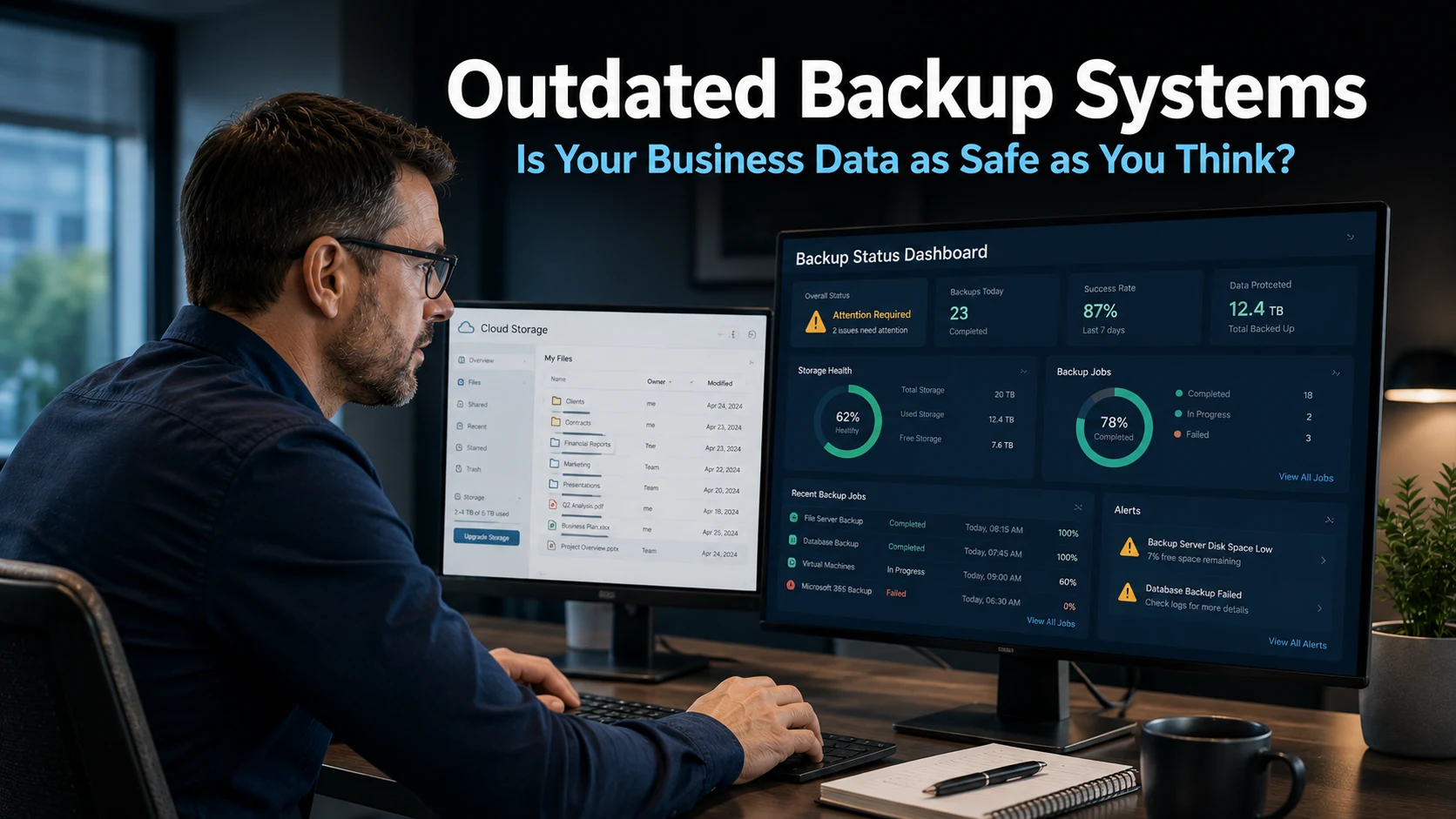
Outdated backup systems are one of the most common and least discussed vulnerabilities in business IT. Most business owners know they should have backups in place. Many do. However, having a backup system and having one that will actually protect you when it matters are two very different things. Research shows that a significant number of businesses are running backup tools that were never designed to handle the threats they face today.
Why Outdated Backup Systems Are No Longer Enough
Ransomware has changed the threat landscape for business data. This type of attack involves criminals breaking into your systems, locking your files with encryption, and demanding payment before they will restore access. Even if you pay, there is no guarantee the files come back intact.
Backups exist precisely to protect against this scenario. A separate copy of your data means you can restore your systems without needing to negotiate with attackers. For this to work, however, the backup itself must be intact and usable. This is where outdated backup systems frequently fall short.
Older backup tools were built for a simpler time. They were designed to protect against hardware failures, accidental deletions, and localised data loss. Modern ransomware attacks are far more targeted. Attackers now specifically go after backup data, knowing it represents your last line of defence. A backup system that cannot withstand this kind of attack provides far less protection than most business owners realise.
Three Ways Outdated Backup Systems Leave Businesses Exposed
There are three specific vulnerabilities that older backup tools tend to share.
The first is that backup data itself becomes a target. Sophisticated ransomware attacks do not simply encrypt your main files and wait. They search for connected backup storage and encrypt that too. Older backup systems often lack the protections needed to prevent this. When both the original files and the backup are compromised, recovery becomes extremely difficult and expensive.
The second vulnerability is a lack of encryption. Encryption scrambles data so that only authorised users can read it. Without it, backup data can be tampered with or accessed by attackers who gain entry to your systems. Research suggests that nearly a third of businesses do not encrypt their backup data. This leaves a significant gap in protection that many owners are unaware of.
The third issue is failed restoration. A backup that cannot be restored is not a backup. It is a false sense of security. Older systems often struggle with the restoration process, particularly under the pressure of a live incident. Businesses sometimes discover, at the worst possible moment, that their backup data is corrupted, incomplete, or simply cannot be recovered in a reasonable timeframe. The resulting downtime can cost far more than the original attack.
Our cyber security page covers how backup protection fits into a broader security strategy for businesses across Sussex.
What Modern Backup Protection Looks Like
Addressing the weaknesses in outdated backup systems does not mean starting from scratch. It means adopting approaches designed for the current threat environment.
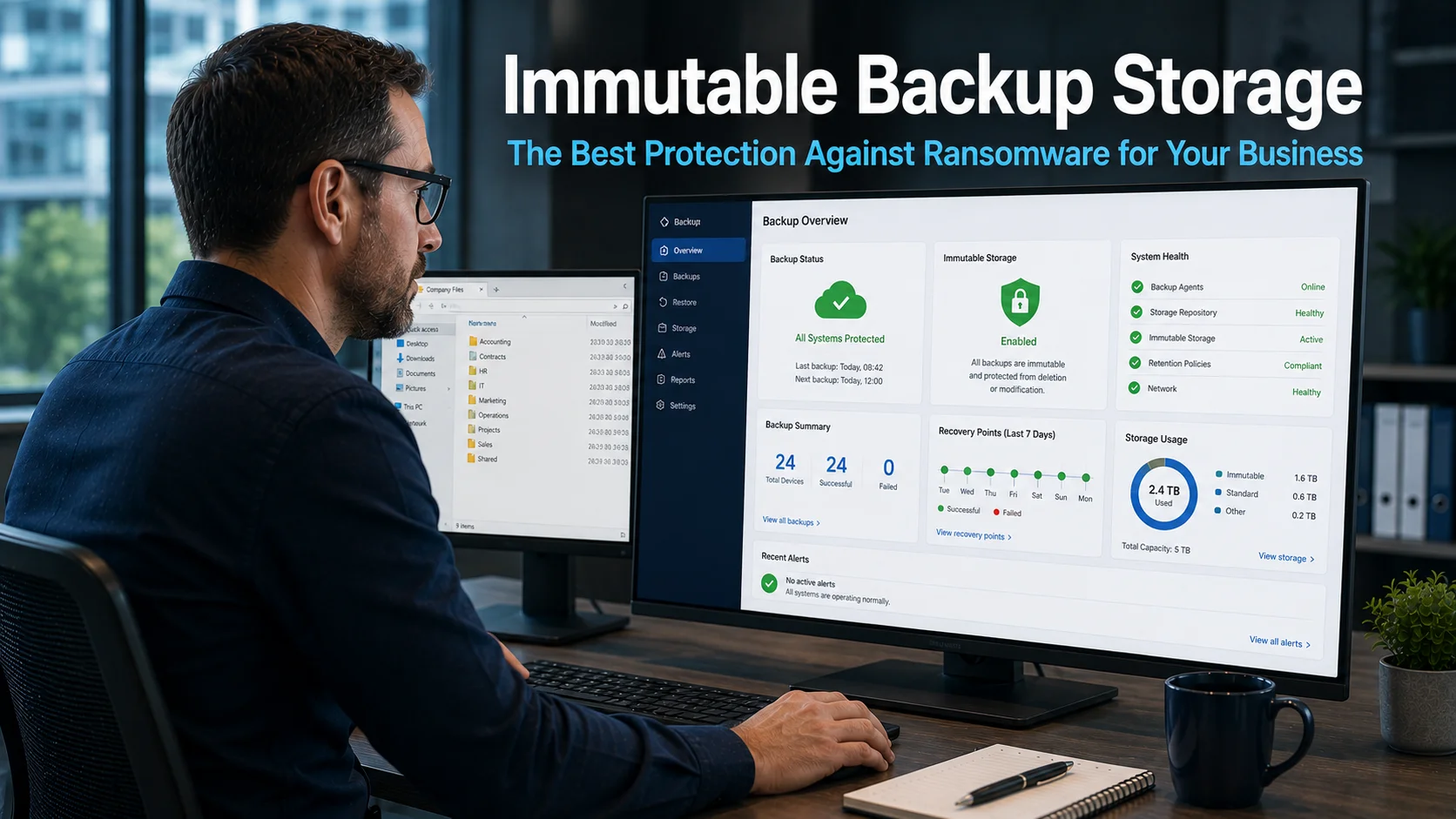
Immutable storage is one of the most effective modern solutions. Immutable means unchangeable. Once data is written to immutable storage, nothing can alter or delete it, not even someone with administrative access to your systems. Ransomware attackers cannot overwrite it. Accidental commands cannot remove it. The backup remains intact regardless of what happens to your main systems.
This approach builds on a security model called Zero Trust. Rather than assuming that users and systems inside your network are safe, Zero Trust treats every access request as potentially untrusted. Every action is verified. Permissions are tightly controlled. Data access is granted only where it is genuinely needed. Applied to backup systems, this means your backup data is protected even if an attacker manages to breach your wider network.
Regular testing is equally important. A backup system should be tested periodically to confirm that data can actually be restored, at the required speed and completeness, under realistic conditions. Many businesses never test their backups until they need them. By that point, discovering a problem is far too late.
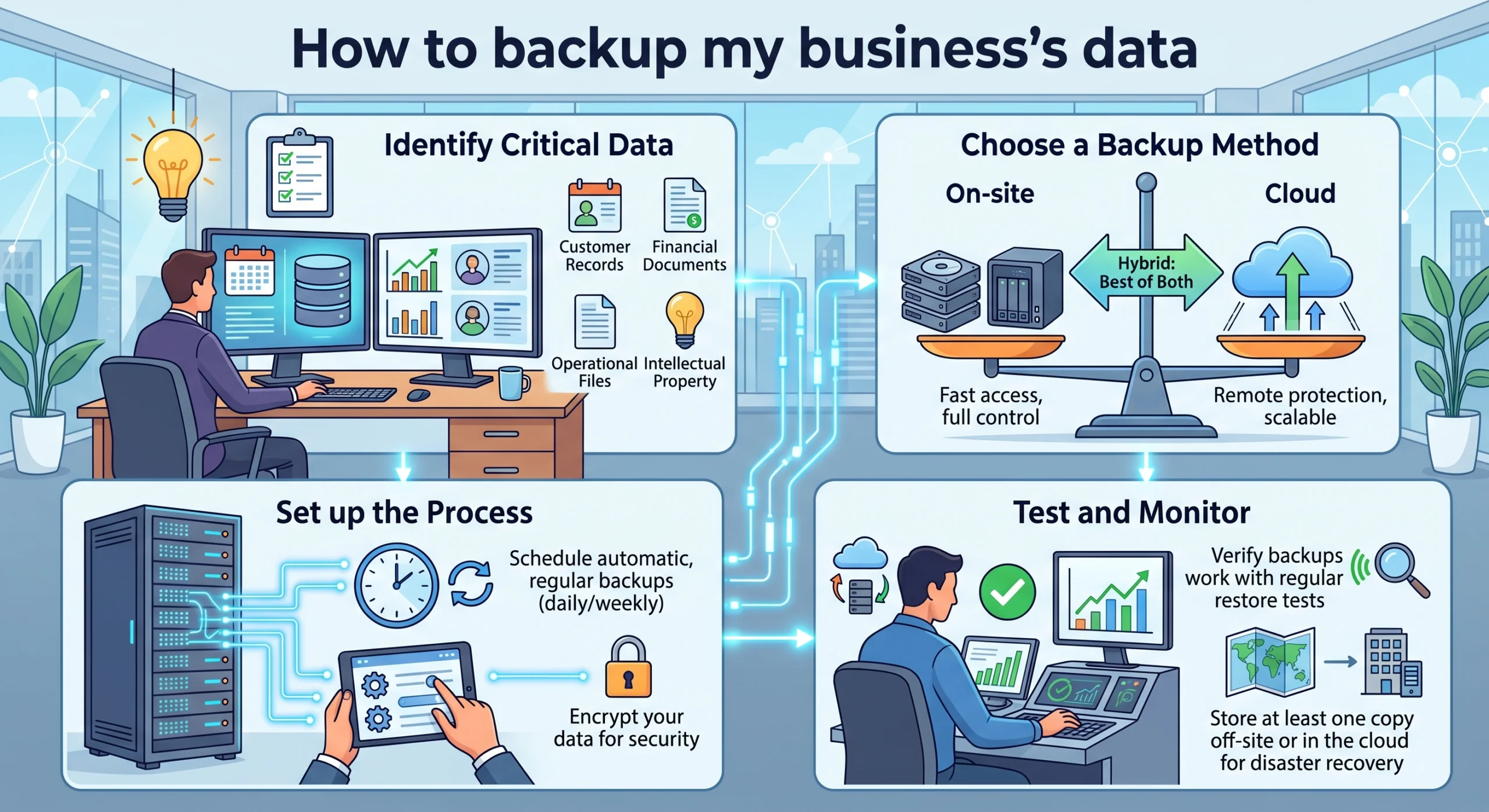
Our article on how to back up your business data provides a practical overview of what a well-structured backup approach involves.
The Business Cost of Getting This Wrong
The consequences of a failed backup during a ransomware attack are serious. Downtime is the most immediate impact. Staff cannot work. Customer-facing services may go offline. Revenue stops while recovery efforts begin.
Recovery costs add up quickly. IT specialists may need to spend days rebuilding systems from whatever fragments of data remain. If client data has been compromised, there are notification obligations under UK data protection law and potential regulatory consequences. Reputational damage can persist long after the technical incident is resolved.
For businesses in Eastbourne, Burgess Hill, and across the wider South East, the financial impact of extended downtime can be severe. Smaller businesses in particular often lack the reserves to absorb the cost of a prolonged recovery effort. Prevention is always cheaper than recovery.
Furthermore, ransomware attacks are becoming more frequent rather than less. Attackers target businesses of all sizes. The assumption that only large organisations face this risk does not reflect reality. Any business with data worth protecting is a potential target.
What This Means For Businesses
Outdated backup systems represent a gap in protection that many business owners do not know they have. The backup exists, the box appears ticked, but the underlying capability may not be sufficient for the threats the business actually faces.
The practical implication is straightforward. Review your backup arrangements. Find out how old your backup system is, whether your backup data is encrypted, and whether you have tested a full restoration recently. These three questions will tell you a great deal about your actual level of protection.
If your backup system has not been reviewed in the last year or two, it is worth asking a managed IT provider to assess it. Technology in this area has moved quickly. Tools that were considered adequate three years ago may now leave significant gaps compared to what modern ransomware attacks demand.
Our managed IT services include backup management and regular restoration testing as part of a comprehensive approach to business data protection.
Final Thoughts
Outdated backup systems give businesses a false sense of security. The backup exists, but its ability to protect against today’s threats may be limited. Understanding this gap is the first step toward closing it.
Modern backup solutions, built around immutable storage and Zero Trust principles, provide a far stronger safety net. Combined with regular testing, they give your business a genuine ability to recover from a ransomware attack without paying a ransom or losing critical data. That is an outcome worth investing in.
What is the difference between a basic backup and a modern backup system?
A basic backup creates a copy of your data at a point in time. A modern backup system does this while also protecting the backup itself from tampering, encrypting the stored data, and allowing fast, verified restoration. Modern systems are designed to withstand ransomware attacks that specifically target backup storage, which older tools typically cannot do.
What is immutable storage and why does it matter for backups?
Immutable storage means that once data is saved, nothing can change or delete it. This includes administrators, software processes, and attackers who have gained access to your systems. For backups, this means ransomware cannot overwrite or destroy your saved data, giving you a reliable copy to restore from even after a serious attack.
How often should my business test its backups?
At minimum, once a quarter. Many managed IT providers include regular restoration testing as part of their service. Testing confirms that your backup data is complete, uncorrupted, and can be restored within a timeframe your business can tolerate. Testing only when an incident occurs is too late to be useful.
What is a ransomware attack and how does it affect backups?
Ransomware is a type of cyber attack where criminals encrypt your business files and demand payment to restore access. Modern ransomware attacks often target backup storage specifically, because attackers know that intact backups remove their leverage. Outdated backup systems with no protection against this can leave businesses with no usable copy of their data after an attack.
Does my business need a managed IT provider to improve its backup systems?
Not necessarily, but it helps significantly. A managed IT provider can assess your current backup arrangements, identify gaps, implement modern solutions, and test restoration regularly on your behalf. For businesses without dedicated IT staff, this removes the technical burden and ensures backup protection is maintained consistently rather than reactively.