Email security best practices for UK small businesses
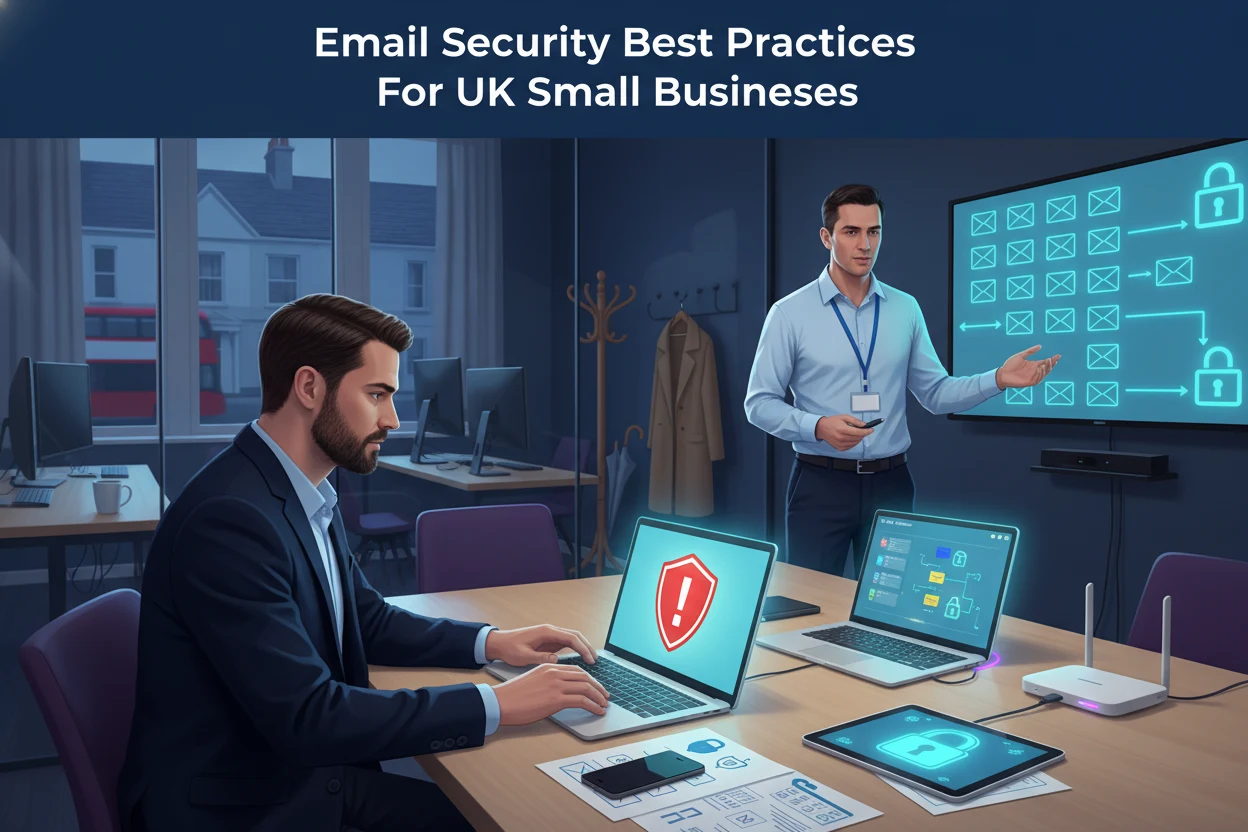
Email security best practices are essential for every UK small business, whether you run a small accountancy firm in Brighton or a growing retailer in Crawley. Most cyber attacks still begin with a simple email, so tightening up how your team uses email can dramatically cut your risk.
Why email security matters for small businesses
Email is often the easiest way for criminals to reach your staff. They use it to:
- Trick people into revealing passwords or bank details
- Send links that install malicious software
- Impersonate suppliers or managers to request payments
Because email is so familiar, it is easy to forget how powerful and dangerous it can be. Putting clear email security best practices in place helps protect your money, your data and your reputation.
Spotting phishing and suspicious emails
Phishing is when someone sends a message that looks genuine but is designed to steal information. Every member of your team should know the basic warning signs.
- Unexpected requests for payments, bank changes or login details
- Messages that create pressure, such as threats to close an account
- Spelling mistakes or odd wording, especially in supposed official emails
- Sender addresses that do not quite match the real company domain
- Links that do not match the visible text when you hover over them
For a deeper look at common tricks and how they work, you can share this guide with your team: what every small business should know about phishing.
Core email security best practices for your team
You do not need to be technical to follow sensible email security best practices. Focus on a few simple rules that everyone can remember.
1. Think before you click
- Do not click links in unexpected emails, even if they appear to be from banks, HMRC or well known brands
- Type the official website address into your browser instead of using a link in the message
- If an email looks odd, call the sender on a known phone number to check it is genuine
2. Treat attachments with care
- Only open attachments you are expecting
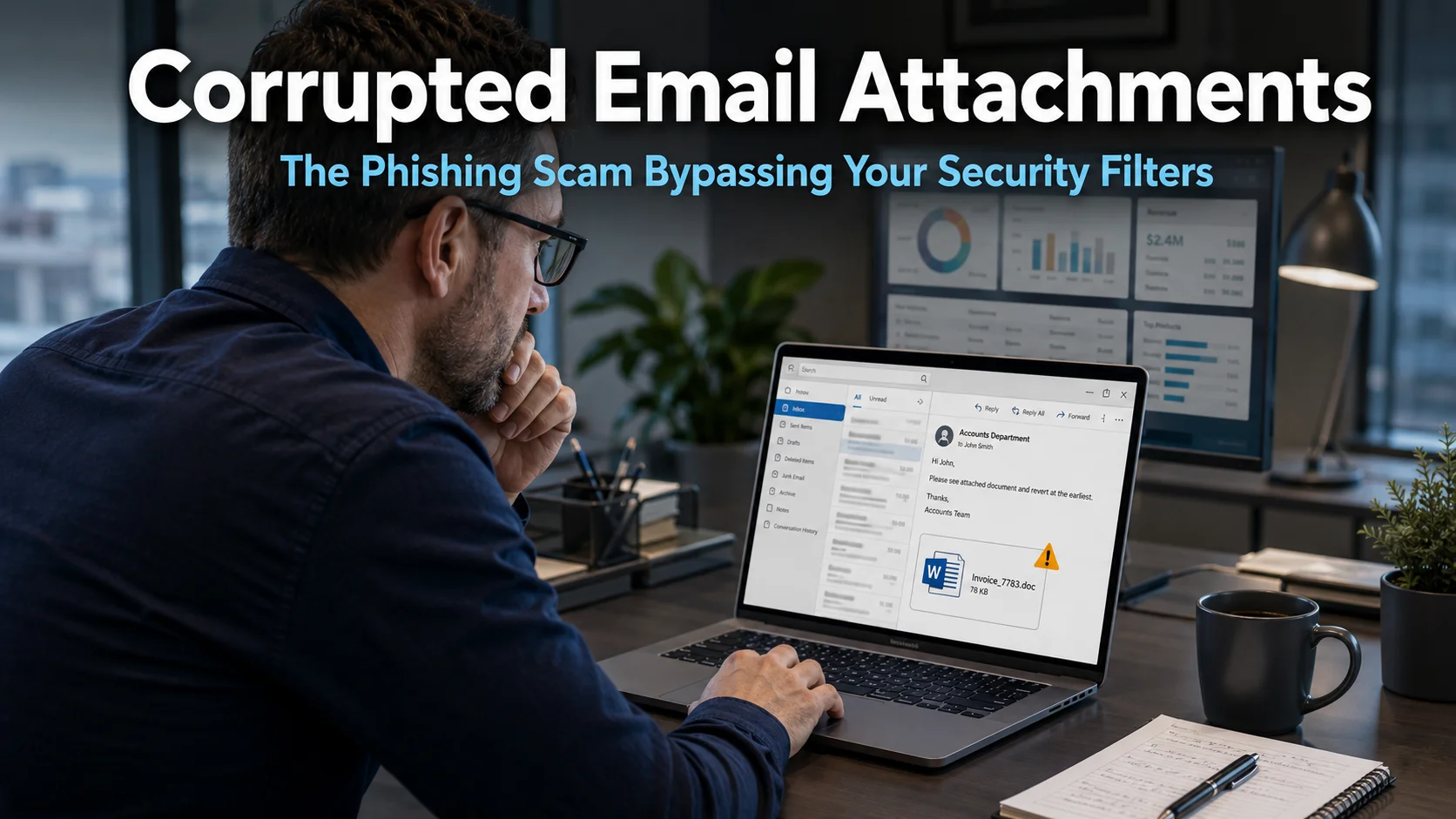
- Be extra careful with files that prompt you to enable macros or extra permissions
- If in doubt, ask your IT support to scan the file first
Staff who regularly handle documents in Outlook and Teams may find this practical guide helpful: how to safely open PDF attachments in Outlook and Teams.
3. Use strong passwords and multi factor authentication
- Use unique passwords for email and other important accounts
- Avoid simple words, names or reused passwords
- Turn on multi factor authentication so logging in requires both a password and a code or app approval
These steps make it much harder for criminals to break into your email, even if a password is leaked.
Technical email security best practices to put in place
Alongside staff training, there are technical email security best practices your IT provider can implement for you. You do not need to understand the detail, but you should know what to ask for.
1. Modern email filtering and protection
- Spam and phishing filters that scan messages before they reach inboxes
- Attachment scanning to block known malicious files
- Link protection that checks web addresses when staff click them
Most modern email systems such as Microsoft 365 include these tools, but they must be configured correctly and kept up to date.
2. Domain protection against spoofing
Attackers sometimes send messages that appear to come from your domain. To reduce this risk, ask your IT provider about:
- SPF records to specify which servers are allowed to send email for your domain
- DKIM to add a digital signature to your messages
- DMARC policies to tell other mail servers how to handle suspicious messages
These settings help other organisations trust your messages and make it harder for criminals to impersonate your company.
Reducing damage if something goes wrong
Even with strong email security best practices, mistakes can happen. Prepare now so a single click does not turn into a major incident.
- Have a simple procedure for staff to report suspicious emails or clicks immediately
- Ensure you can quickly reset passwords and sign out users from all devices
- Keep regular backups of key systems so you can recover if data is lost or encrypted
- Test your recovery process so you know how long it would take to get back up and running
The UK National Cyber Security Centre has straightforward guidance for small organisations on handling incidents and improving protection, which you can review at the NCSC website.
Building a security aware culture
Technology alone is not enough. Your people are your first line of defence, whether they are working in your main office in Worthing or from home.
- Run short, regular awareness sessions rather than one long annual training
- Encourage staff to ask if they are unsure, without fear of blame
- Share examples of real phishing attempts you have received, with details removed
- Make it clear who to contact if something looks suspicious
When staff understand why email security matters and feel supported, they are far more likely to follow good habits.
How My Tech Team can help
If you would like help reviewing your email security best practices, setting up protections in Microsoft 365, or training your staff, you do not have to tackle it alone. My Tech Team works with UK businesses of all sizes to make everyday technology safer and more reliable.
If you would like to talk through your current setup and next steps, you can book a relaxed 30 minute chat at a time that suits you here: schedule a call.
By combining practical training, sensible processes and the right technical controls, you can turn email from a major risk into a well managed business tool.