Windows 11 Performance Boost: Microsoft Is Making Every Click Feel Faster
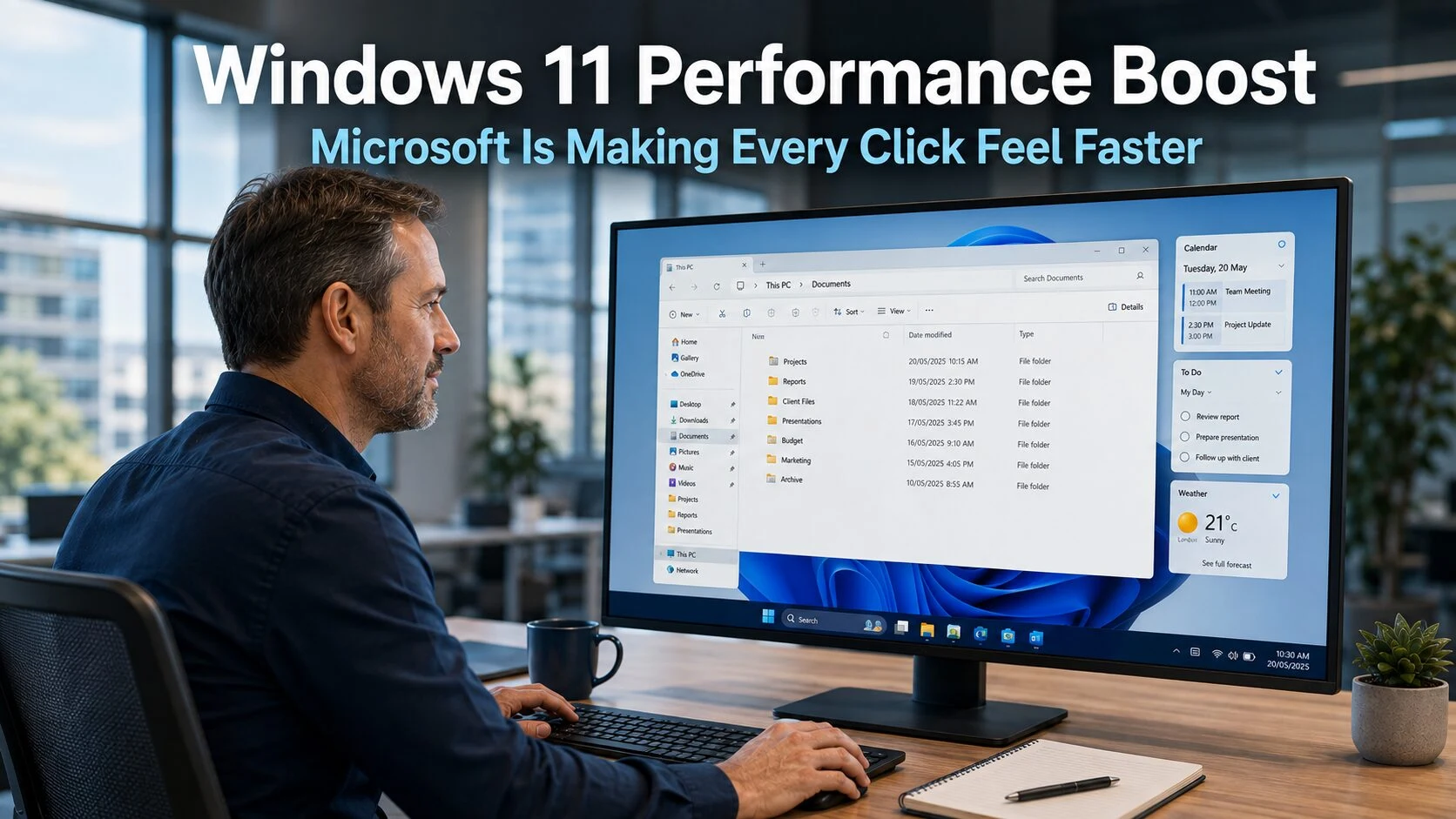
The latest Windows 11 performance boost from Microsoft takes a different approach from the updates that have attracted most of the recent headlines. Rather than adding new capabilities or AI features, the focus is on making the operating system feel faster and more responsive in everyday use. The small delays that accumulate throughout a working day, the fraction-of-a-second pause before a folder opens, the slight lag when switching between windows, are receiving dedicated engineering attention. For business teams who spend their day inside Windows, this is exactly the kind of improvement that makes the most difference.
What Microsoft Is Actually Improving
The technical centre of this Windows 11 performance boost involves a framework called WinUI. The name is not important to remember, but the role it plays is worth understanding briefly. WinUI is the system Microsoft uses to build the visual side of Windows applications and interface elements. File Explorer, menus, Settings windows, and many built-in applications all rely on it to determine how things look and behave on screen.
Microsoft has been gradually modernising Windows 11 using this framework over recent years. Now the company is also focusing on making the framework itself run more efficiently. The logic is straightforward: when the foundations get faster, everything built on top of them benefits. An improvement to the core framework that powers File Explorer does not just make File Explorer feel better. It improves every application and element that relies on the same underlying system.
Microsoft has been using File Explorer and Notepad as practical benchmarks during testing, measuring the actual reduction in background processing those tools require to launch and respond. The engineers report significant reductions in unnecessary background work during application startup. Less processing overhead means the applications open more quickly and respond to input with less delay.
What the Windows 11 Performance Boost Means in Practice
The improvements are not the kind that will appear on a benchmark chart as a dramatic doubling of speed. The change is more subtle and, in daily use, more meaningful. This is about shaving small delays from a large number of everyday actions: opening folders, switching between windows, launching applications, scrolling through file lists, and clicking menu items.
Individually, each delay is minor. A fraction of a second here and there is not enough to interrupt work in a visible way. However, these moments happen dozens or hundreds of times throughout a working day. Over the course of eight hours, across a working week, and multiplied across a team, the time absorbed by small system delays adds up to something genuinely significant. It also contributes to a subtler effect: the feeling of friction. A computer that consistently responds a little slowly creates a background sense of frustration that affects how smoothly work flows even when nothing specific has gone wrong.
Microsoft is also working on what engineers call low latency improvements: reducing the gap between an action and the system’s response to it. This is the characteristic that makes a computer feel snappy and reliable rather than slightly reluctant. Getting this right produces a qualitative improvement in the daily experience that is immediately noticeable even when it is difficult to measure precisely.
A More Coordinated Approach to Windows Development
Alongside the technical improvements, there is a structural change in how Microsoft’s Windows teams are working together that is worth noting. Previously, different teams responsible for different parts of the Windows system sometimes optimised in relative isolation. The result could be progress in one area that did not translate consistently across the rest of the experience.
The current approach appears more coordinated. Teams are working together more closely across different parts of the system, which means improvements in one area are being designed with the whole experience in mind. This coordination is less visible than any individual feature change, but it produces a more cohesive result: an operating system that feels consistent and well-integrated rather than one where some parts feel modern and others feel dated.
For businesses in Crawley and across Sussex, the practical implication is a Windows 11 experience that continues to improve through standard updates without requiring any action. The improvements arrive automatically as part of the regular Windows update cycle.
Why This Direction Is Right for Business Teams
There has been significant commentary over the past year about the pace at which AI features have been added to Windows 11 and whether all of them were wanted or useful. The shift toward performance and responsiveness as a development priority reflects a recognition that the most valuable technology improvements are often the ones that make existing tools work better rather than the ones that introduce entirely new capabilities.
For business teams, this principle is especially relevant. A team working in Windows all day benefits more from an operating system that responds quickly and reliably than from one that includes advanced features they do not regularly use. Responsiveness is the quality that affects every action, every time, across every member of the team.
Our article on Windows 11 efficiency updates covers the recent round of practical improvements that preceded this performance work, illustrating the pattern of steady incremental improvement that Microsoft is now maintaining. Our article on Windows 11 PC longevity covers the complementary habits that ensure devices stay in good condition to take full advantage of these updates as they arrive.
Is Your Hardware Getting the Best From Windows 11?
Performance improvements at the software level are most effective when the hardware running them is in good condition and properly configured. An older device with insufficient memory, a nearly full drive, or excessive background applications will not benefit as fully from Windows optimisations as a well-maintained machine.
For businesses where some devices are several years old, this is a relevant consideration. The Windows 11 performance boost will improve responsiveness across the board, but devices that are nearing the end of their natural working life may still feel sluggish despite the software improvements. Understanding which devices in your business are well-positioned to benefit and which may need upgrading is part of managing a productive and cost-effective technology environment.
Equally, devices that have not been properly managed, with too many startup applications, fragmented storage, or outdated drivers, may not reflect the full improvement that updated Windows software provides. Good device management ensures the hardware and software are working together effectively rather than against each other.
Our managed IT services include device health monitoring and Windows configuration for businesses across Sussex and the South East, ensuring your team’s computers are set up to get the full benefit from Windows improvements as they arrive through standard updates.
What This Means For Businesses
The Windows 11 performance boost is one of the most practically valuable types of update Microsoft can deliver: one that makes the experience better for everyone, every day, without requiring any change in how people work. It arrives through the standard Windows update process for devices running Windows 11 with automatic updates enabled. No action is required from businesses or their IT teams.
For business owners and directors, the practical consideration is ensuring that your devices are up to date and properly maintained so they can benefit fully from these improvements. If some devices in your business are still on Windows 10, these performance improvements will not reach them. Our article on Windows 10 Extended Security Updates covers the timeline for when remaining support ends and why completing the move to Windows 11 remains a priority.
Final Thoughts
The Windows 11 performance boost underway at Microsoft is a quiet but genuinely valuable development. By improving the core framework that powers the Windows interface, the company is making everyday computing faster and more responsive in a way that benefits every member of a business team, every day, across every task they perform.
Good technology should get out of the way and let people work. Microsoft is moving Windows 11 in that direction, and for business teams who spend their working day inside it, the difference is noticeable in exactly the right way.
What is the Windows 11 performance boost Microsoft is working on?
Microsoft is improving the underlying framework, called WinUI, that powers the visual side of Windows applications and interface elements. By making this foundation run more efficiently, the company is reducing the small delays that accumulate across everyday actions such as opening folders, switching between windows, and launching applications. The improvements arrive through standard Windows updates without requiring any action from businesses.
Will my team notice the performance improvements?
The changes are not dramatic in any single interaction, but they are noticeable across a full working day. The improvements reduce the small, familiar delays that create a sense of friction, such as the brief pause before a folder opens or the slight lag when clicking a menu. Across many actions throughout the day, the cumulative effect makes Windows feel more responsive and easier to work in.
Do I need to do anything to receive these updates?
No. The improvements arrive through the standard Windows update process for devices running Windows 11 with automatic updates enabled. Keeping Windows 11 devices updated ensures your team receives these improvements as soon as they become available. If your IT is managed externally, updates will be applied as part of the standard maintenance schedule.
Will older hardware benefit from these improvements?
Software-level improvements benefit all compatible hardware to some degree, but the effect is greatest on devices that are in good condition and properly configured. Older devices with limited memory, nearly full storage, or excessive background applications may see less improvement than well-maintained machines. A device health review can identify which computers in your business are well-positioned to benefit and which may need attention or replacement.
Are these improvements available on Windows 10?
No. These performance improvements are exclusive to Windows 11. Devices still running Windows 10, including those on Extended Security Updates, do not receive Windows 11 feature and performance improvements. With Windows 10 Extended Security Updates ending in October 2026, businesses still on the older operating system should be planning their transition to Windows 11.