
Fake Antivirus Websites: The Scam That Tricks Businesses Into Installing Malware

Fake antivirus websites are one of the more cynical forms of cyber attack currently targeting businesses. The people most likely to fall for this scam are precisely those trying to do the right thing: a business owner or IT-responsible team member looking to protect their systems by downloading security software. Attackers have identified this as […]
Windows 10 End of Life Is Here: What Businesses Running It Must Do Right Now
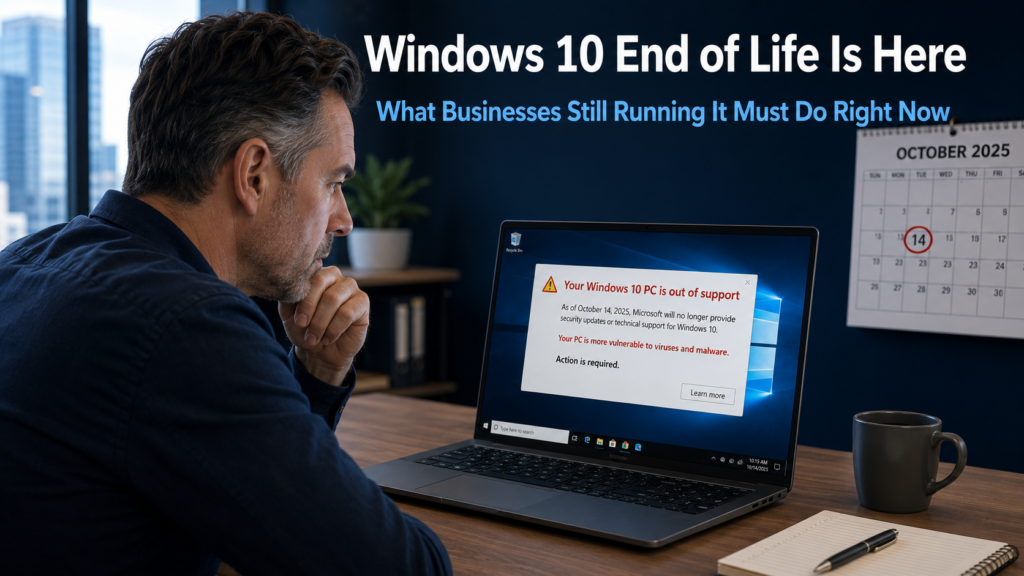
Windows 10 end of life has arrived. Microsoft ended free support on 14th October 2025, and for any business still running it, the situation is now urgent. There are no more security updates, no more bug fixes, and no more technical assistance from Microsoft if something goes wrong. Every Windows 10 device your business is […]
Windows 11 Describe Image: The AI Feature That Makes Visual Content Accessible for Everyone
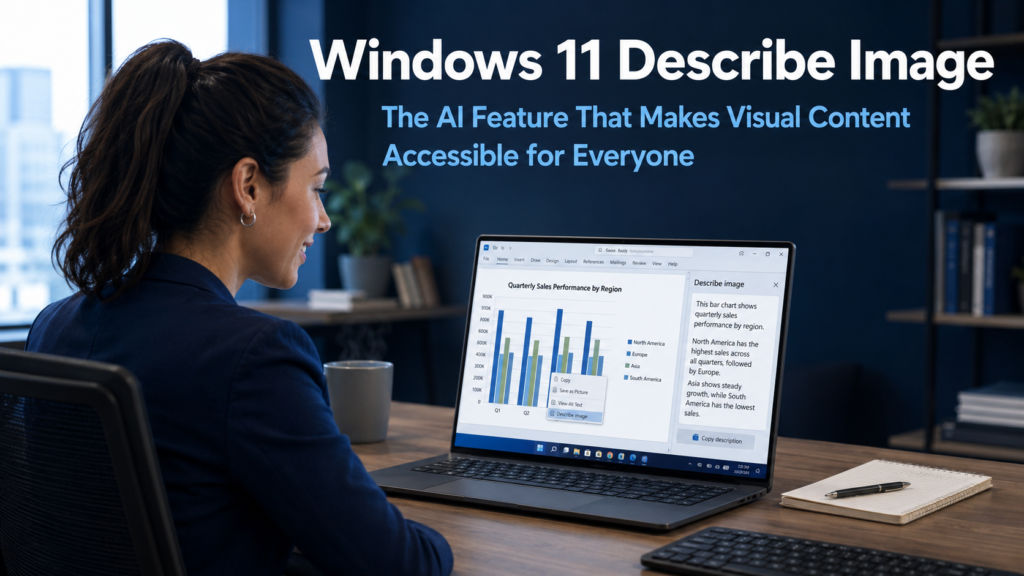
Windows 11 Describe Image is a new AI-powered feature currently in testing that does something deceptively simple but genuinely useful. When a user selects an image, chart, or graphic on their Windows 11 device, the feature generates an instant plain English description of what it shows. No additional software, no cloud upload, no waiting for […]
Windows 11 AI Agent for Settings: Stop Wasting Time Hunting for Options
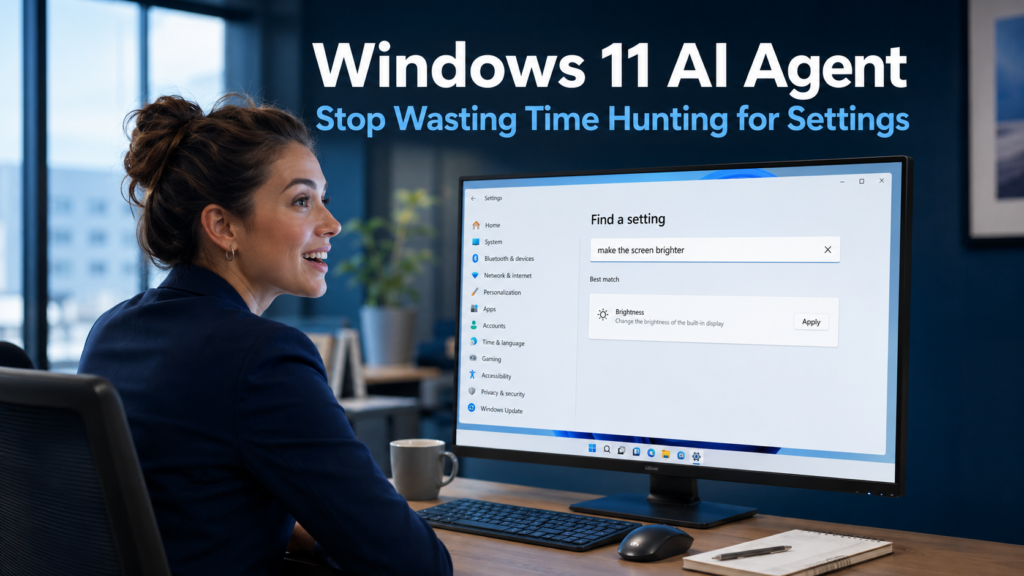
The Windows 11 AI Agent is a new feature being built into the Settings application that addresses one of the most common, low-level frustrations in everyday computing. Navigating through Windows Settings to find a specific option has always involved more clicking and guessing than it should. Microsoft is changing this by allowing users to simply […]
Microsoft Copilot for Business: How It Saves Your Team Real Time Every Day
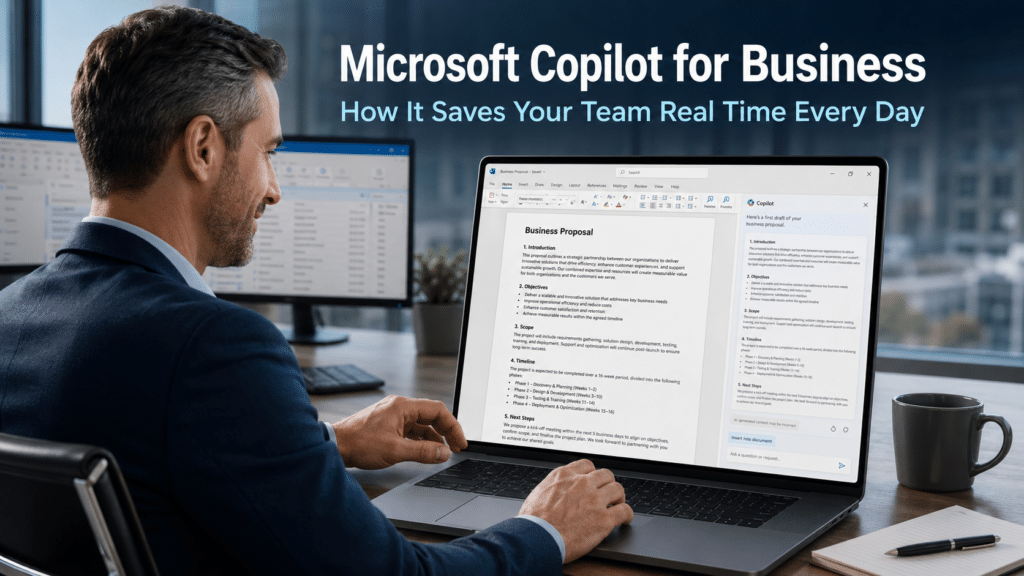
Microsoft Copilot for business is an AI assistant built directly into the Microsoft 365 applications your team already uses every day. It is not a separate tool that requires a new login or a different platform. It sits inside Word, Excel, Outlook, Teams, and PowerPoint, ready to help with the tasks that consume time without […]
Interlock Ransomware: The FBI Warning Every Business Owner Needs to Read

Interlock ransomware has prompted a formal security warning from the FBI, and the threat is directly relevant to businesses across the UK. The group first appeared in September 2024 and has moved quickly to establish itself as one of the more aggressive ransomware operations currently active in Europe and North America. For business owners who […]
Windows 11 Spell Check: How to Set Up Better Writing Tools Across Your Business
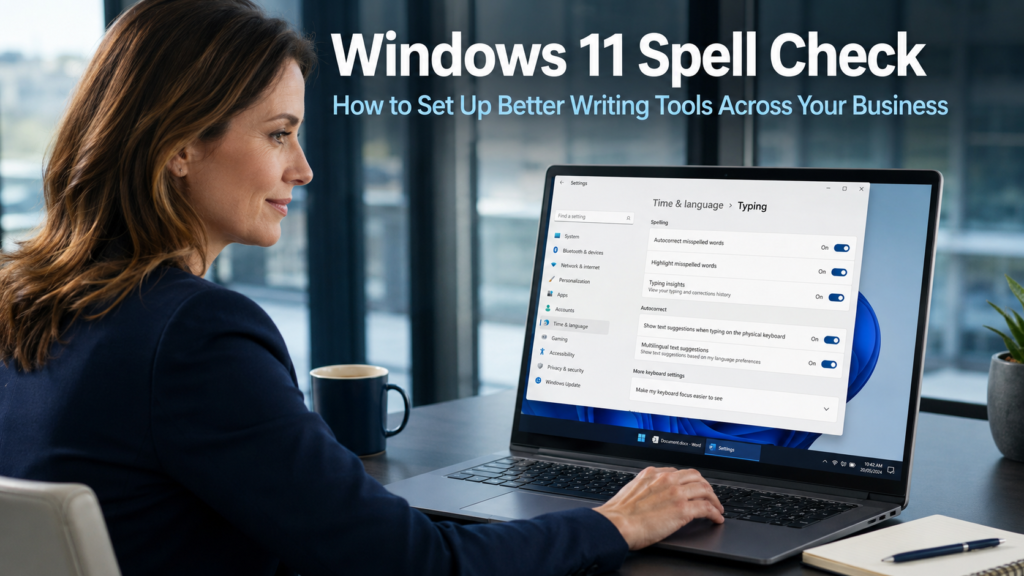
Windows 11 spell check is a built-in feature that many business users do not realise exists, or have never taken the few minutes required to set up. Every day, businesses send emails, reports, proposals, and messages to clients and partners. A typo or spelling mistake in client-facing communication creates an impression of carelessness that is […]
Windows 11 Photos App Update: How Visual Search Can Help Your Business

The Windows 11 Photos app update is adding a capability that most business users would not have expected from what many consider a basic image viewer. Visual Search with Bing brings reverse image search directly into the Photos app, allowing anyone with a Windows 11 device to search the web using an image rather than […]
Backup Data Loss: Why a Third of Businesses Lose Data Through Their Own Backups

Backup data loss is one of the most unsettling discoveries a business can make: reaching for the safety net at the worst possible moment and finding it is not there. Many business owners assume that because a backup system is in place, their data is protected. Research suggests that assumption is frequently wrong. A third […]
Microsoft Edge Settings Update: Simpler Navigation for Your Business Team

The Microsoft Edge settings update is a practical improvement that addresses a frustration many business users will recognise. Finding the right setting in Edge has not always been straightforward. The settings menu has grown over time, and navigating it to locate a specific option can feel like searching through a cluttered filing cabinet rather than […]