Don’t Overlook This Simple Way to Strengthen Your Business Security
· Updated
Microsoft recently announced that all sign-ins to Azure will soon require multi-factor authentication, often called MFA. While that change specifically applies to Azure users, the message behind it is relevant to every business.
Multi-factor authentication is one of the most straightforward and effective ways to protect your systems, accounts, and business data.
What is multi-factor authentication?
Think of MFA as adding a second lock to the door of your digital systems.
Traditionally, most accounts rely on a password alone. The problem is that passwords are no longer enough to keep attackers out. Cyber criminals have become increasingly skilled at stealing or guessing them through phishing emails, data breaches, or automated attacks.
MFA adds a second step to confirm your identity.
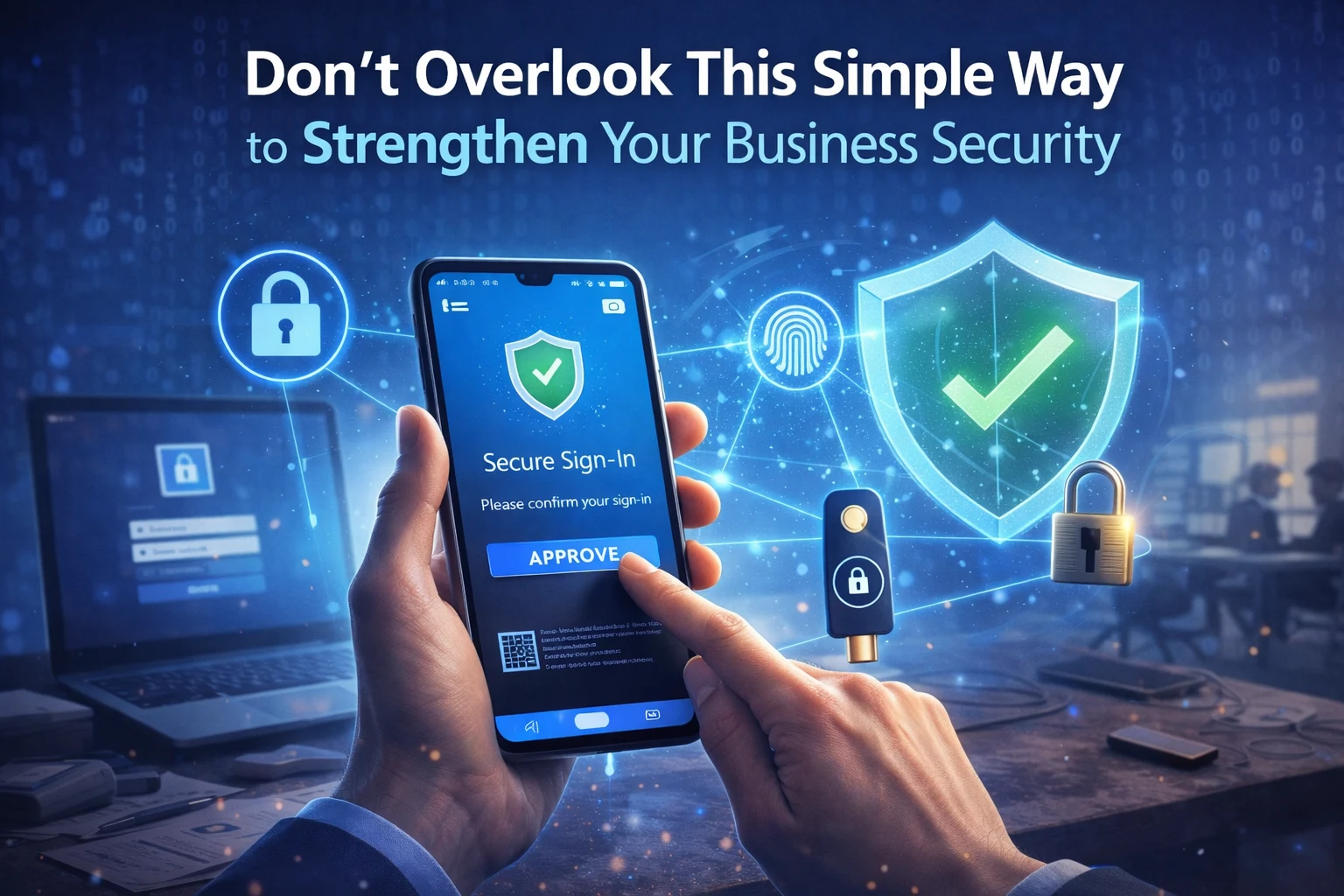
After entering your password, you are asked to verify that it really is you trying to sign in. This extra confirmation might be a code sent to your phone, a notification on an authentication app, or even biometric verification such as a fingerprint or facial scan.
In simple terms, even if someone manages to obtain your password, they still cannot access your account without passing that second security check.
Why this extra step matters
At first glance, MFA might seem like a minor inconvenience. It adds a few seconds to the login process, which some people find frustrating.
But those few seconds can prevent a major security incident.
If an attacker gains access to business accounts, they could view confidential information, access financial data, or impersonate employees. The financial cost and reputational damage from a breach can be significant.
Compared with that risk, the small effort required to approve a login request is well worth it.
Different ways MFA can work
There are several ways organisations can implement multi-factor authentication, depending on what suits their environment.
Some systems send a one-time code via text message that you enter after your password. Others use authentication apps such as Microsoft Authenticator to send a push notification that you simply approve.
Biometric options are also becoming more popular. Fingerprint and facial recognition technology provide an additional level of convenience while maintaining strong security.
For organisations that want the highest level of protection, physical security keys can be used. These are small devices that plug into a computer or connect wirelessly to verify the user’s identity.
A basic security step every business should consider
Microsoft’s decision to enforce MFA for Azure access highlights how important this protection has become. Security experts widely consider multi-factor authentication to be one of the most effective defences against account compromise.
Yet many businesses still rely on passwords alone.
Adding MFA across your systems dramatically reduces the chances of unauthorised access and strengthens your overall security posture.
Making security simple for your team
The key to successful security measures is making them easy for employees to use. With the right setup and guidance, MFA can be introduced without disrupting daily work.
At My Tech Team, we help businesses implement practical security solutions that protect systems while keeping things simple for staff.
If you would like help setting up multi-factor authentication or improving your security overall, we would be happy to help.