

Microsoft 365 Guides: Outlook, Teams, Excel and More


 Microsoft 365
All Guides on This Topic

Will Your Scan to Email Stop Working? Microsoft's December Change
At the end of December, Microsoft switches off an old way of sending email that many office scanners, printers and accounts systems still rely on. Here is how to check yours and what to do.

How to Share Your Calendar in Outlook (and Choose Who Sees What)
A simple step-by-step guide to sharing your Outlook calendar with colleagues, choosing how much they can see, keeping private appointments private and stopping sharing when someone leaves.

How to Add a Second Email Account to the Outlook App on Your Phone
Yes, you can have two (or more) email accounts in the Outlook app on one phone. Here's how to add another account on iPhone or Android, switch between them, control notifications and remove one safely.

How to Secure Shared Inboxes in Microsoft 365
Info@, accounts@ and bookings@ inboxes are where invoices, enquiries and customer details land, yet they are often the least checked part of Microsoft 365. Here is how to lock them down in an afternoon.

Microsoft Publisher Has Retired: What to Do With Your Old Files
Microsoft Publisher has now been retired from Microsoft 365. Here is what that means for your newsletters, flyers and forms, and how to rescue your old .pub files before they become hard to open.

Which Microsoft 365 Plan Does Your Business Need? Basic, Standard or Premium
Microsoft 365 comes in three main business plans, and many small businesses are on the wrong one. Here's what Basic, Standard and Premium each include, what they cost, and how to choose.

Microsoft 365 Backup Review: What to Check
A Microsoft 365 backup review shows whether your email, files and Teams data can be recovered quickly after deletion, ransomware or an outage at work.
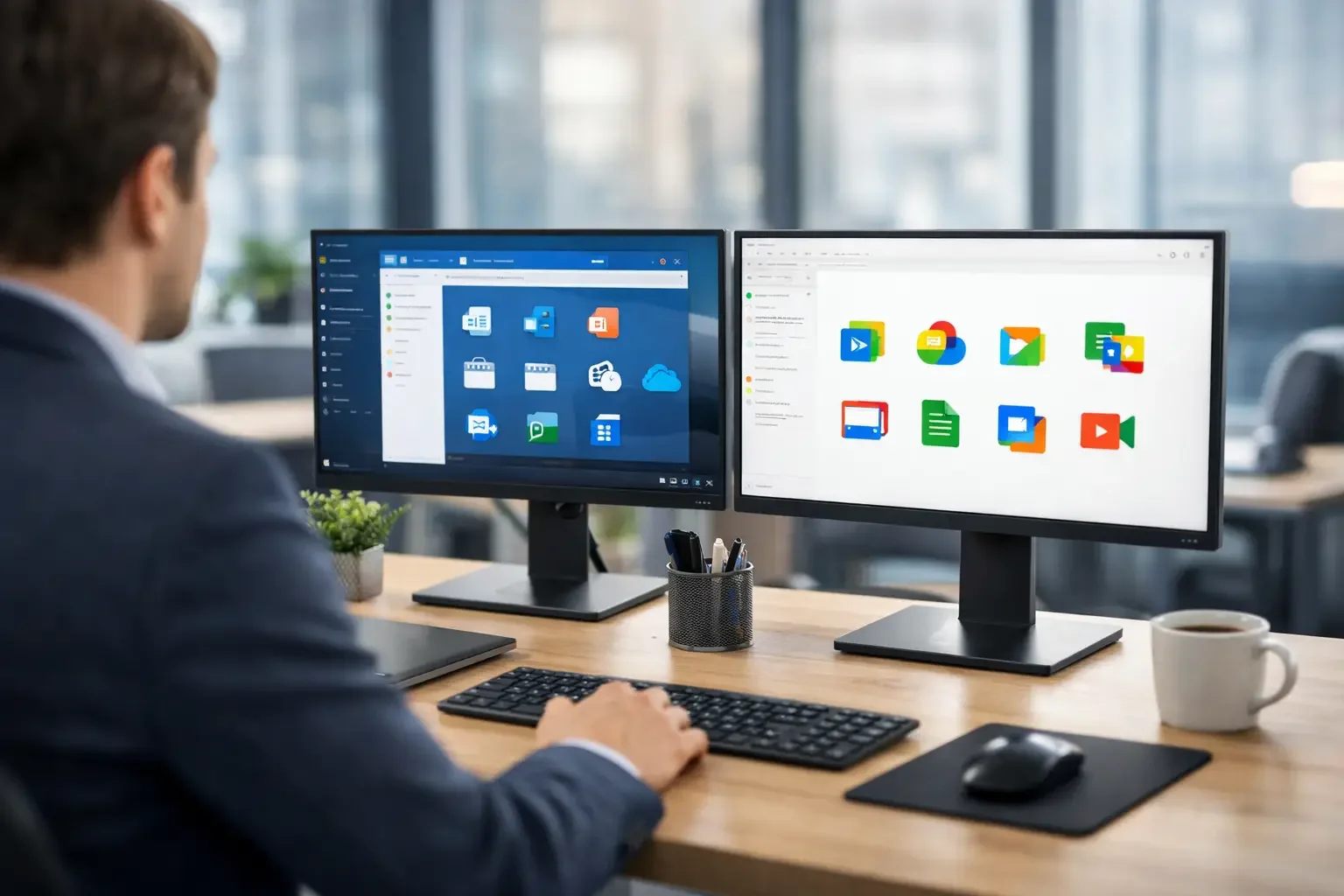
Microsoft 365 vs Google Workspace for Small Business
Microsoft 365 vs Google Workspace for small businesses: compare collaboration, security, costs and support to choose the right tools for your team now.

How to Plan Microsoft 365 Migration Without Disruption
Learn how to plan Microsoft 365 migration with clear steps for data, security, testing and staff support, so your business keeps working throughout safely.
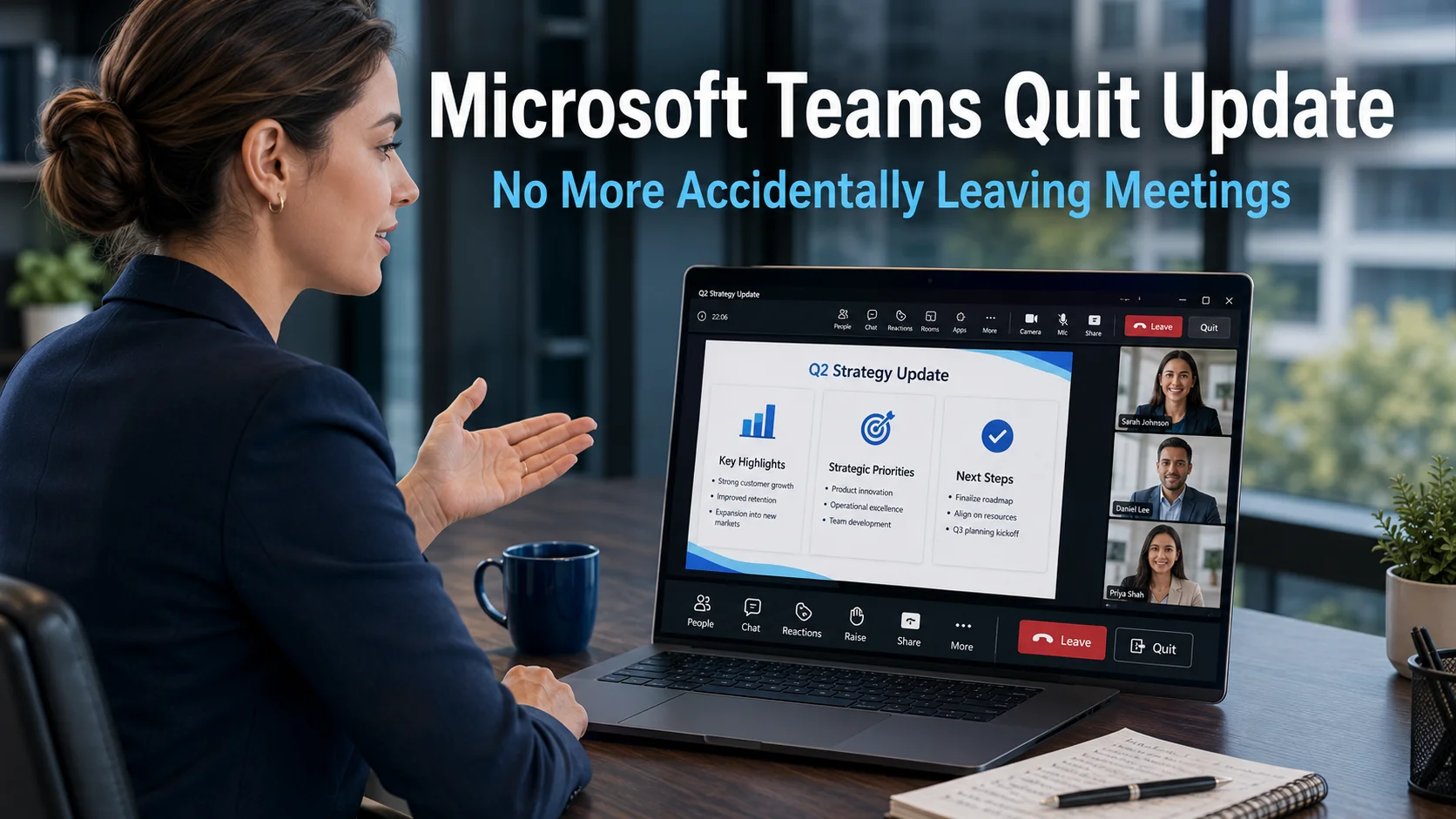
Microsoft Teams Quit Update: No More Accidentally Leaving Meetings
The Microsoft Teams quit update addresses something that has caught out business users more times than most people would admit. The Quit option in Teams has long sat close to other meeting controls, making it easy to click at exactly the wrong moment. Going for Share to present a screen and finding yourself suddenly staring…
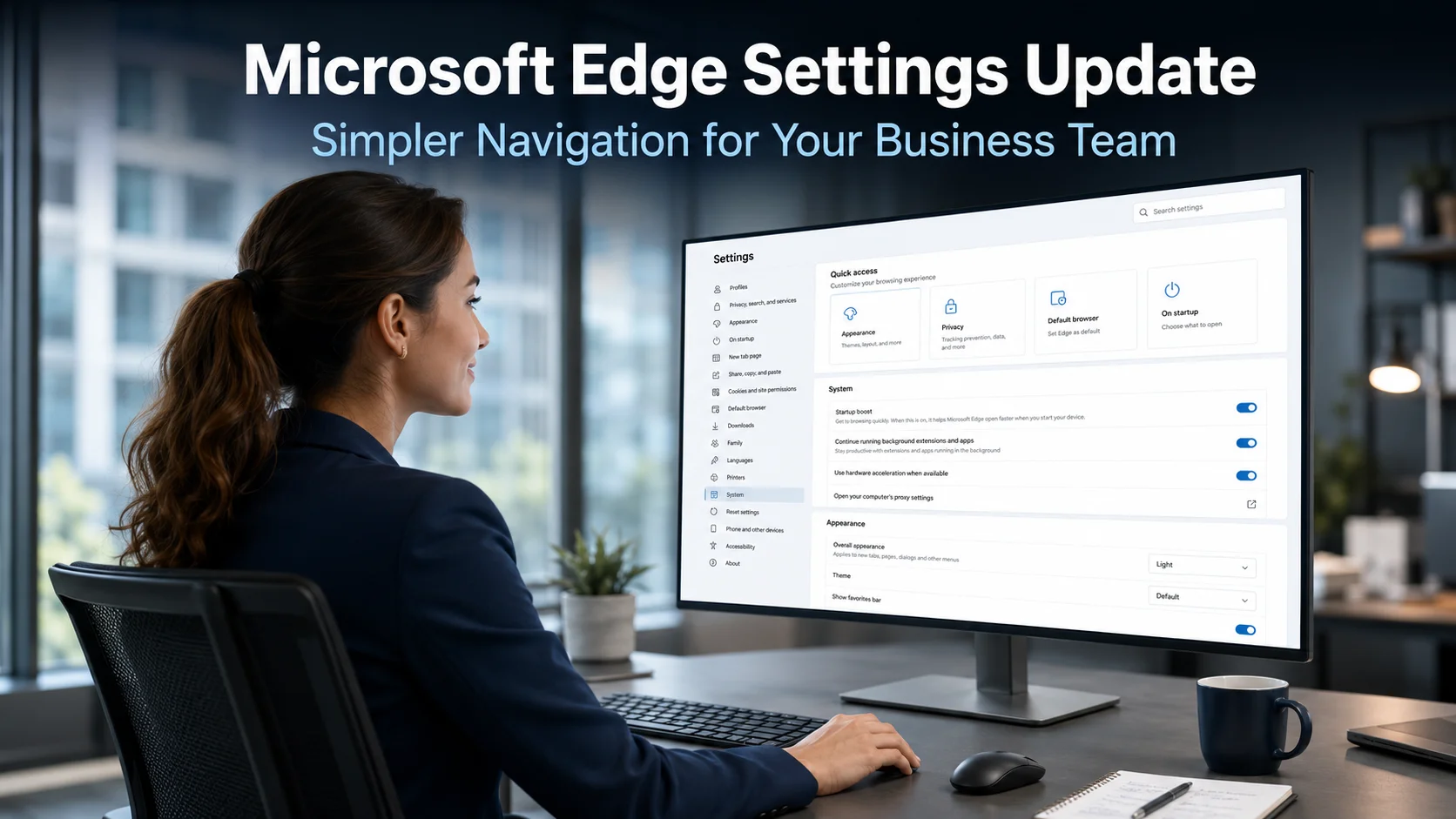
Microsoft Edge Settings Update: Simpler Navigation for Your Business Team
The Microsoft Edge settings update is a practical improvement that addresses a frustration many business users will recognise. Finding the right setting in Edge has not always been straightforward. The settings menu has grown over time, and navigating it to locate a specific option can feel like searching through a cluttered filing cabinet rather than…

Microsoft Edge Audio Translation: Access Global Content in Your Own Language
Microsoft Edge audio translation is a new AI-powered feature currently in preview that could meaningfully change how business teams engage with video content from around the world. Language barriers have long limited the usefulness of international training materials, partner presentations, and industry content produced in other languages. This feature takes direct aim at that problem…

Microsoft Teams Update: Boost Your Business Productivity
If your team uses Microsoft Teams every day, you will know how quickly it can become difficult to navigate. Messages pile up, notifications compete for attention, and finding the conversation you need can take longer than it should. Microsoft has listened to that feedback. A significant Microsoft Teams update is rolling out that rethinks how…
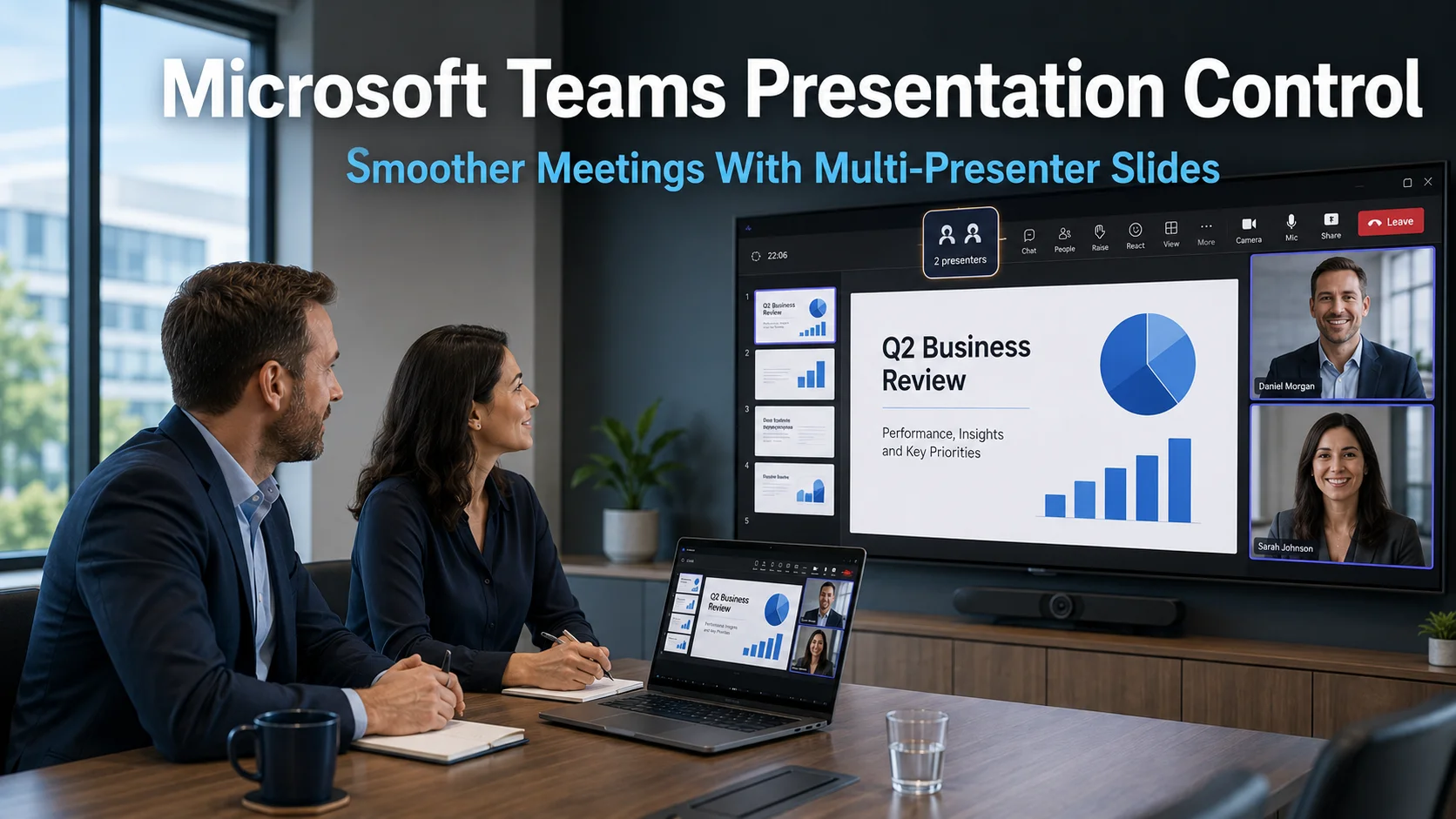
Microsoft Teams Presentation Control: Smoother Meetings With Multi-Presenter Slides
Microsoft Teams presentation control is about to become significantly more flexible. Microsoft is rolling out a feature that allows multiple people to control presentation slides during the same Teams meeting or webinar. For businesses that co-present regularly, this update removes one of the most consistently frustrating aspects of online meetings. The change is small in…
Safely open PDF attachments in Outlook and Teams
Opening PDFs from email or Teams is now a major attack route for criminals. This guide explains how to safely open PDF attachments in Outlook and Teams, what to watch for, and simple protections you can put in place without disrupting your team.

Add a shared mailbox to Outlook mobile
Add a shared mailbox to Outlook mobile Outlook for iOS and Android If you use Outlook for iOS or Outlook for Android, you can add a shared mailbox you have permissions to access on Outlook Mobile. Use a shared mailbox on a mobile device (phone or tablet) To access a shared mailbox on a…