

AI and Automation Guides for Small Businesses


 AI & Automation
All Guides on This Topic

Microsoft Copilot vs ChatGPT Business: Which Suits Your Team?
Both are business-grade AI assistants, but they work in very different ways. Here's how Microsoft Copilot and ChatGPT Business compare, and how to choose.

Is AI Secure for Small Businesses in Sussex?
Is AI secure for your small business? Learn the real risks, practical safeguards and questions to ask before sharing business data with AI tools at work.

How to Automate Invoice Processing Securely
Learn how to automate invoice processing securely with sensible controls, trusted workflows and practical checks that protect cash flow and supplier data.
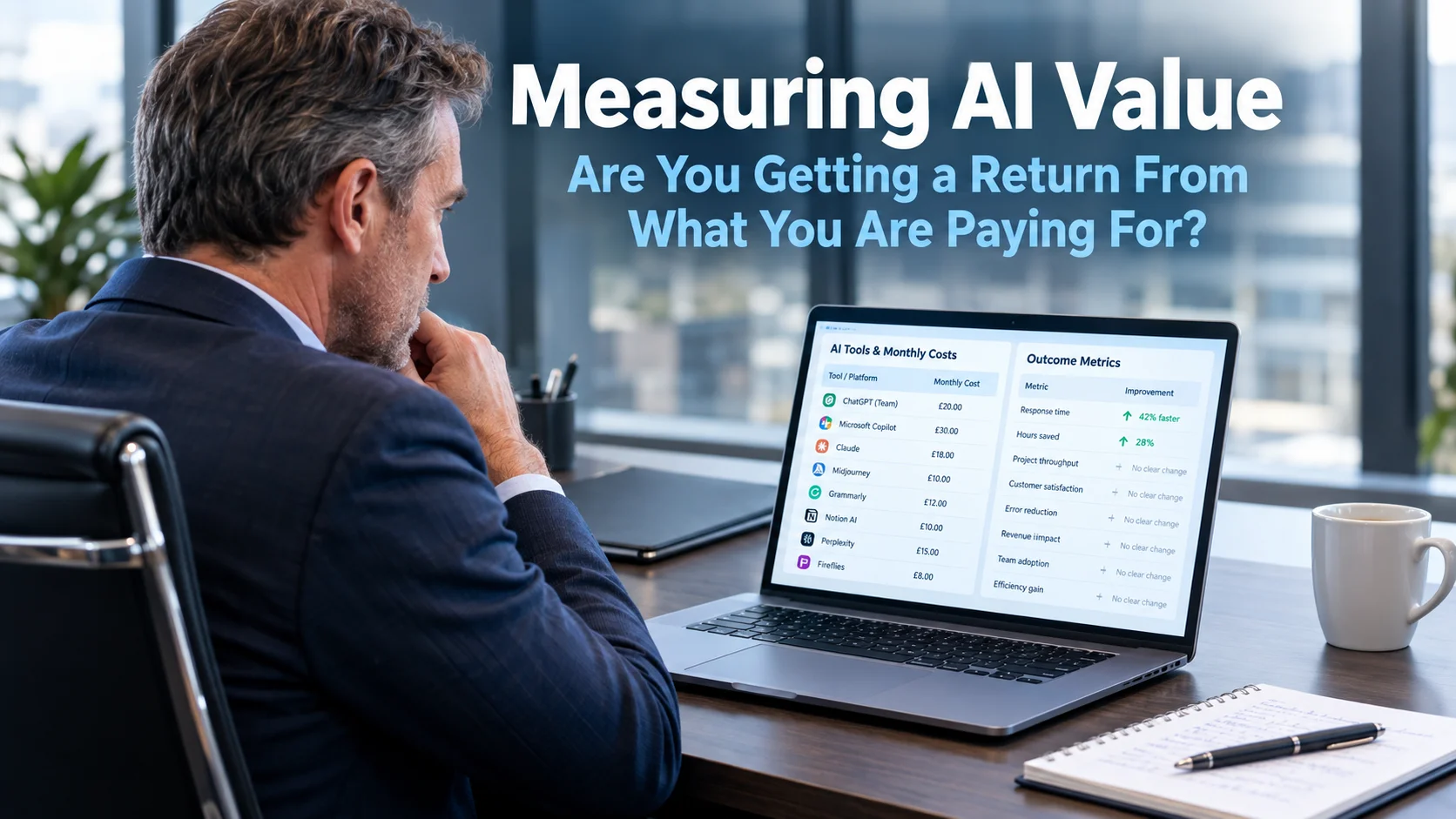
Measuring AI Value: Are You Getting a Return From What You Are Paying For?
Measuring AI value is a question more businesses should be asking, and fewer are than the level of investment now warrants. Most organisations can list the AI tools they are currently paying for. Most cannot clearly answer whether those tools are making the business materially better. That gap is worth closing, not because AI tools…

Process Automation That Saves Time Without Risk
Process automation helps small businesses cut repetitive work, reduce errors and improve service – when it is designed around secure, reliable workflows.
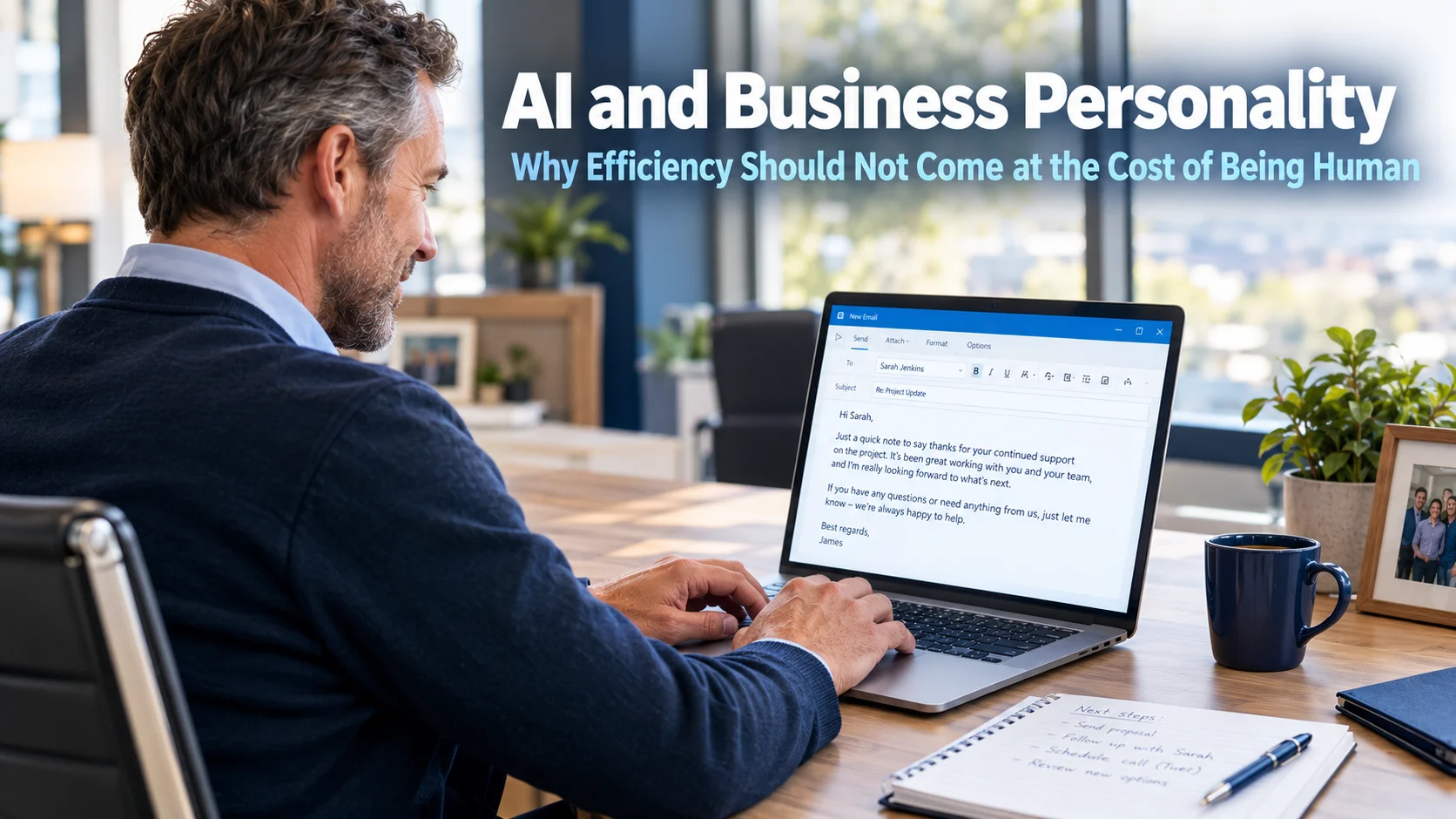
AI and Business Personality: Why Efficiency Should Not Come at the Cost of Being Human
AI and business personality are in tension in a way that most businesses have not yet fully noticed. As AI tools have become part of everyday operations, the question has shifted from whether to use them to where they save the most time. That is the right question to be asking. However, a second question…
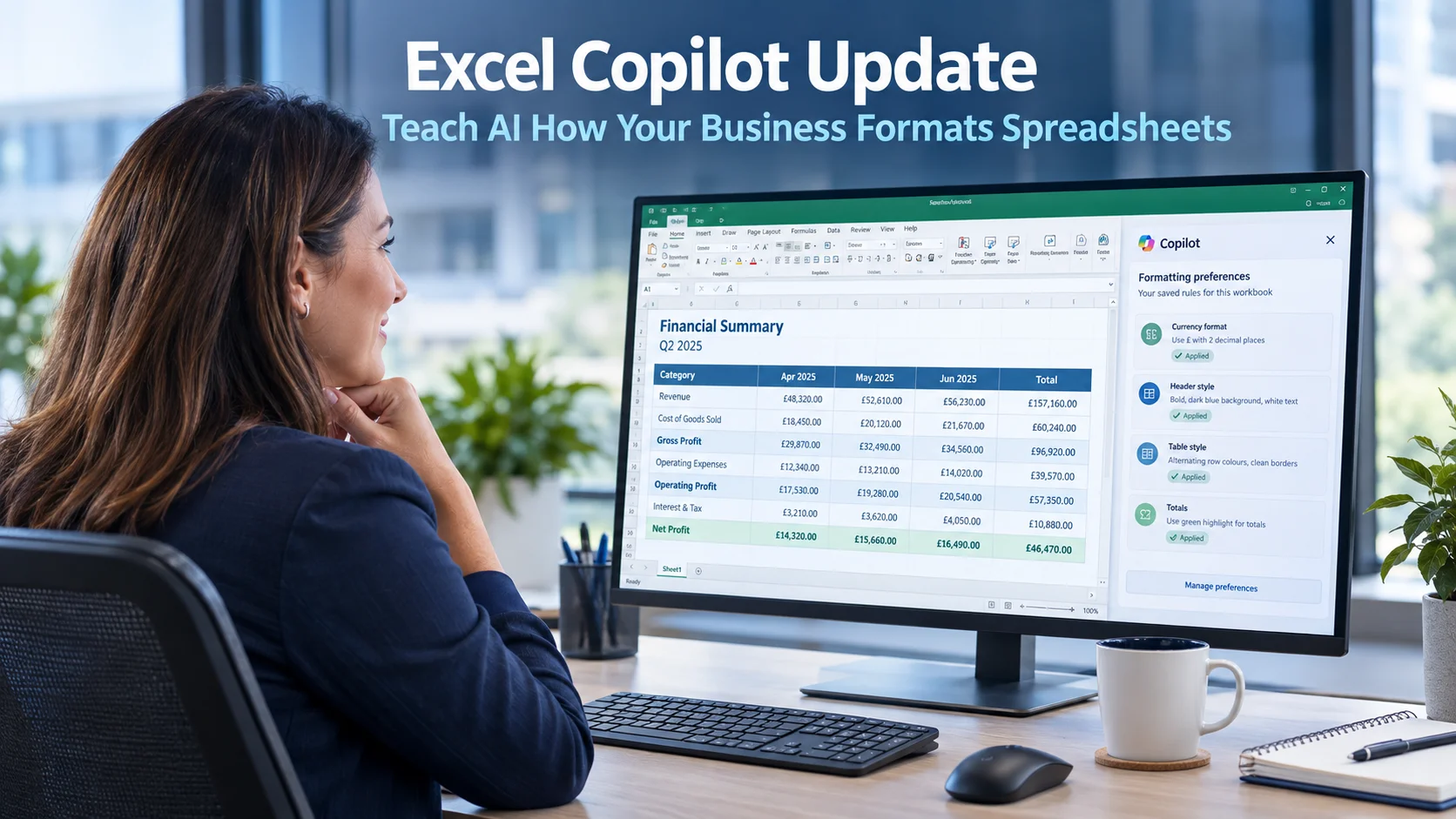
Excel Copilot Update: Teach AI How Your Business Formats Spreadsheets
The Excel Copilot update arriving in Microsoft 365 addresses something that anyone who works with spreadsheets regularly will recognise immediately. Getting data into the format you actually want takes time. Your business may always present currency a particular way, use specific report headings, apply consistent naming conventions, or follow formatting rules that everyone is expected…
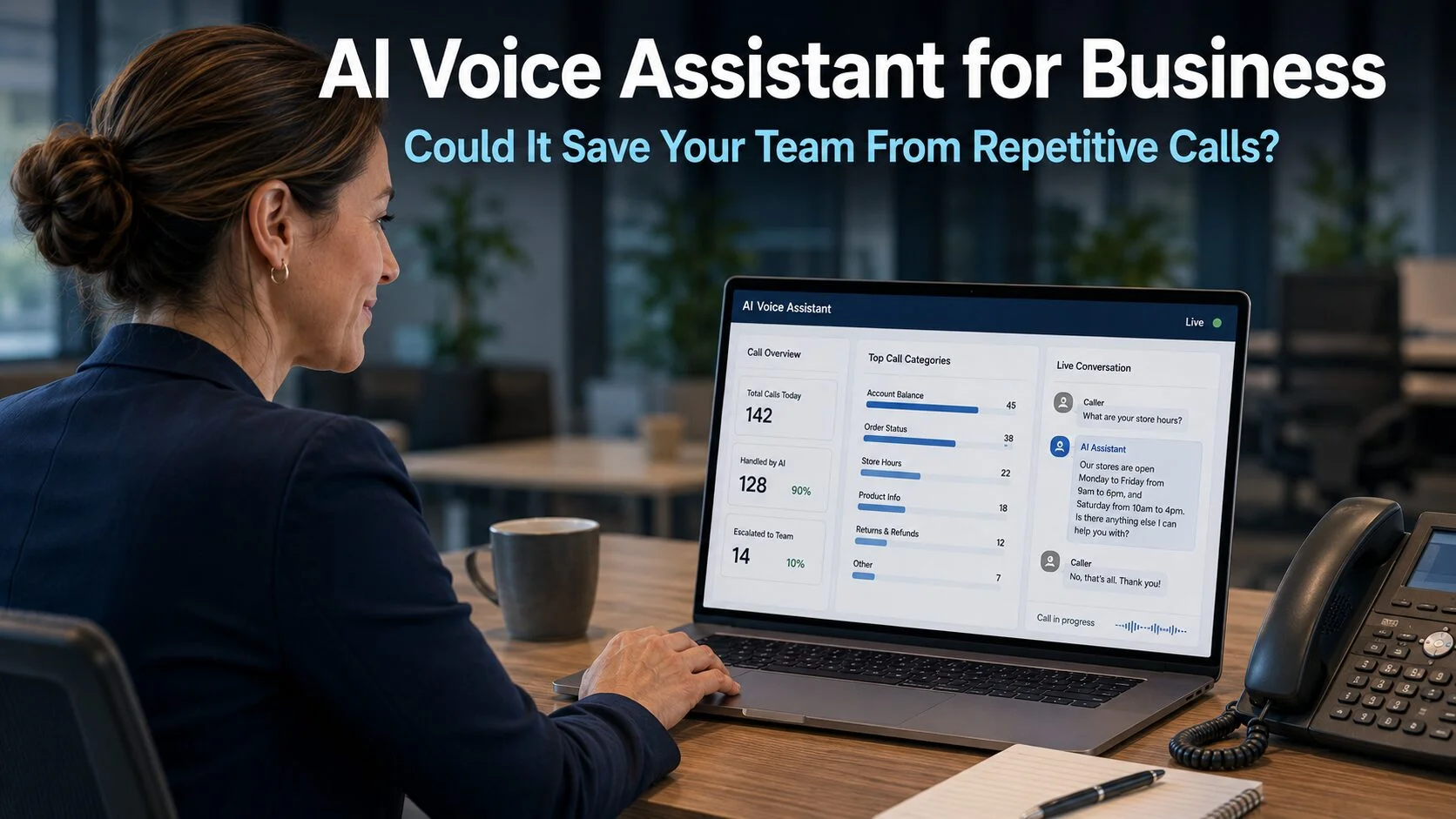
AI Voice Assistant for Business: Could It Save Your Team From Repetitive Calls?
An AI voice assistant for business is attracting genuine interest from owners who are tired of watching their team answer the same questions dozens of times each day. Opening times, appointment availability, order status, callback requests. These are entirely normal enquiries for a caller who does not know the business. However, when the same questions…
Unauthorised AI Tools: Is Your Team Using Them Without You Knowing?
Unauthorised AI tools are spreading through businesses faster than most owners realise. A conversation that happens increasingly often begins the same way. A business owner says confidently that their team does not really use AI yet. A few questions later, it emerges that someone is using ChatGPT to help write emails, someone else is summarising…
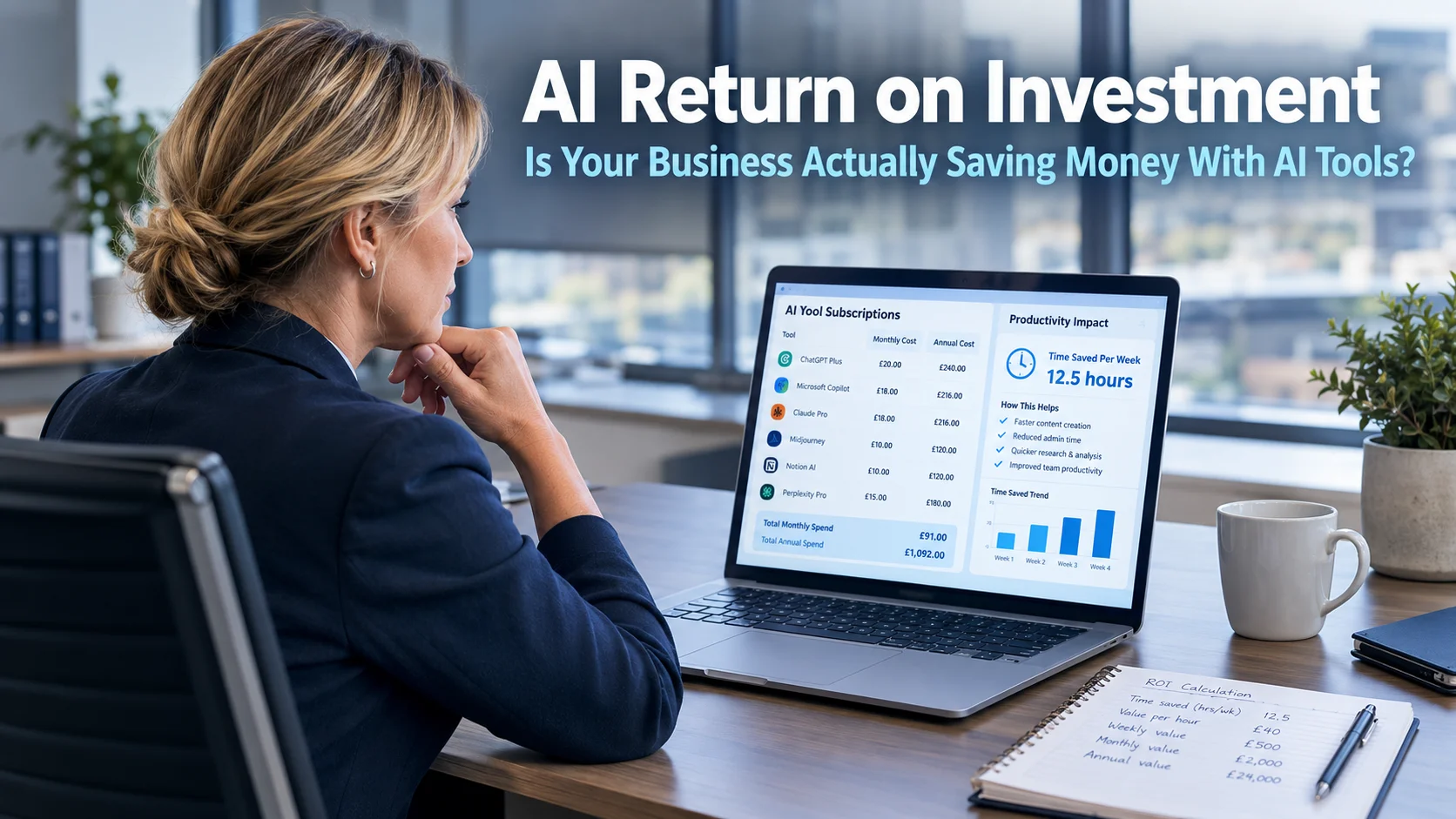
AI Return on Investment: Is Your Business Actually Saving Money With AI Tools?
AI return on investment is a question that more businesses need to ask than currently do. The productivity case for AI tools has been made clearly and often: reports generated in seconds, emails drafted instantly, routine admin handled automatically. It is easy to look at those demonstrations and assume the financial savings will naturally follow.…
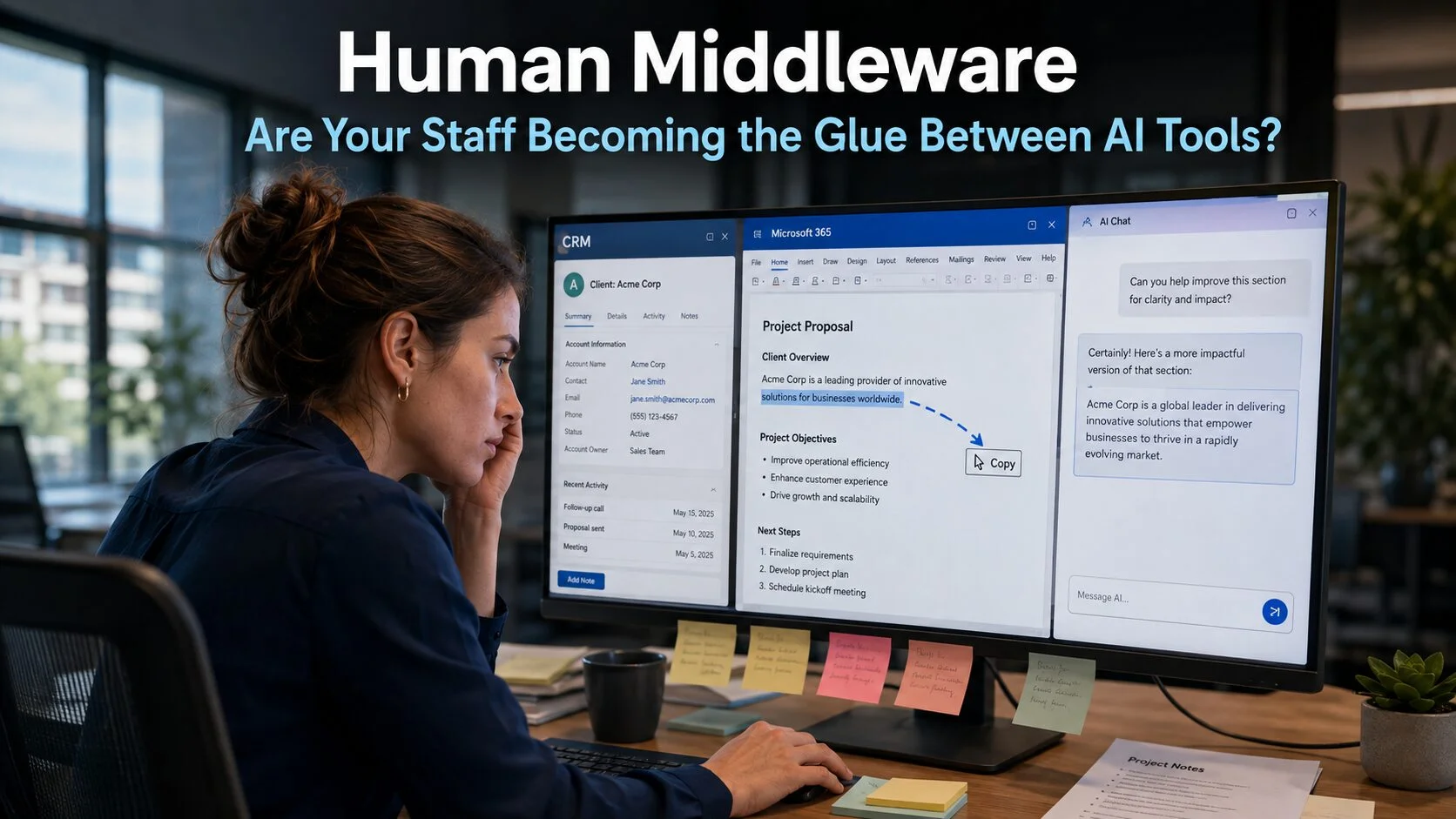
Human Middleware: Are Your Staff Becoming the Glue Between AI Tools?
Human middleware is a term that describes something many business teams are living with right now without having a name for it. AI tools were introduced to make work faster and less repetitive. In a number of businesses, however, the adoption of those tools has quietly created a new layer of work: people spending significant…

AI for Small Businesses: What Actually Works
AI can save time and improve decisions, but only with sound data, security and support. A practical guide for Sussex small businesses to use it safely.

AI Workplace Automation Trends Small Firms Need
AI workplace automation trends are reshaping small business operations. Learn where AI saves time, where risks sit, and how to adopt it safely, sensibly.

8 Best AI Tools for Admin Teams and Small Firms
Find the best AI tools for admin work, from meeting notes to inboxes, and learn how small businesses can use them securely, sensibly and well every day.

AI Cyber Security: How Microsoft Is Using AI to Find Weaknesses Before Attackers Do
AI cyber security is entering a genuinely interesting new phase. Most security tools work reactively: something suspicious occurs, the system detects it, and then attempts to contain the damage before it spreads further. That approach is important and will remain so. However, Microsoft has been developing something that pushes considerably further: using AI to find…

AI Implementation That Works for Small Businesses
AI implementation for small businesses: a practical, security-first way to save time, protect data and choose automation that genuinely helps teams daily.

How to Automate Office Workflows Without Risk
Learn how to automate office workflows safely, save staff time and improve consistency without creating gaps in security, oversight or support for growth.

AI Automation for Small Business That Saves Time
AI automation for small business can reduce admin, improve service and support safer decisions. Learn where to start, what to protect and what to avoid.
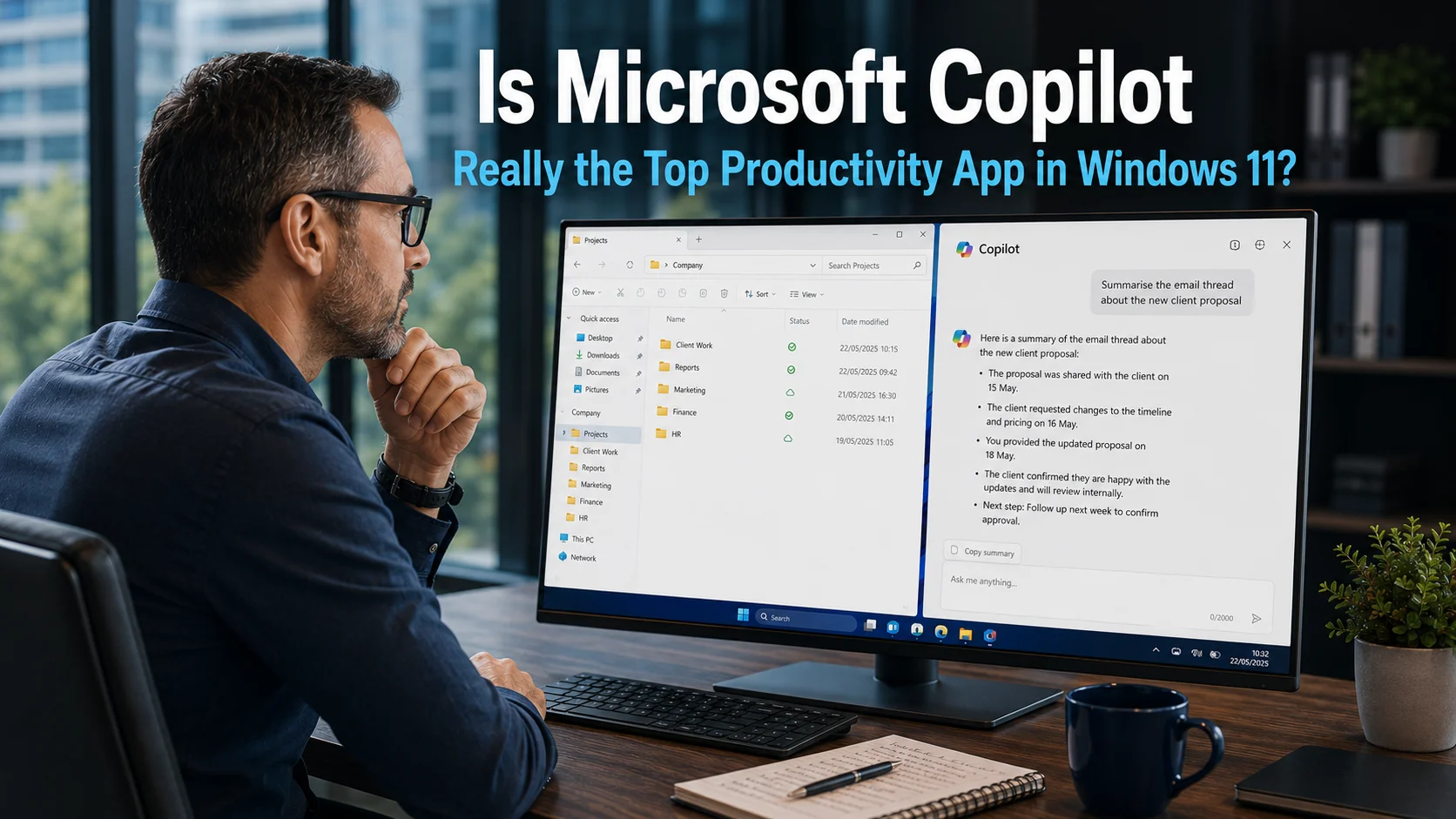
Is Microsoft Copilot Really the Top Productivity App in Windows 11?
Microsoft Copilot productivity has become central to how Microsoft talks about Windows 11. The company has positioned Copilot as the number one productivity app in its operating system, ahead of File Explorer, Microsoft To Do, the Snipping Tool, and every other application built into the platform. That is a striking claim. It is also one…
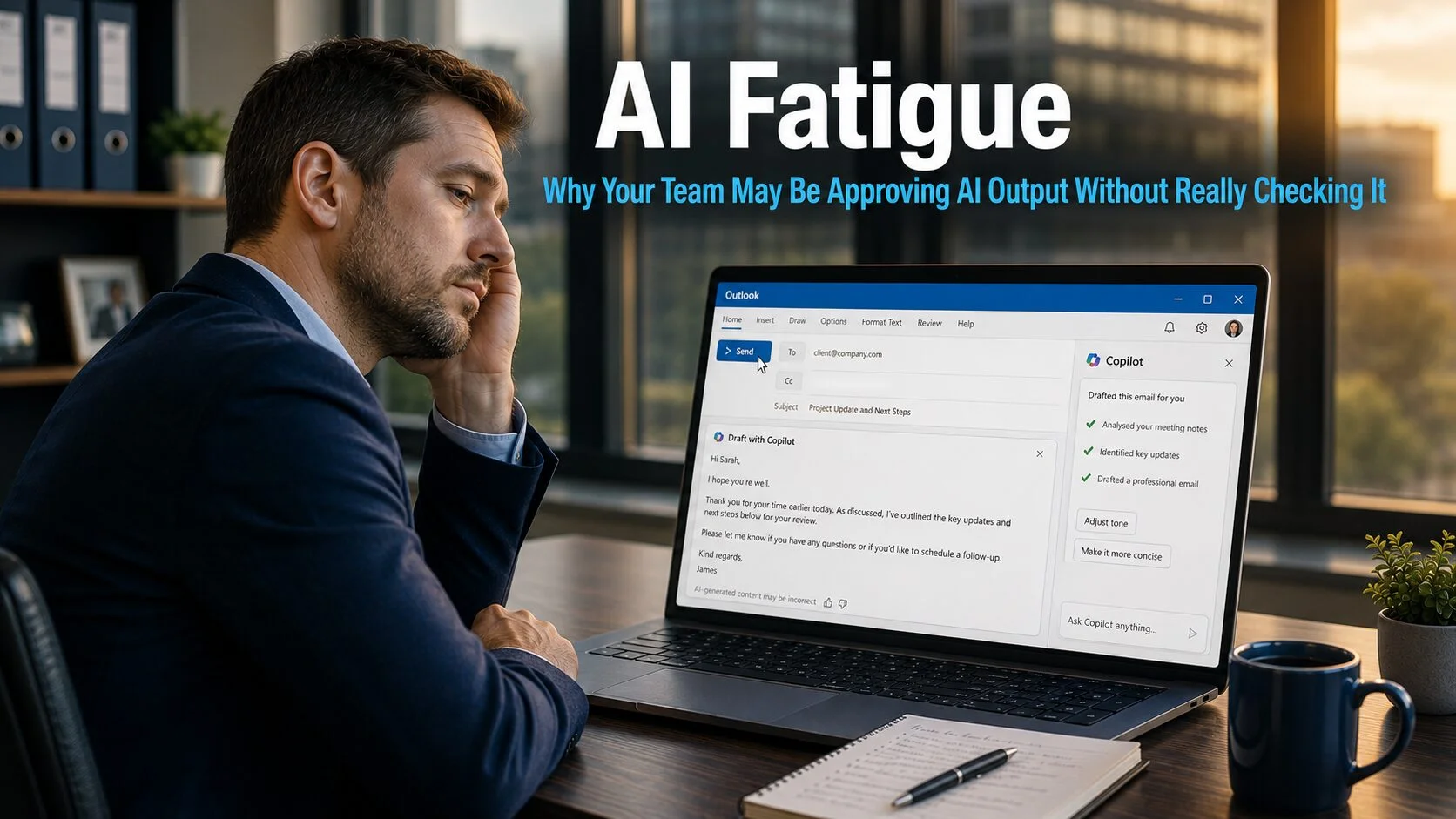
AI Fatigue: Why Your Team May Be Approving AI Output Without Really Checking It
AI fatigue is a risk that builds quietly within business teams that have adopted AI tools enthusiastically and at pace. The tools work well, the output looks polished, and over time the habit of genuinely reviewing what AI produces can erode without anyone noticing it happening. The result is a team that appears to be…
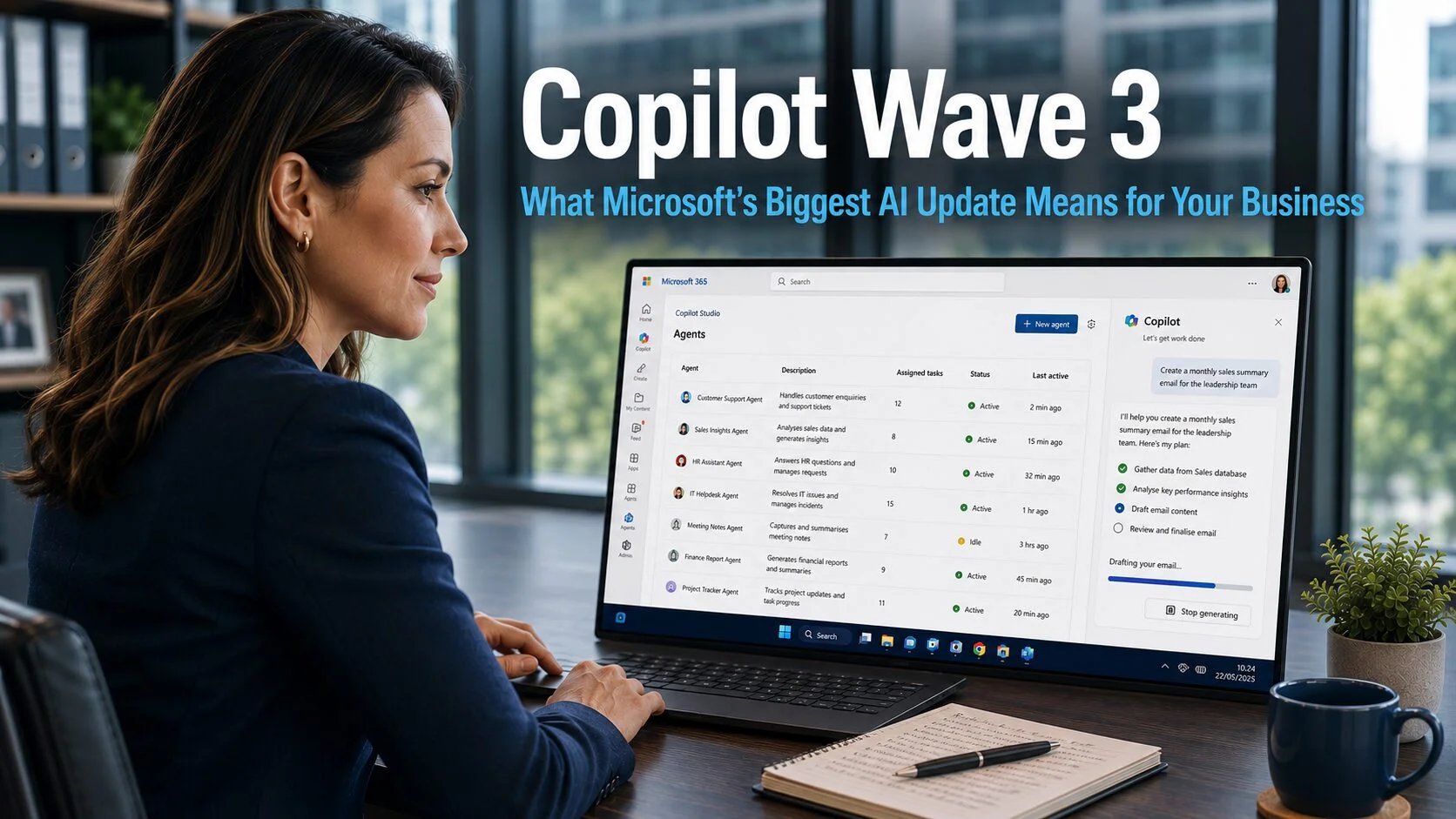
Copilot Wave 3: What Microsoft’s Biggest AI Update Means for Your Business
Copilot Wave 3 represents a meaningful shift in how Microsoft AI integrates with the tools your business uses every day. Earlier versions of Copilot focused on assisting with individual tasks: drafting emails, summarising documents, generating presentations. Useful and time-saving, but still reliant on the user to direct every step. The latest wave changes the nature…
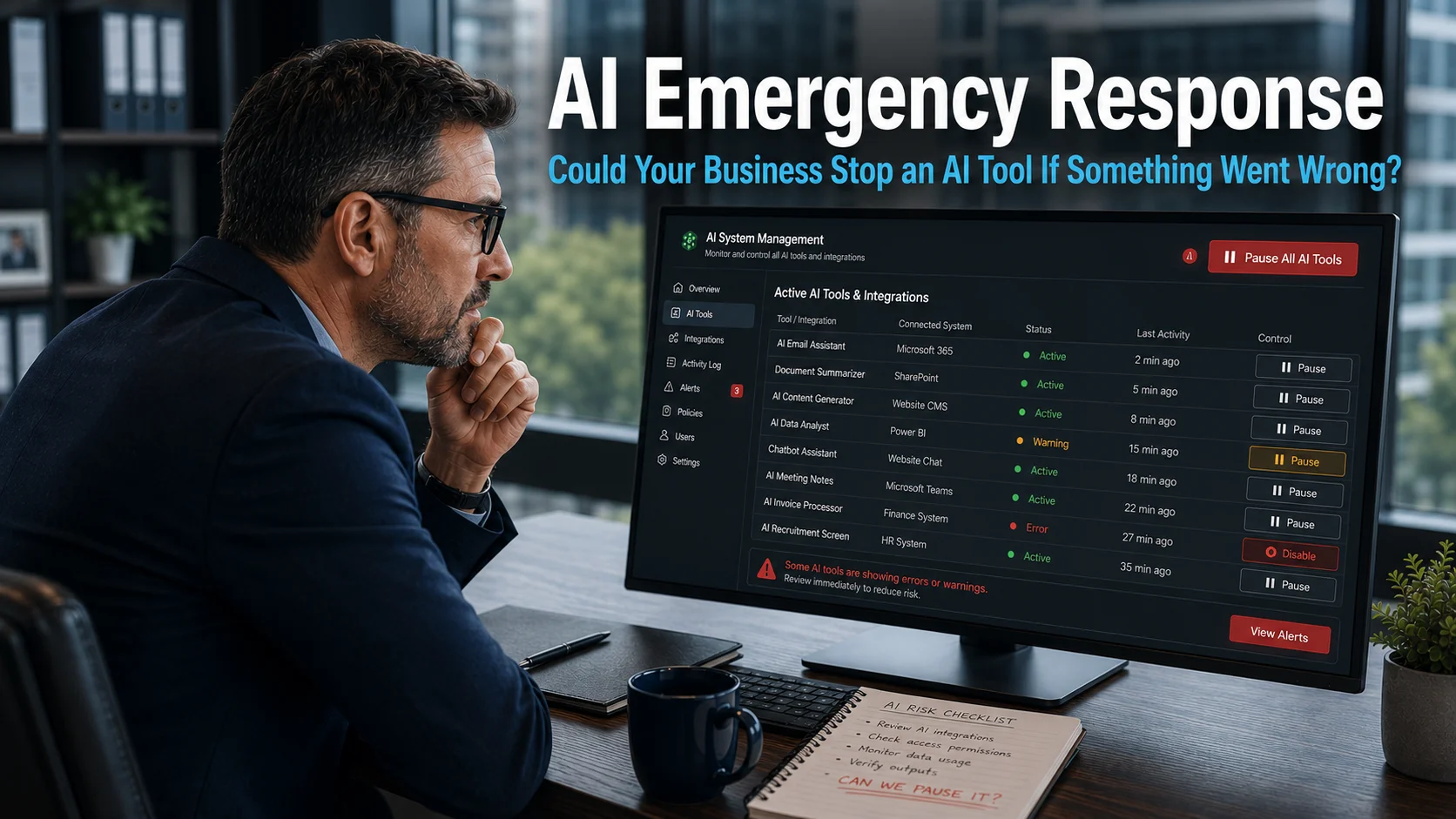
AI Emergency Response: Could Your Business Stop an AI Tool If Something Went Wrong?
AI emergency response is not something most businesses have thought about in any structured way. AI tools are being adopted quickly, integrated into workflows efficiently, and trusted to handle tasks that would previously have required human effort. However, very few businesses have asked a simple and important question: if an AI tool did something it…
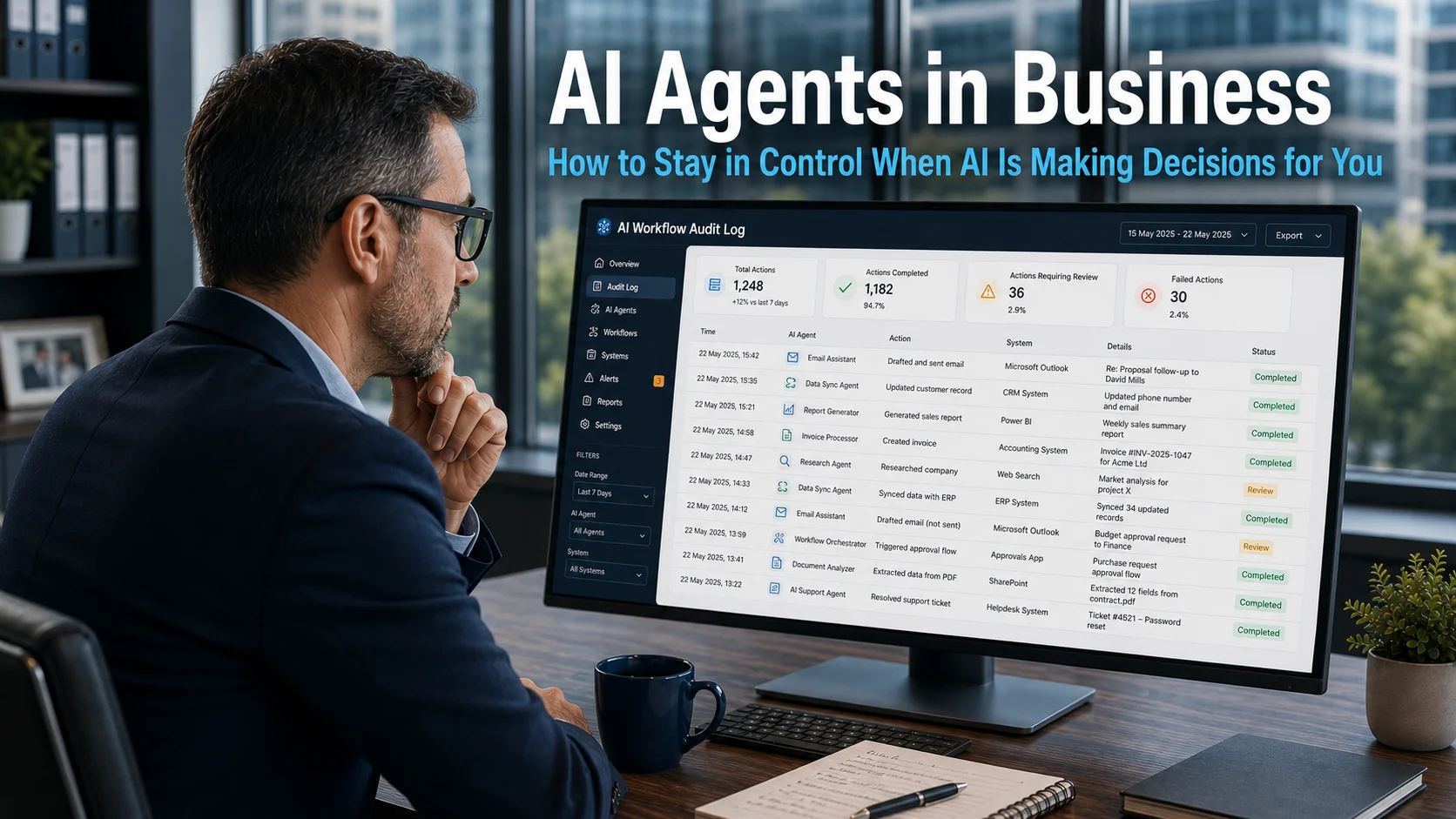
AI Agents in Business: How to Stay in Control When AI Is Making Decisions for You
AI agents in business are moving quickly from a future concept to a present reality. An email gets drafted before a team member has finished thinking through the response. A report is summarised before anyone has read it. A system identifies an action that needs to be taken and, increasingly, takes it. These are not…
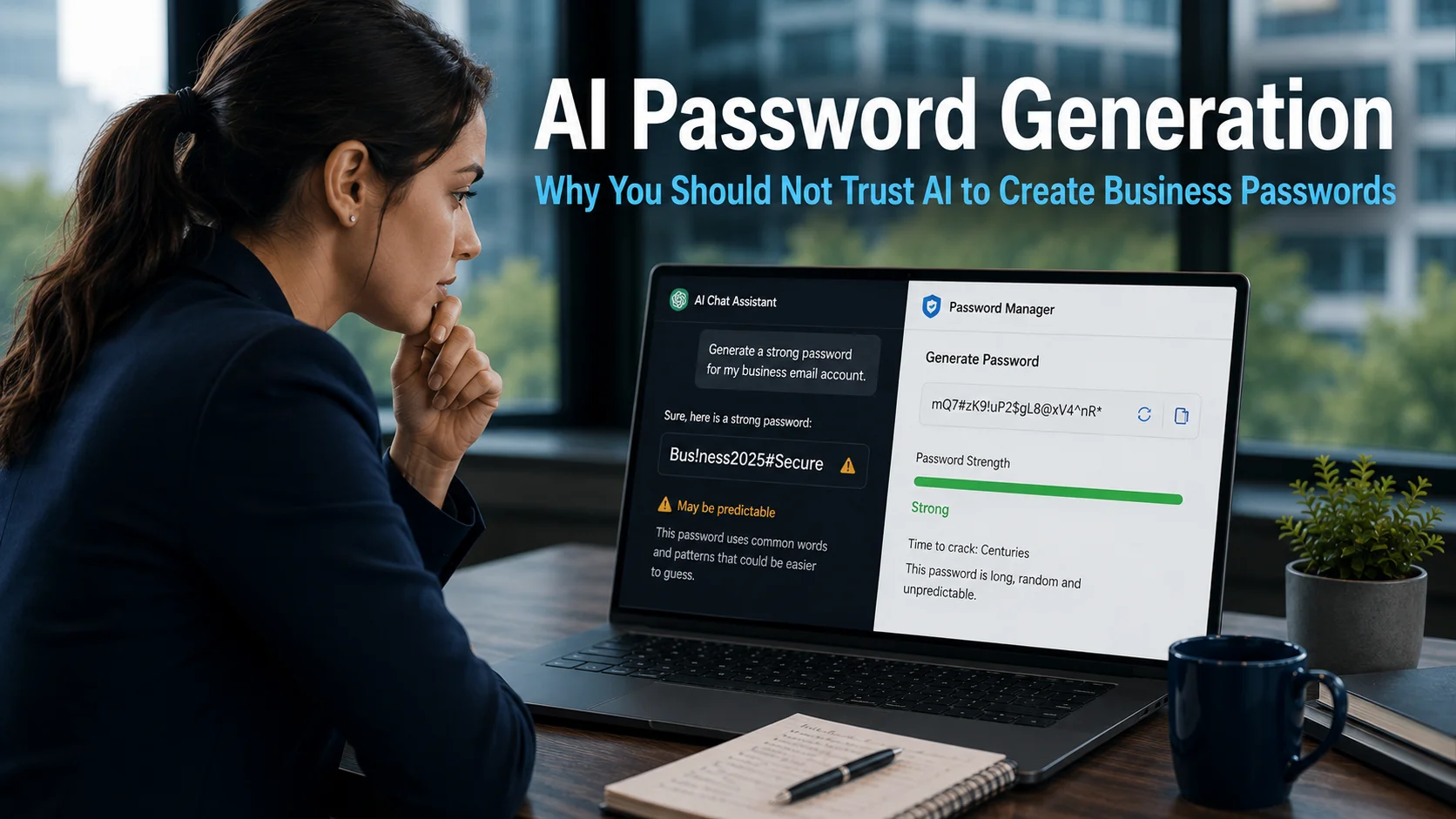
AI Password Generation: Why You Should Not Trust AI to Create Business
AI password generation feels like a natural shortcut. AI tools can write reports, draft communications, and produce complex content on demand. Asking one to generate a strong 16-character password packed with symbols, numbers, and mixed-case letters seems entirely reasonable. The result looks exactly right. Online password strength checkers rate it highly. Some suggest it would…
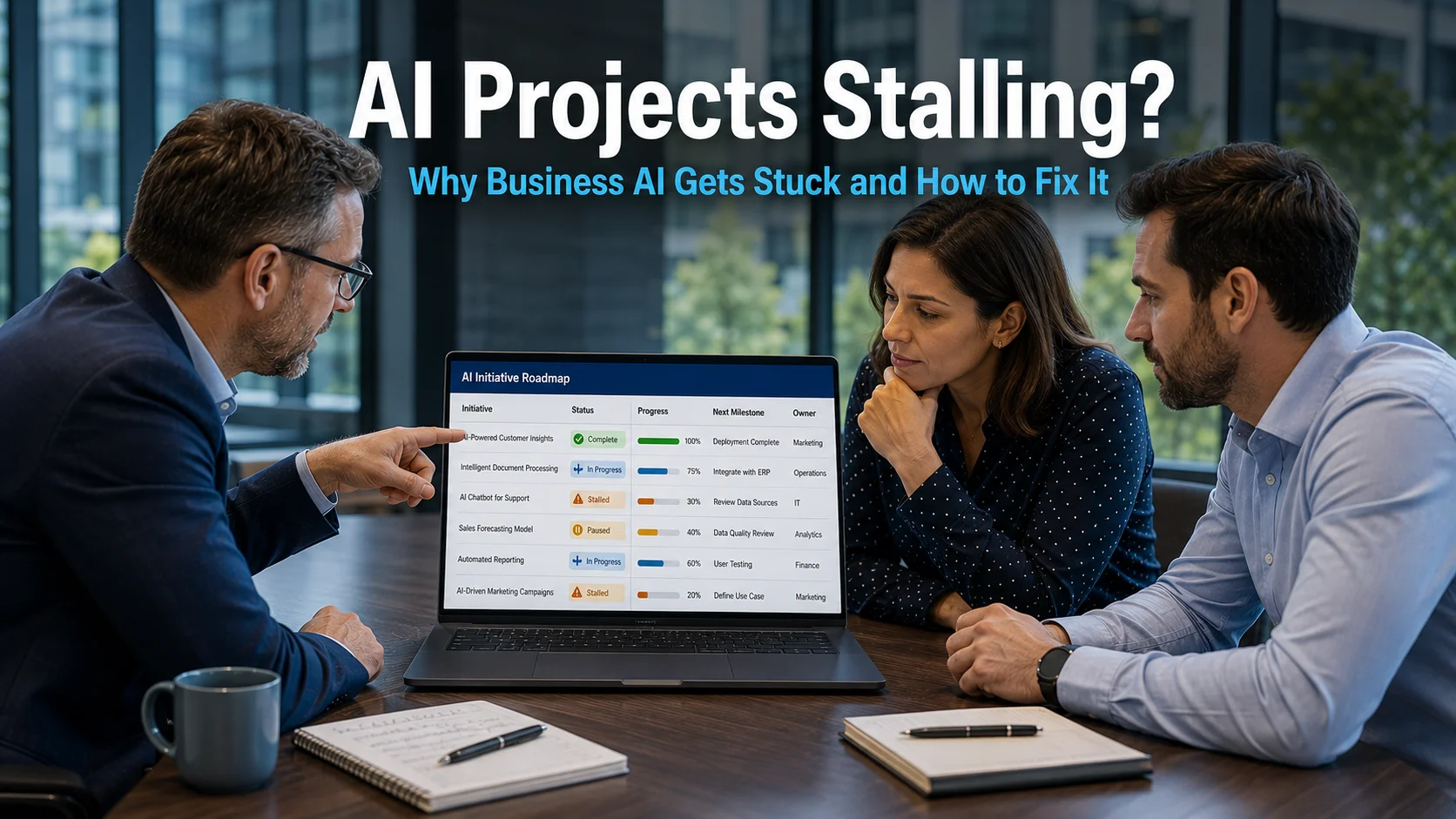
AI Projects Stalling? Why Most Business AI Initiatives Get Stuck and How to Fix It
AI projects stalling is one of the most common and least-discussed problems in business technology right now. Businesses across every sector have experimented with AI tools, run pilots, and attended demonstrations. Yet a significant proportion of those initiatives never make it into day-to-day use. Research suggests around half of all business AI projects are still…
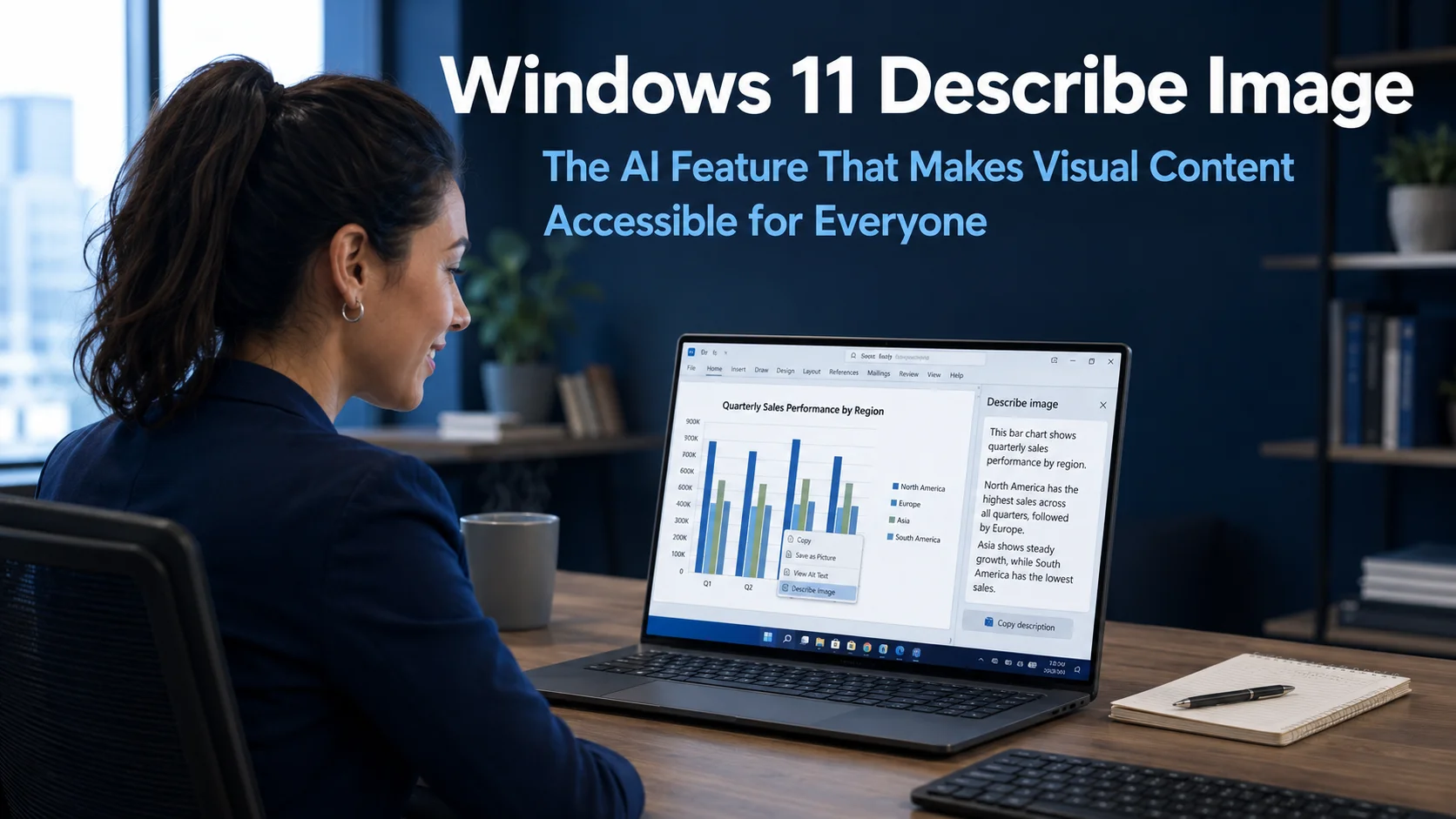
Windows 11 Describe Image: The AI Feature That Makes Visual Content Accessible for Everyone
Windows 11 Describe Image is a new AI-powered feature currently in testing that does something deceptively simple but genuinely useful. When a user selects an image, chart, or graphic on their Windows 11 device, the feature generates an instant plain English description of what it shows. No additional software, no cloud upload, no waiting for…
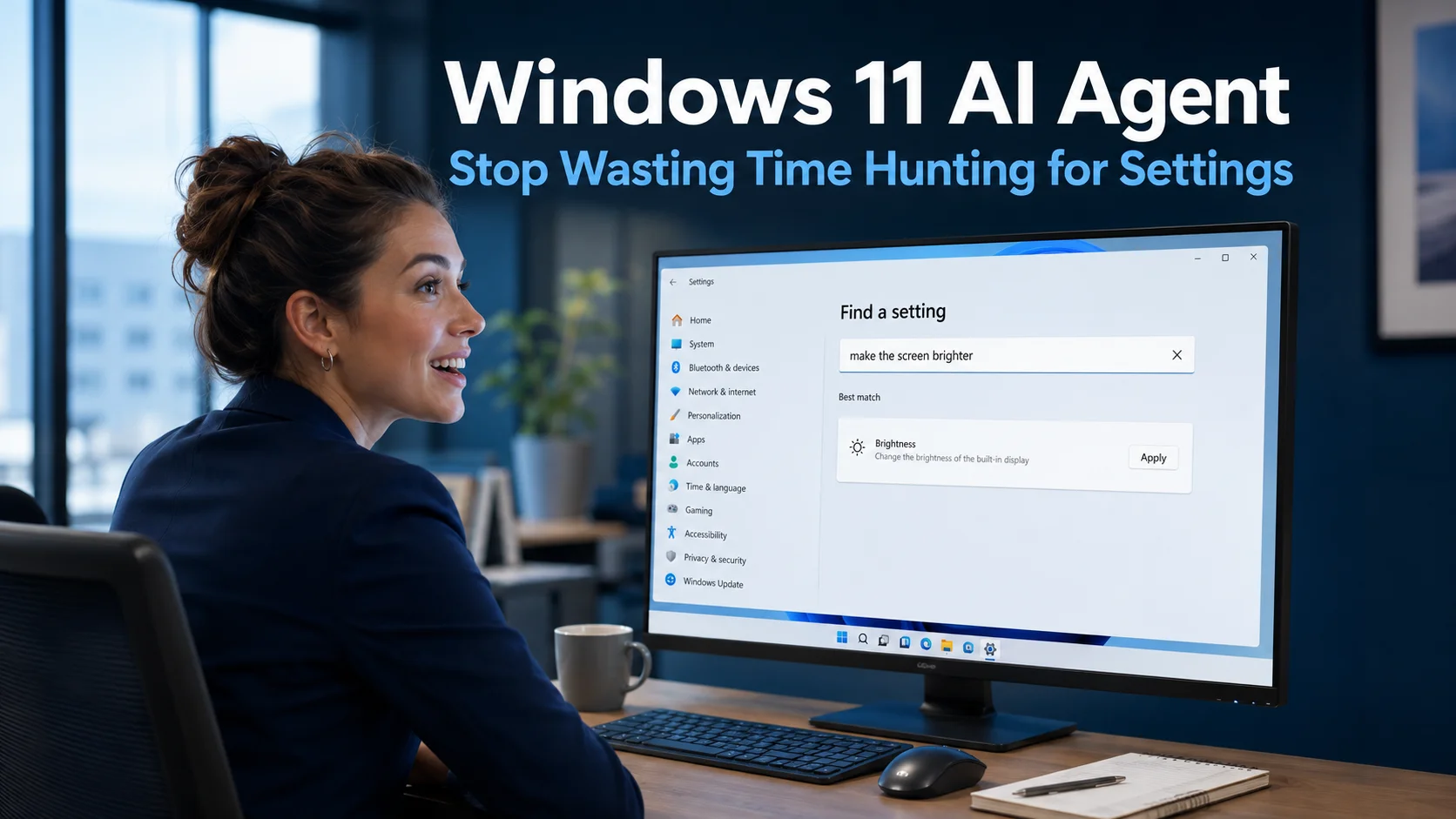
Windows 11 AI Agent for Settings: Stop Wasting Time Hunting for Options
The Windows 11 AI Agent is a new feature being built into the Settings application that addresses one of the most common, low-level frustrations in everyday computing. Navigating through Windows Settings to find a specific option has always involved more clicking and guessing than it should. Microsoft is changing this by allowing users to simply…
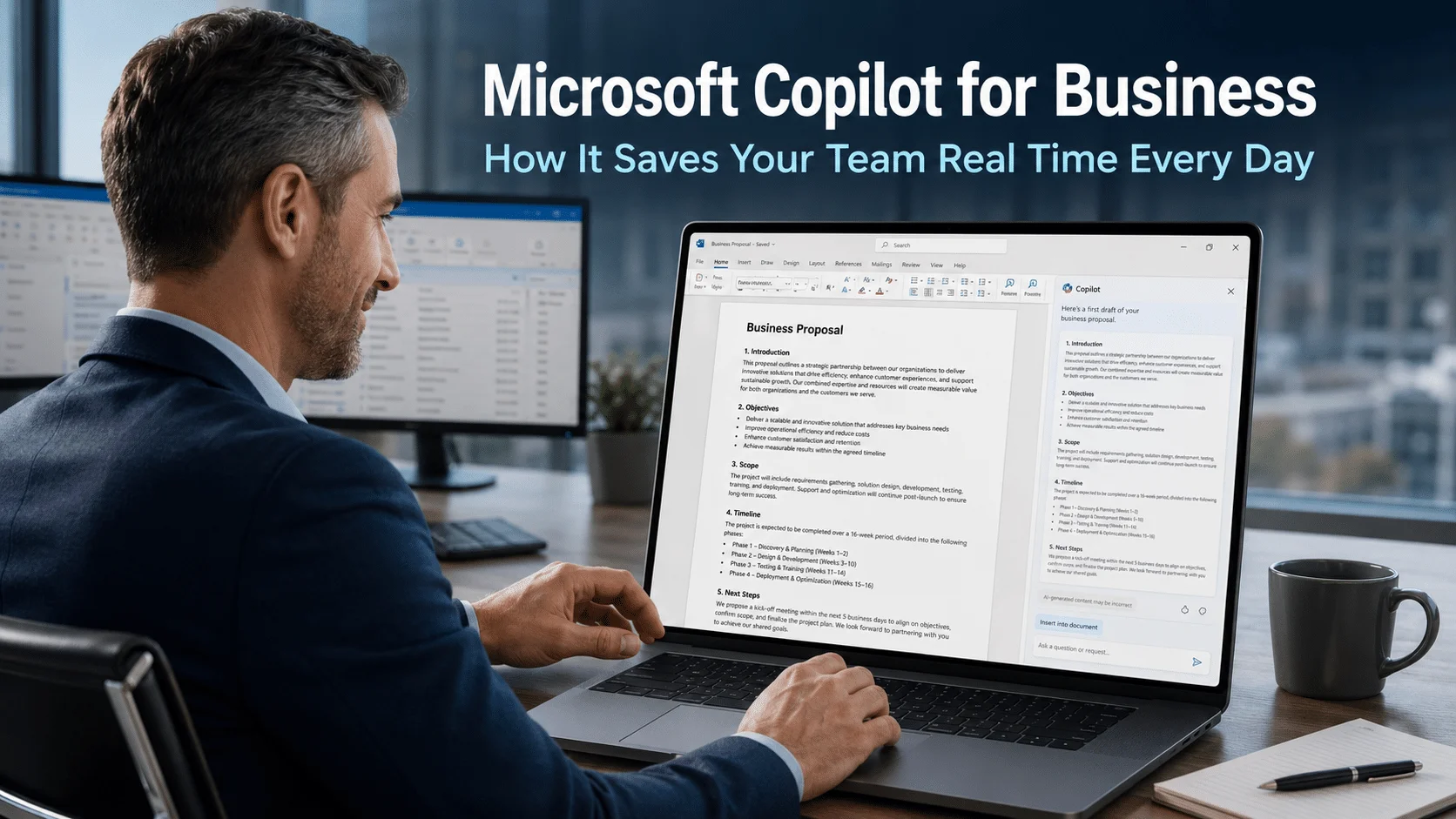
Microsoft Copilot for Business: How It Saves Your Team Real Time Every Day
Microsoft Copilot for business is an AI assistant built directly into the Microsoft 365 applications your team already uses every day. It is not a separate tool that requires a new login or a different platform. It sits inside Word, Excel, Outlook, Teams, and PowerPoint, ready to help with the tasks that consume time without…
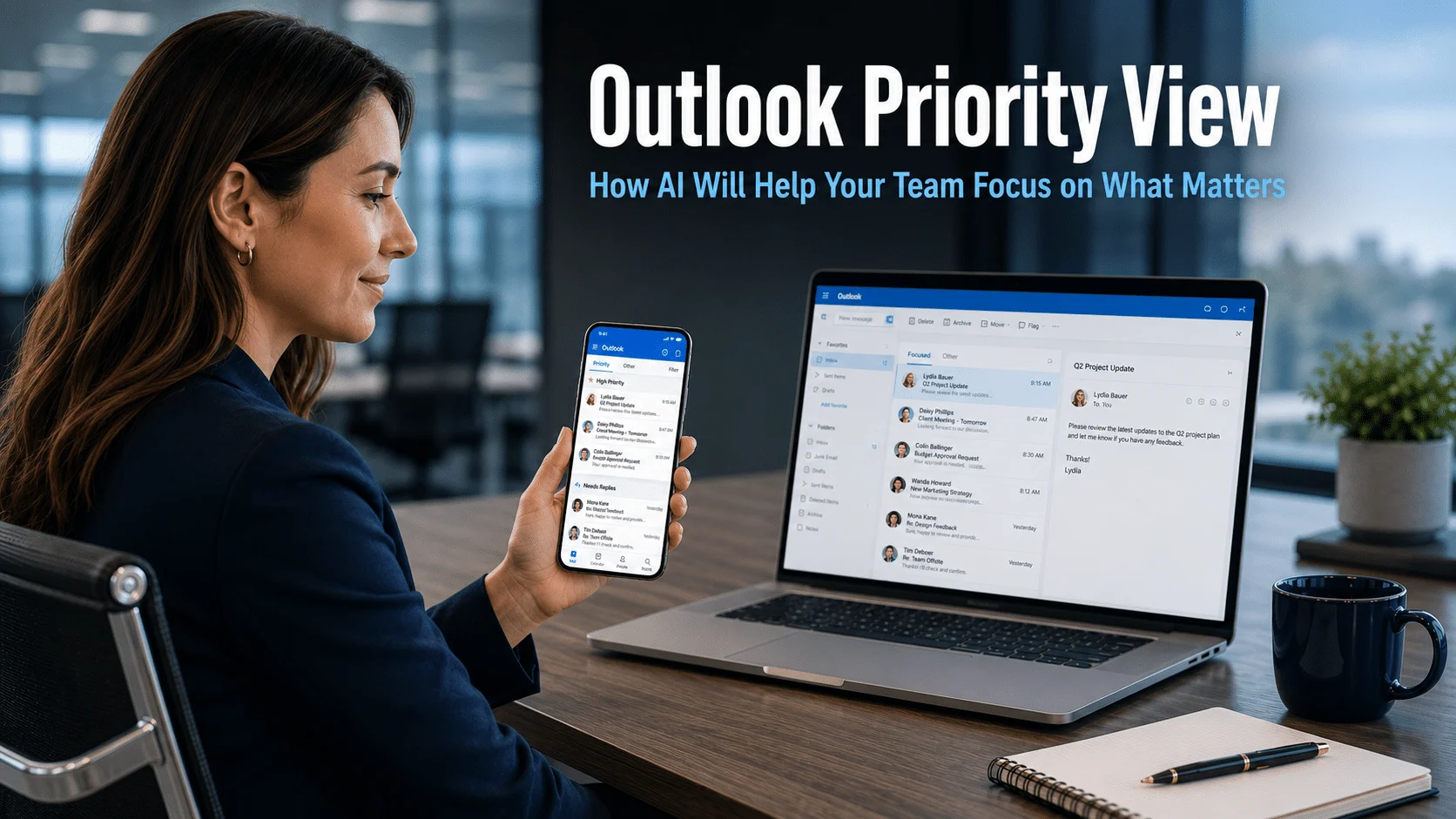
Outlook Priority View: How AI Will Help Your Team Focus on What Matters
Outlook Priority View is a new AI-powered feature coming to Outlook for iOS and Android that addresses one of the most consistent frustrations in business communication. If your team spends significant time each day sorting through emails to identify what genuinely requires attention, this update is designed to remove that step automatically. Microsoft Copilot will…
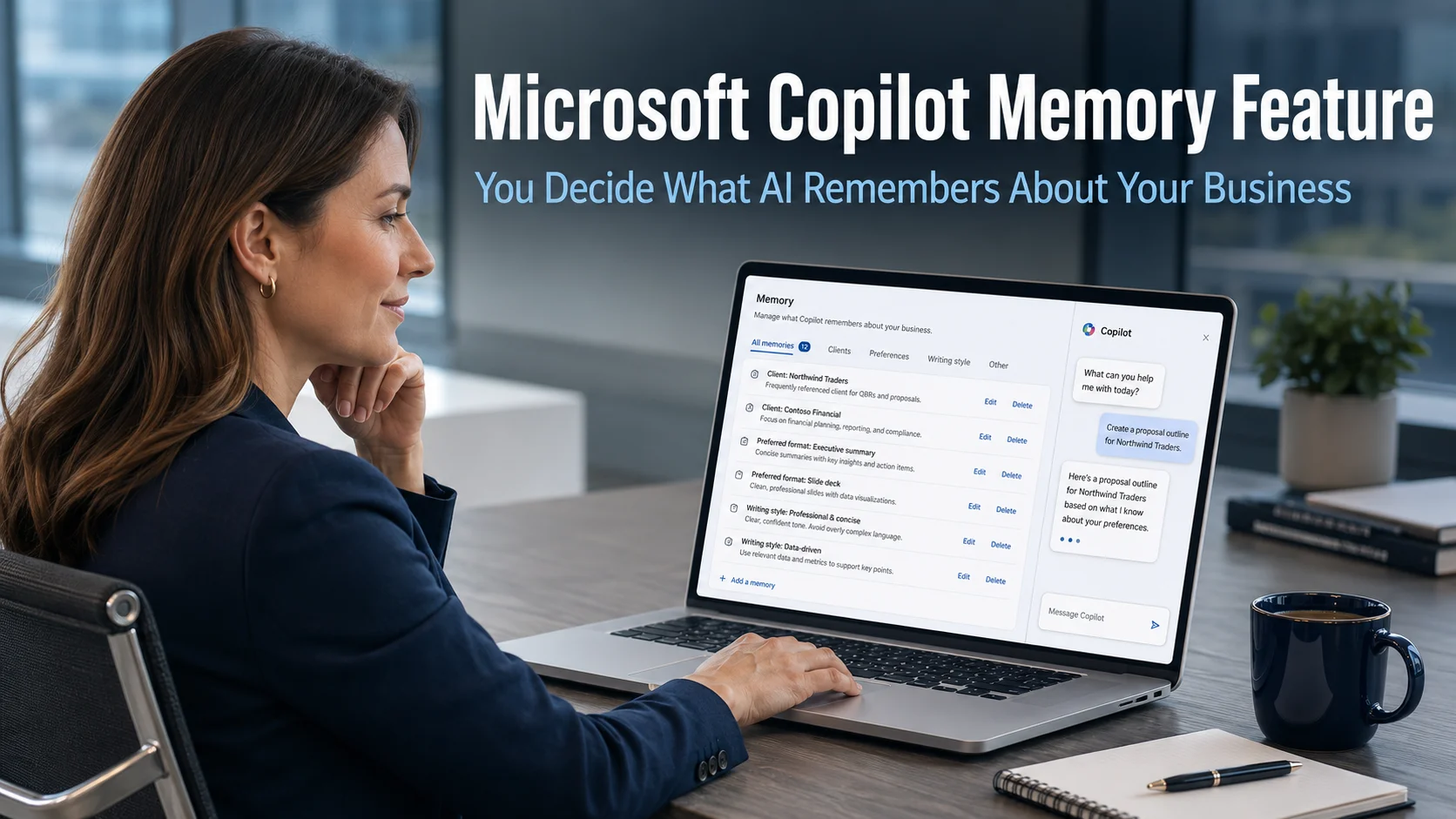
Microsoft Copilot Memory Feature: You Decide What AI Remembers About Your Business
The Microsoft Copilot memory feature is a significant update that changes how the AI assistant works within your business on a daily basis. Until now, Copilot has been useful for individual tasks within a session, but starting each new conversation from scratch has limited how personalised and efficient it can be. Microsoft is addressing this…

AI-Powered Malware: How Artificial Intelligence Is Changing Cyber Attacks
AI-powered malware has moved from a theoretical concern to a documented and rapidly growing reality. Research now shows that 80% of ransomware attacks are powered by artificial intelligence. Four in every five attacks on businesses are being conducted not primarily by human operators making individual decisions, but by AI systems running automated campaigns at a…
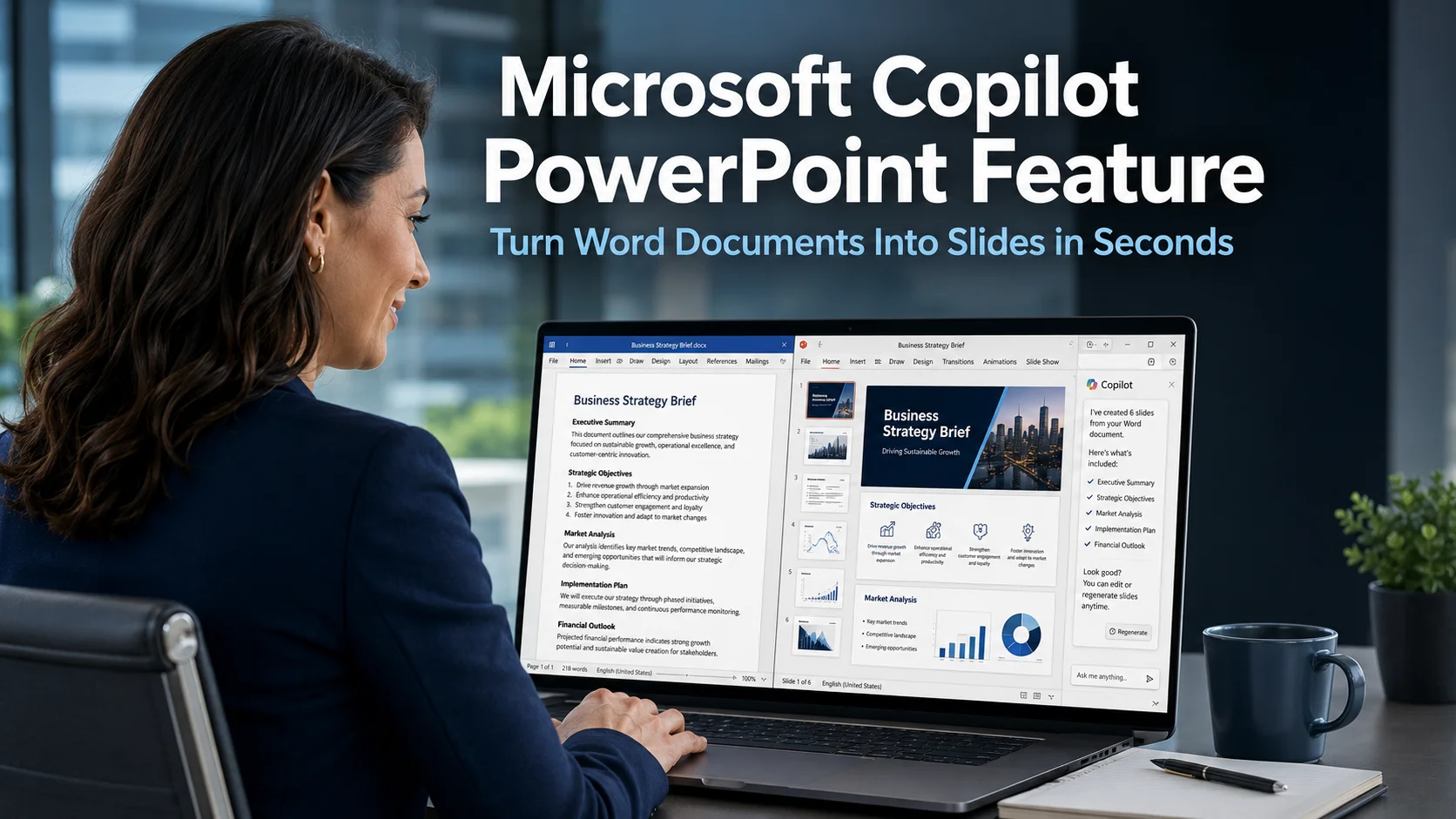
Microsoft Copilot PowerPoint Feature: Turn Word Documents Into Slides in Seconds
The Microsoft Copilot PowerPoint feature is a recent update that addresses one of the most time-consuming tasks in many business workflows. If your team regularly needs to turn a written document into a presentation, whether that is a client proposal, a quarterly report, a project update, or a strategy summary, this capability removes the most…
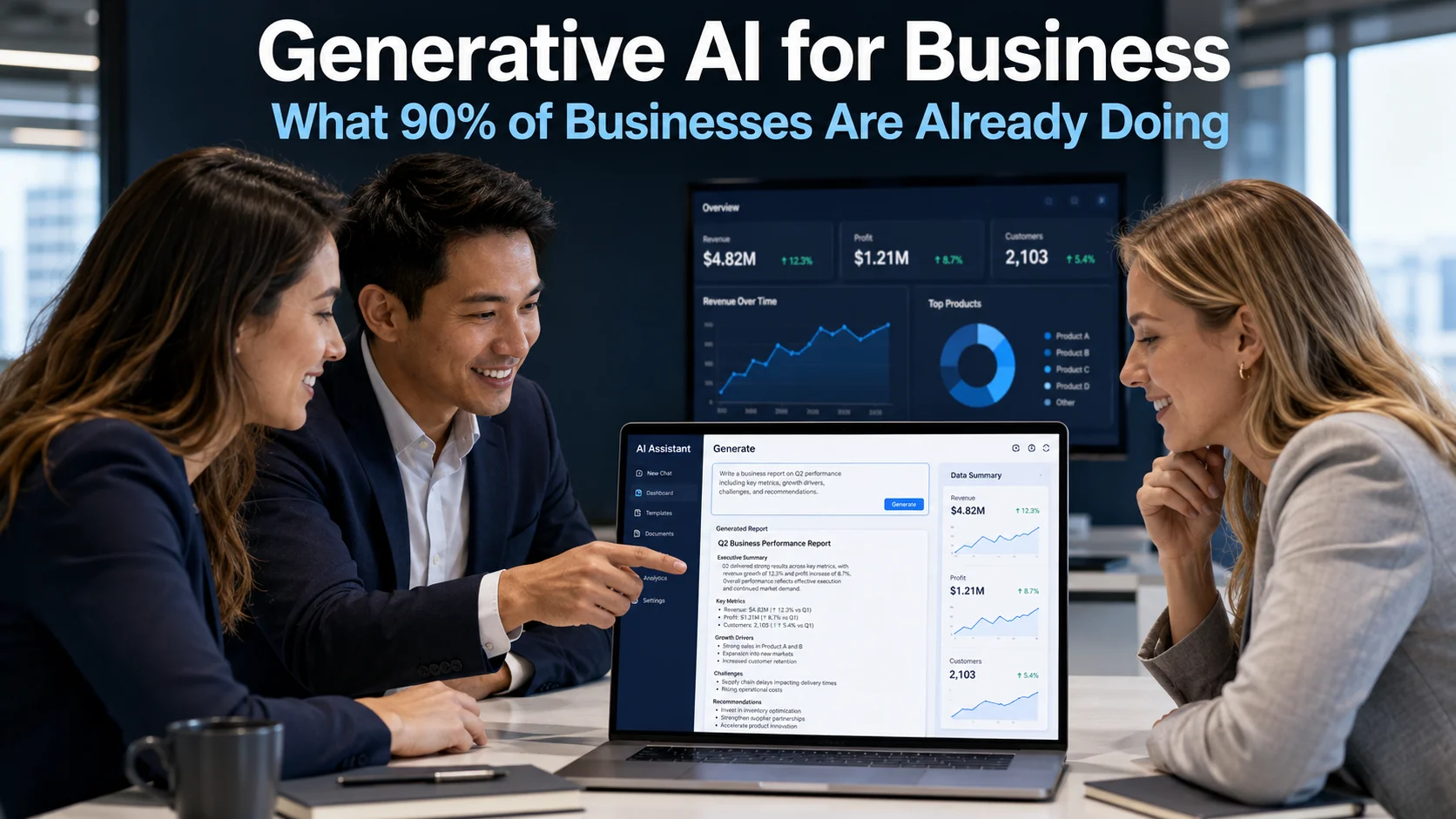
Generative AI for Business: What 90% of Businesses Are Already Doing
Generative AI for business has moved from a topic of curiosity to a mainstream operational reality faster than most people anticipated. Nine in ten businesses are now using generative AI in some form. That is not a figure from an early-adopter community or a specialist tech sector. It reflects a broad shift across businesses of…
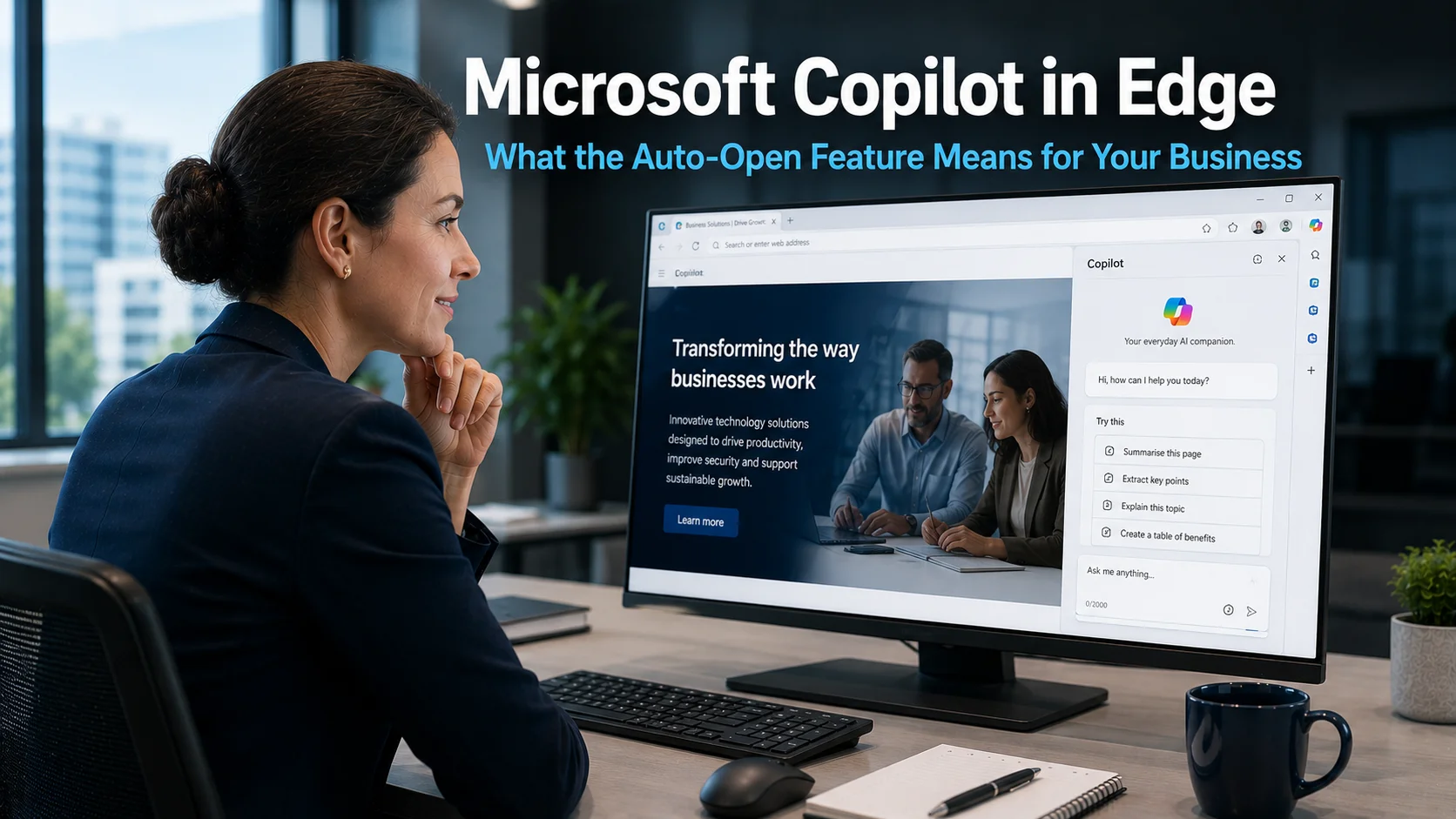
Microsoft Copilot in Edge: What the Auto-Open Feature Means for Your Business
Microsoft Copilot in Edge is about to become a more prominent part of the browsing experience for business users. Microsoft is currently testing a feature that would make Copilot open automatically in the browser sidebar whenever a user launches Edge or opens a new tab. Rather than needing to click an icon to activate it,…
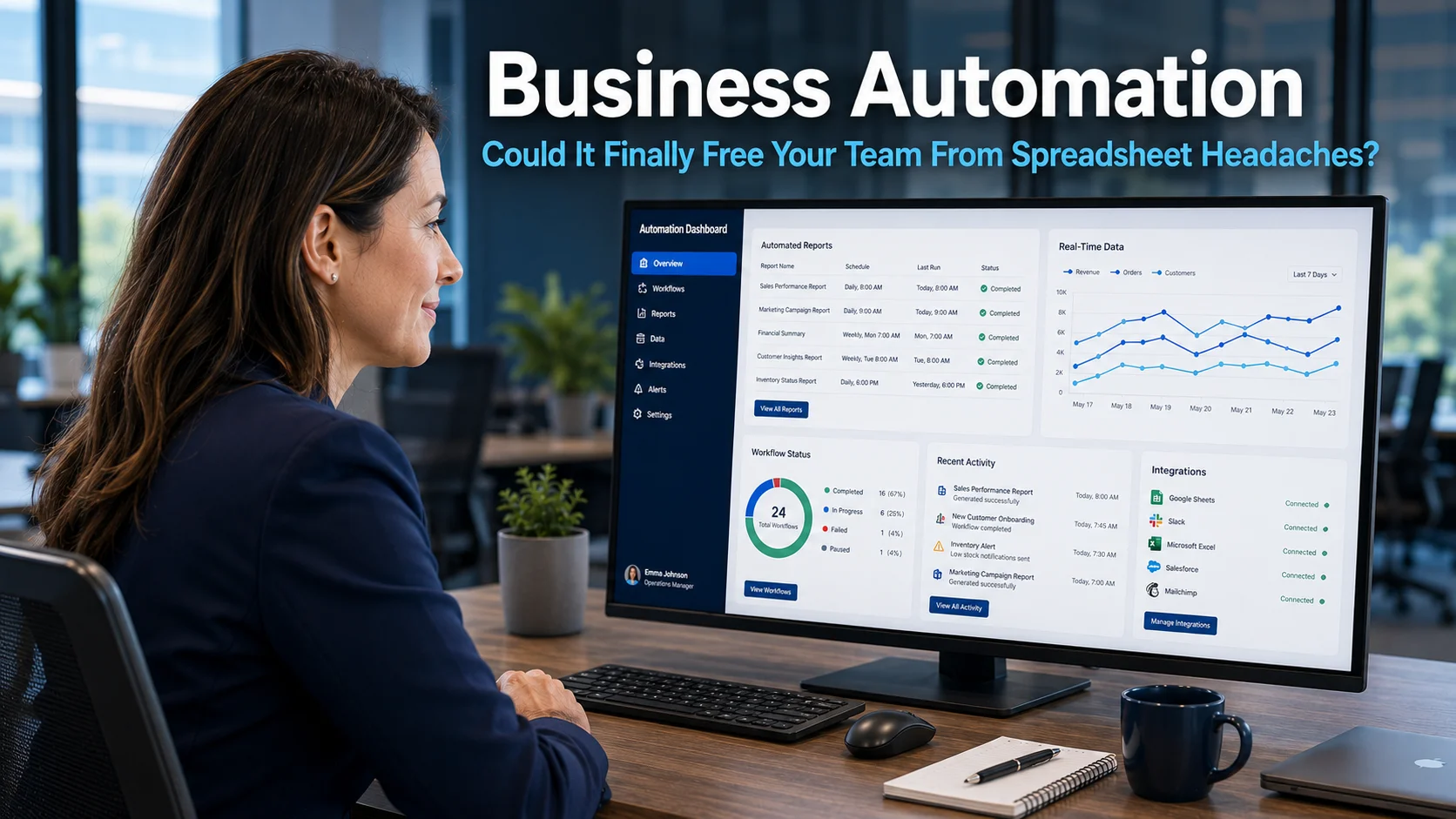
Business Automation: Could It Finally Free Your Team From Spreadsheet Headaches?
Business automation is something most business owners have heard about, yet far fewer have actually acted on. Meanwhile, the spreadsheet remains firmly embedded in daily operations across most businesses. Research suggests that around nine in ten businesses still rely on spreadsheets to manage important data. That is a striking figure, given how frequently spreadsheets cause…

How AI Can Empower Your People Instead of Replacing Them
This article explains how UK business owners can use AI tools to support and empower employees rather than replace them, with practical examples, risks to avoid, and how to introduce AI safely and effectively.
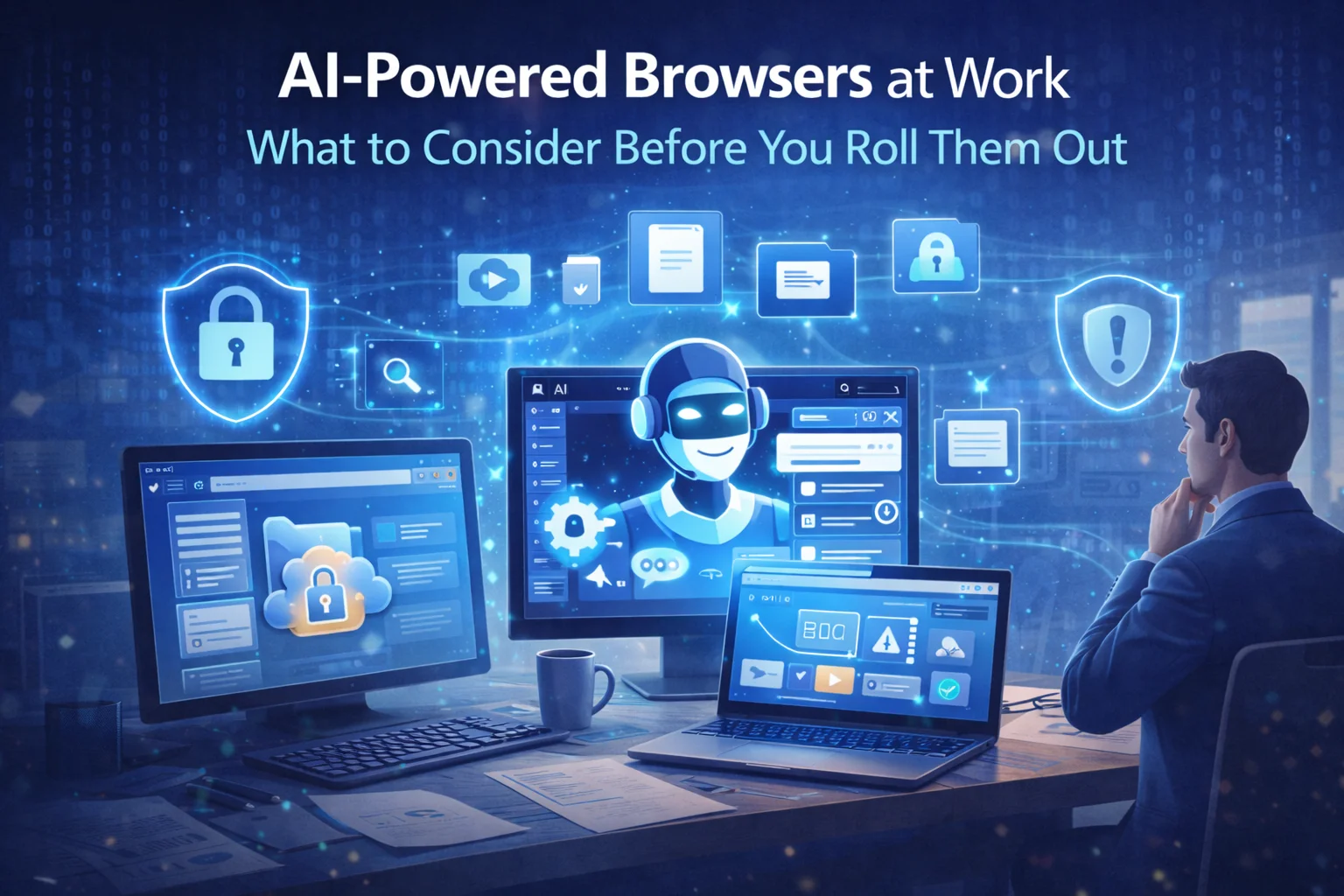
AI‑powered browsers at work: what to consider before you roll them out
Why AI browsers are different Traditionally, a browser has been a window to the web. AI‑enabled browsers promise more: they can read a page, summarise it, translate it, pull out key data, and even complete routine actions. That convenience can be a genuine productivity boost. However, these capabilities rely on sending what’s on your screen…
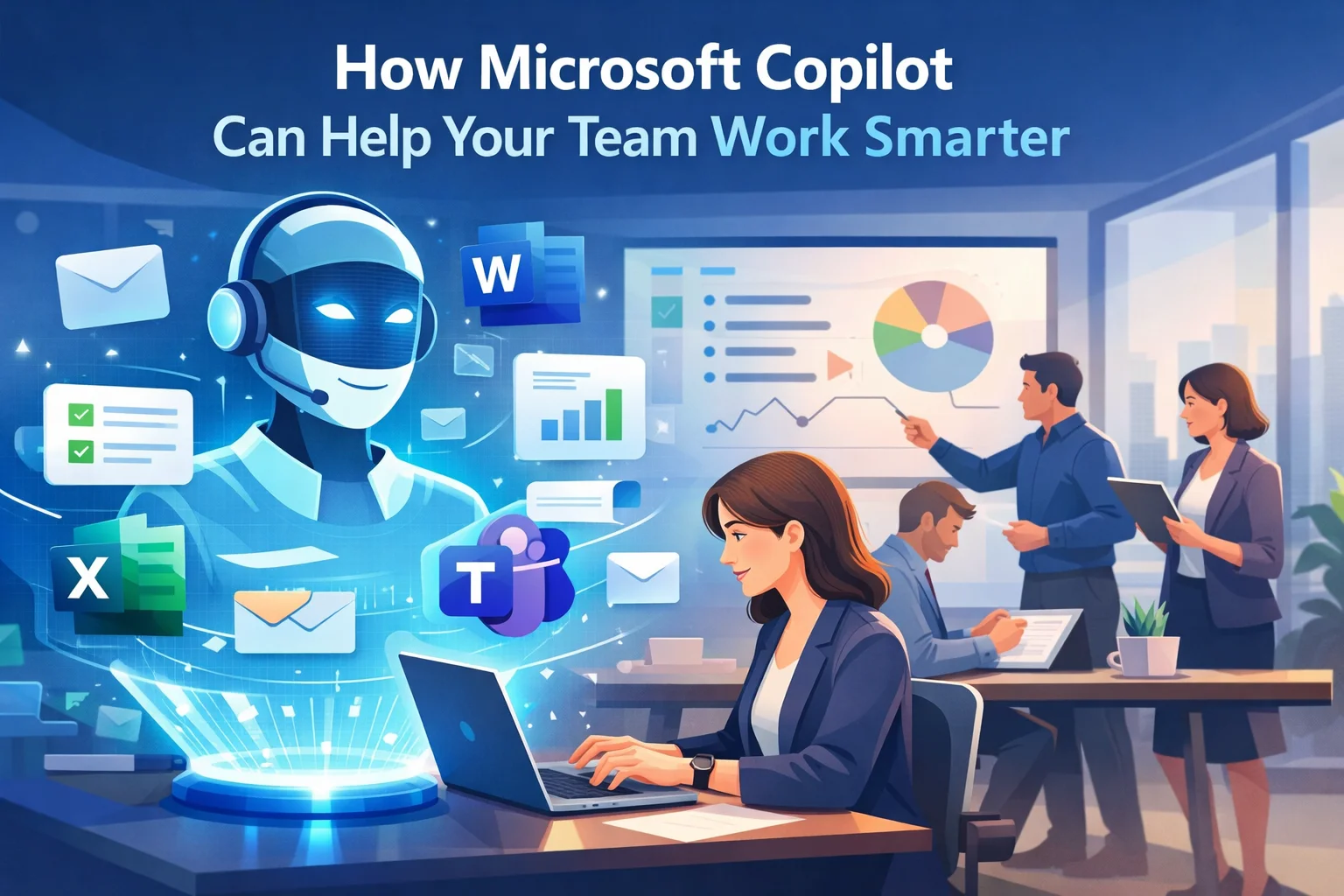
How Microsoft Copilot Can Help Your Team Work Smarter
Imagine having a digital assistant that supports you throughout your working day. One that can help write documents, summarise meetings and organise information in seconds. That is the idea behind Microsoft Copilot. Copilot is an artificial intelligence tool built directly into Microsoft 365 applications such as Word, Excel, Outlook and Teams. Instead of being a…