

Windows 10 and Windows 11 Guides for Businesses


 Windows
All Guides on This Topic
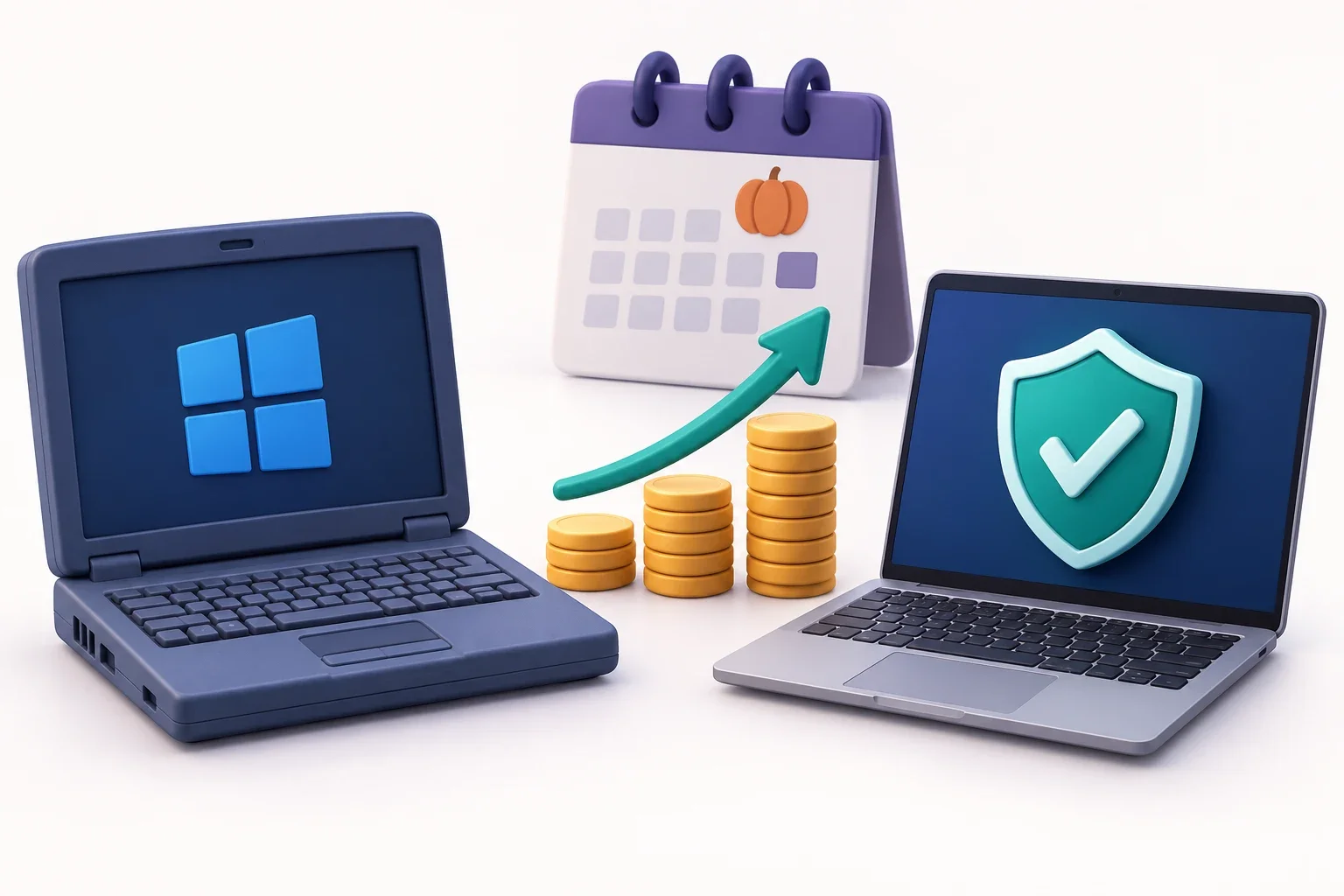
Windows 10 Security Updates Just Doubled in Price: What Your Business Should Do Now
If your business still has Windows 10 computers, keeping them secure has just got more expensive. Microsoft's paid security updates doubled in price in October 2026, and some older Windows 11 computers stopped getting updates too. Here's what to do.
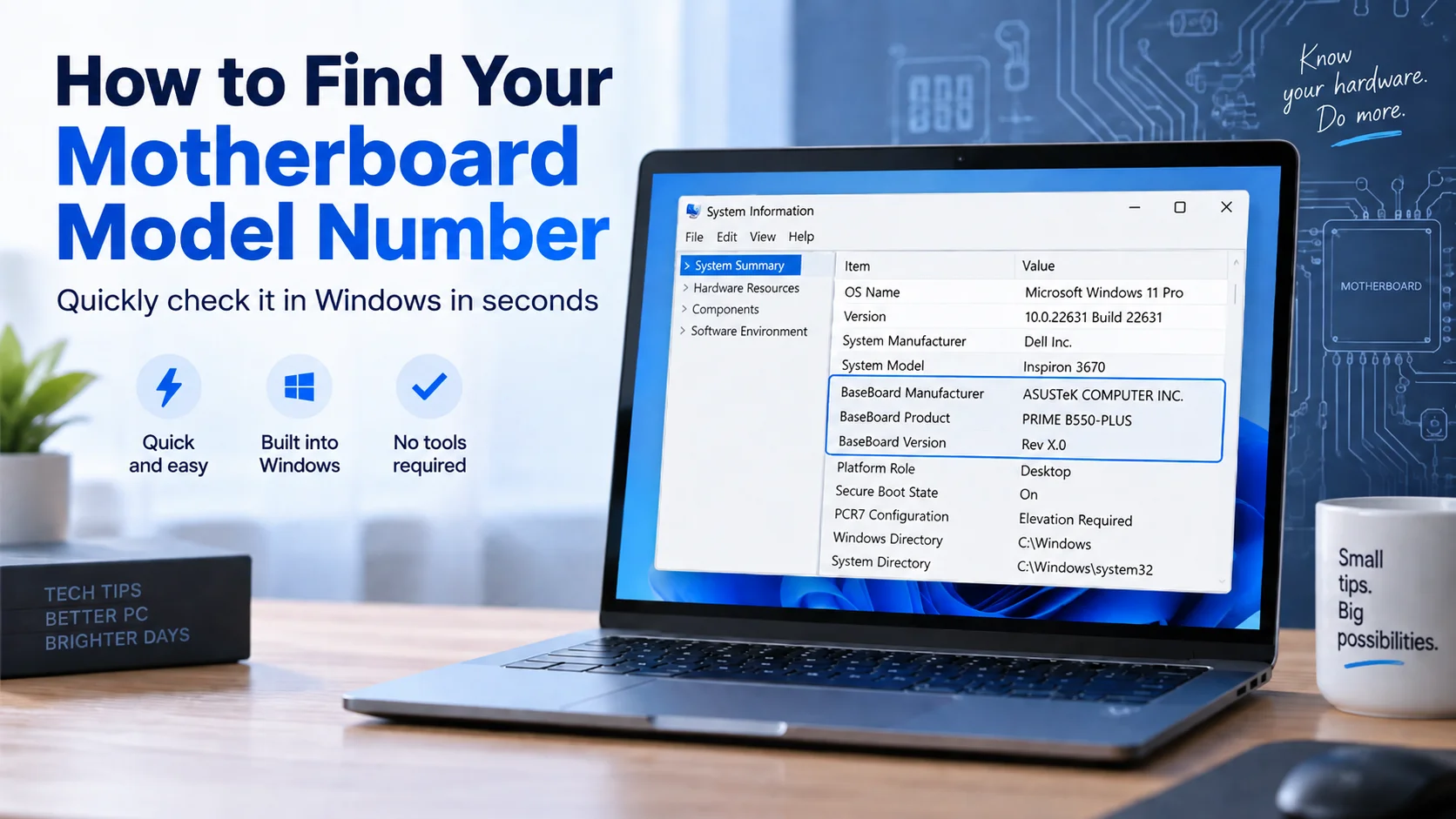
How to Find Your Motherboard Model Number in Windows (No Tools Needed)
You do not need to open up your computer, or know anything about circuit boards, to find out what motherboard it has. Windows already knows, and it will tell you in about ten seconds. Whether you are adding memory, downloading a driver, checking warranty details or simply filling in a form your IT provider has…
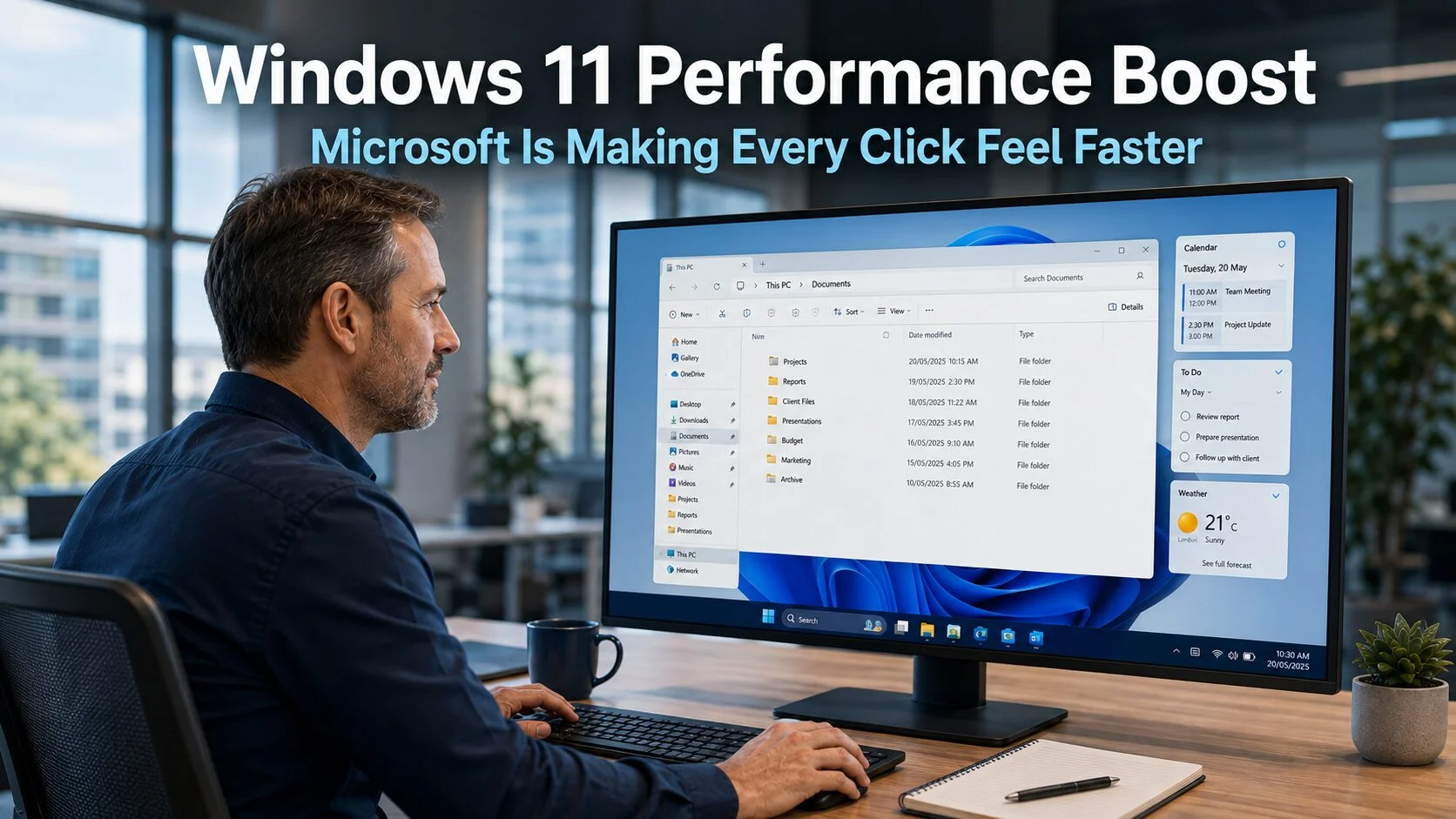
Windows 11 Performance Boost: Microsoft Is Making Every Click Feel Faster
The latest Windows 11 performance boost from Microsoft takes a different approach from the updates that have attracted most of the recent headlines. Rather than adding new capabilities or AI features, the focus is on making the operating system feel faster and more responsive in everyday use. The small delays that accumulate throughout a working…
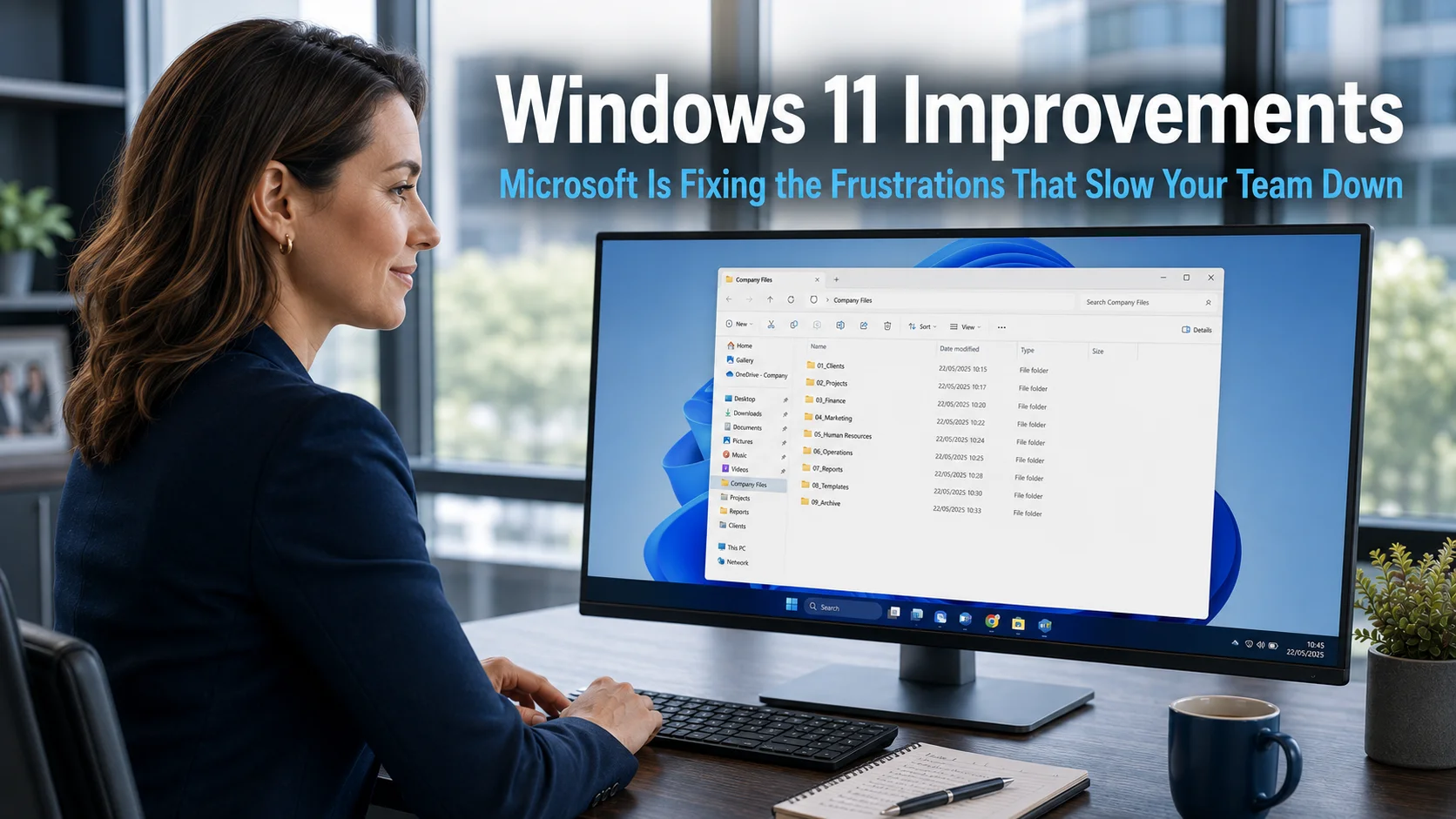
Windows 11 Improvements: Microsoft Is Fixing the Frustrations That Slow Your Team Down
Windows 11 improvements have taken a different direction recently, and for business users, it is a welcome shift. Rather than adding more features to an already capable platform, Microsoft has begun addressing the friction points that slow teams down in everyday use. Delays that have become normalised, distractions that nobody asked for, and update processes…
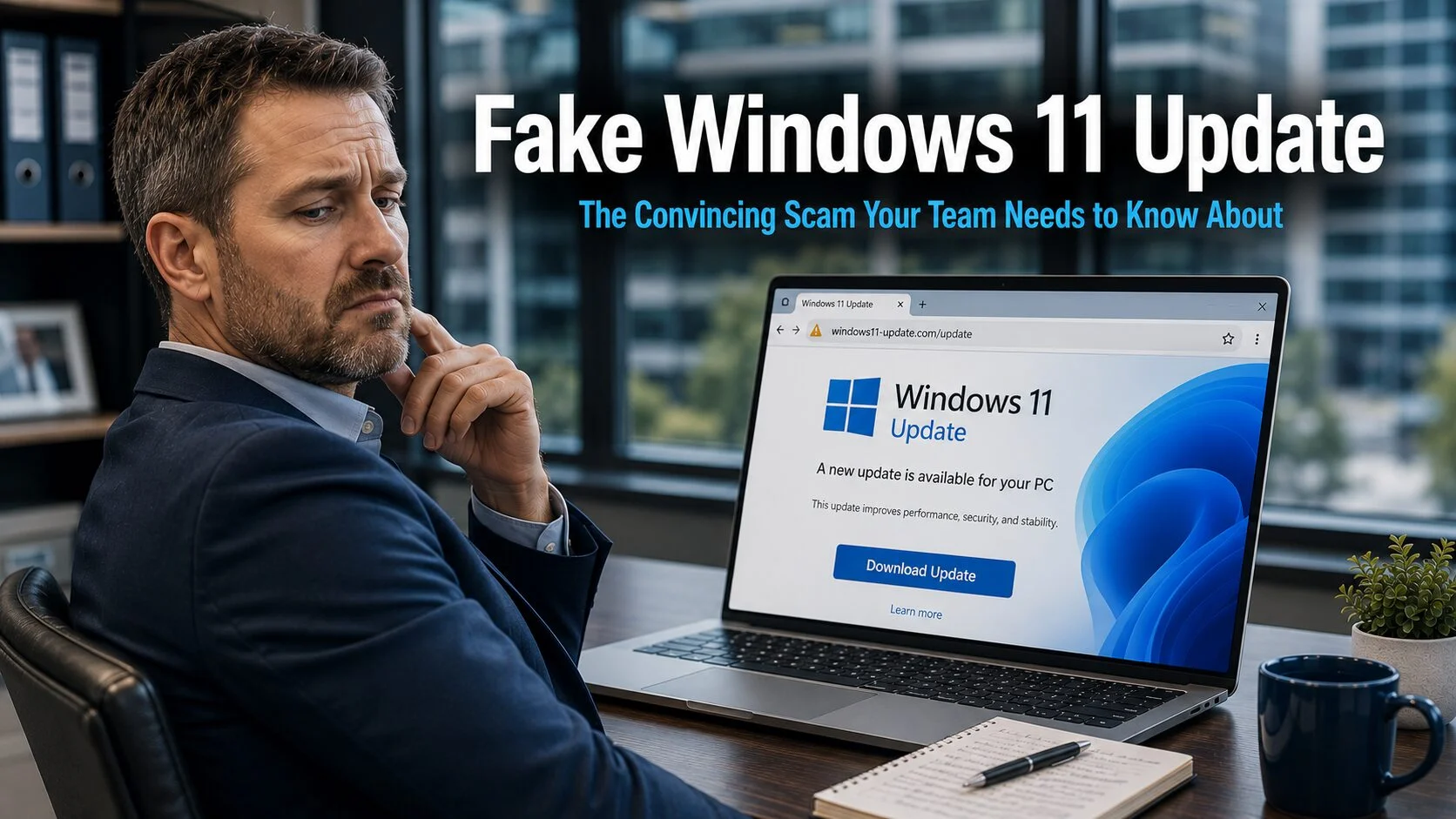
Fake Windows 11 Update: The Convincing Scam Your Team Needs to Know About
A fake Windows 11 update is currently circulating that is significantly harder to identify as fraudulent than previous versions of this type of scam. The page mimics an official Microsoft support site closely enough that even experienced computer users have been caught out. For businesses where staff regularly install updates as part of their routine…
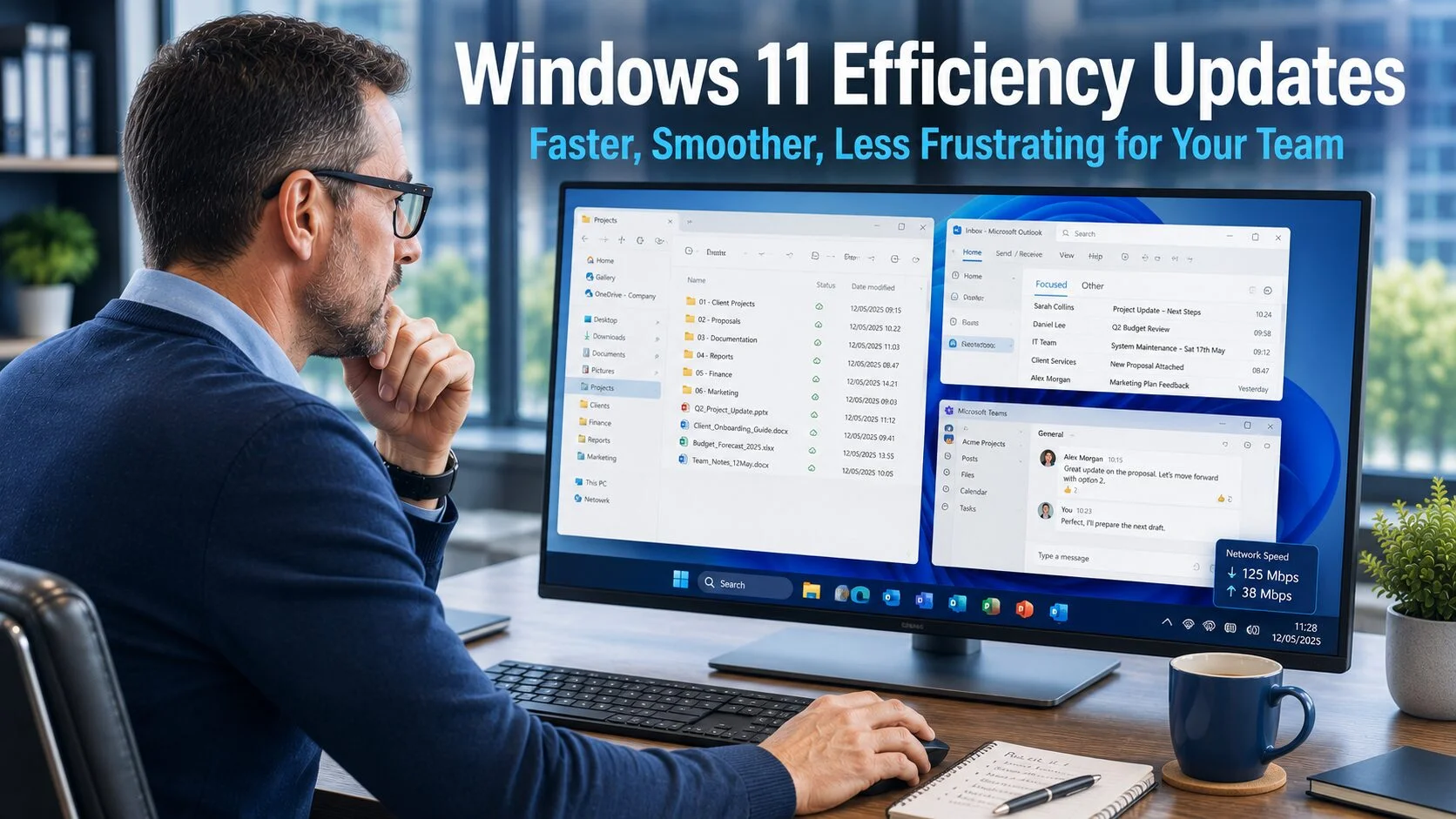
Windows 11 Efficiency Updates: Faster, Smoother, Less Frustrating for Your Team
The Windows 11 efficiency updates arriving through recent preview builds represent a welcome shift in focus. For the past year, much of the attention around Windows 11 has been on AI features, some genuinely useful, others more experimental. The latest round of updates takes a different approach. Rather than adding new capabilities, Microsoft has focused…
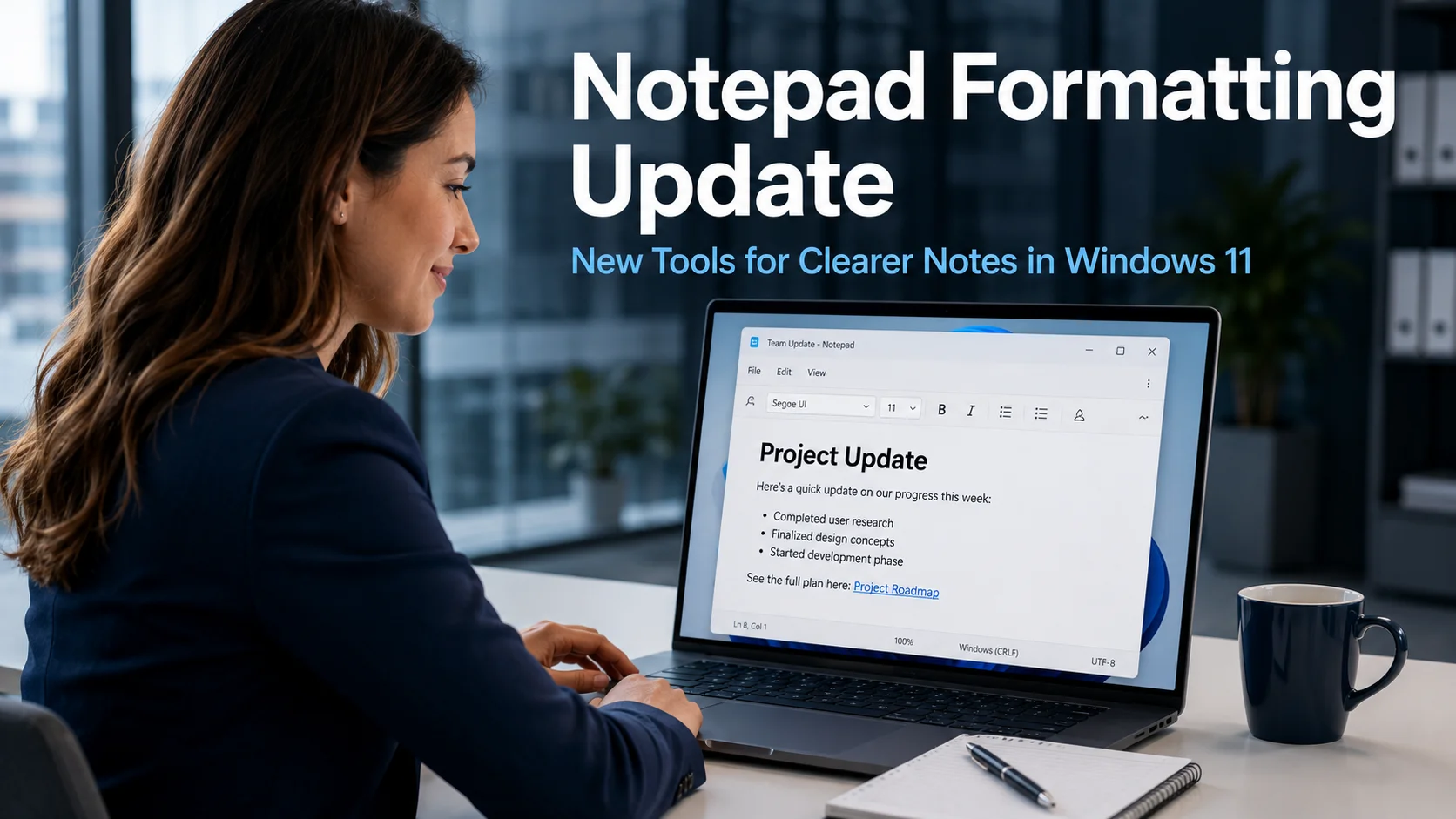
Notepad Formatting Update: New Tools for Clearer Notes in Windows 11
The Notepad formatting update for Windows 11 is one of those quiet improvements that sounds minor until you consider how many times each week your team opens Notepad. For quick notes, meeting summaries, checklists, and draft messages, it is often the first tool people reach for precisely because it opens instantly and never gets in…
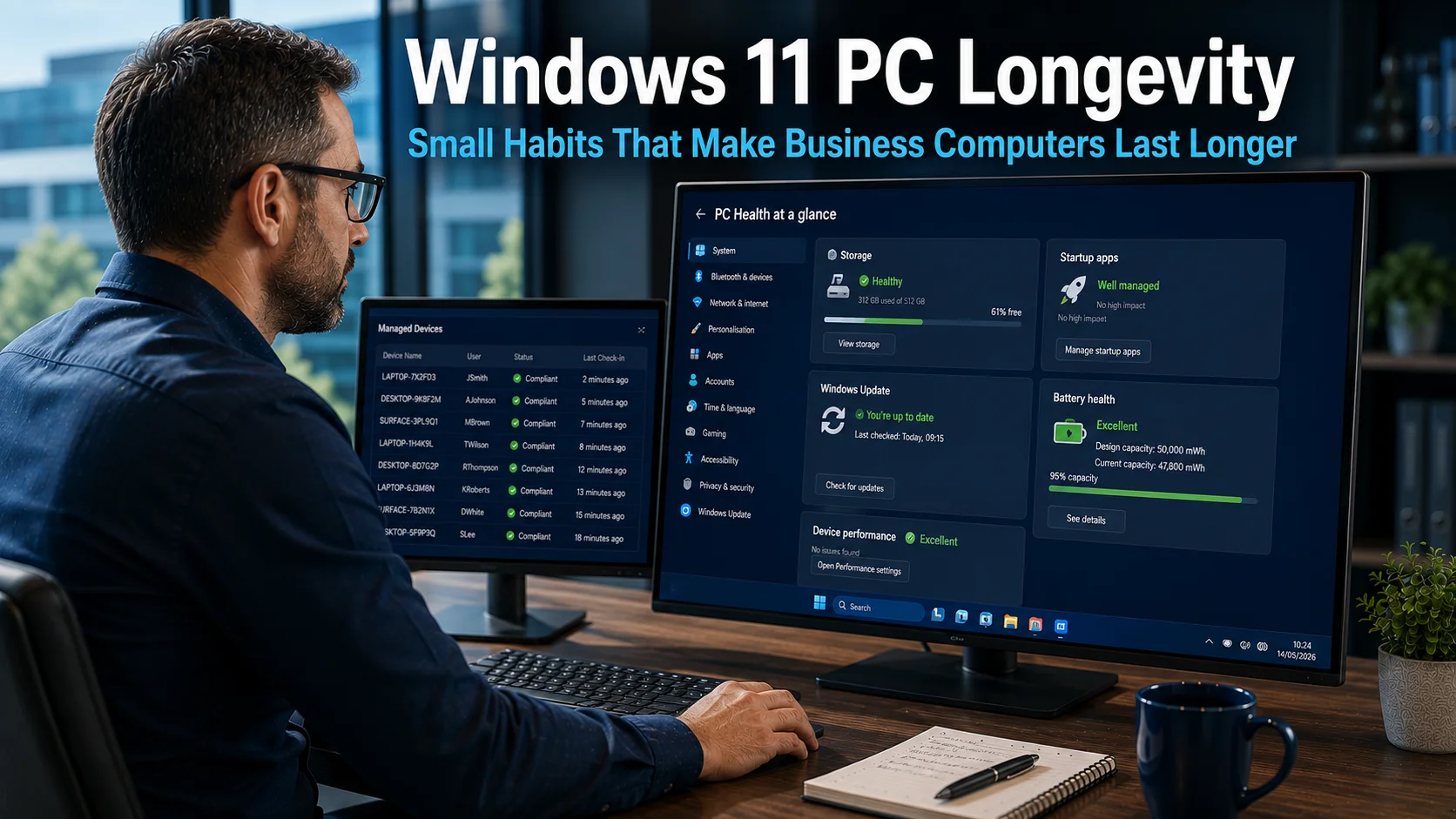
Windows 11 PC Longevity: Small Habits That Make Business Computers Last Longer
Windows 11 PC longevity is something most businesses could improve significantly with a handful of straightforward habits. Hardware costs have risen sharply in recent years, and replacing a computer that still has usable life in it is now a more painful and disruptive expense than it used to be. The encouraging reality is that most…
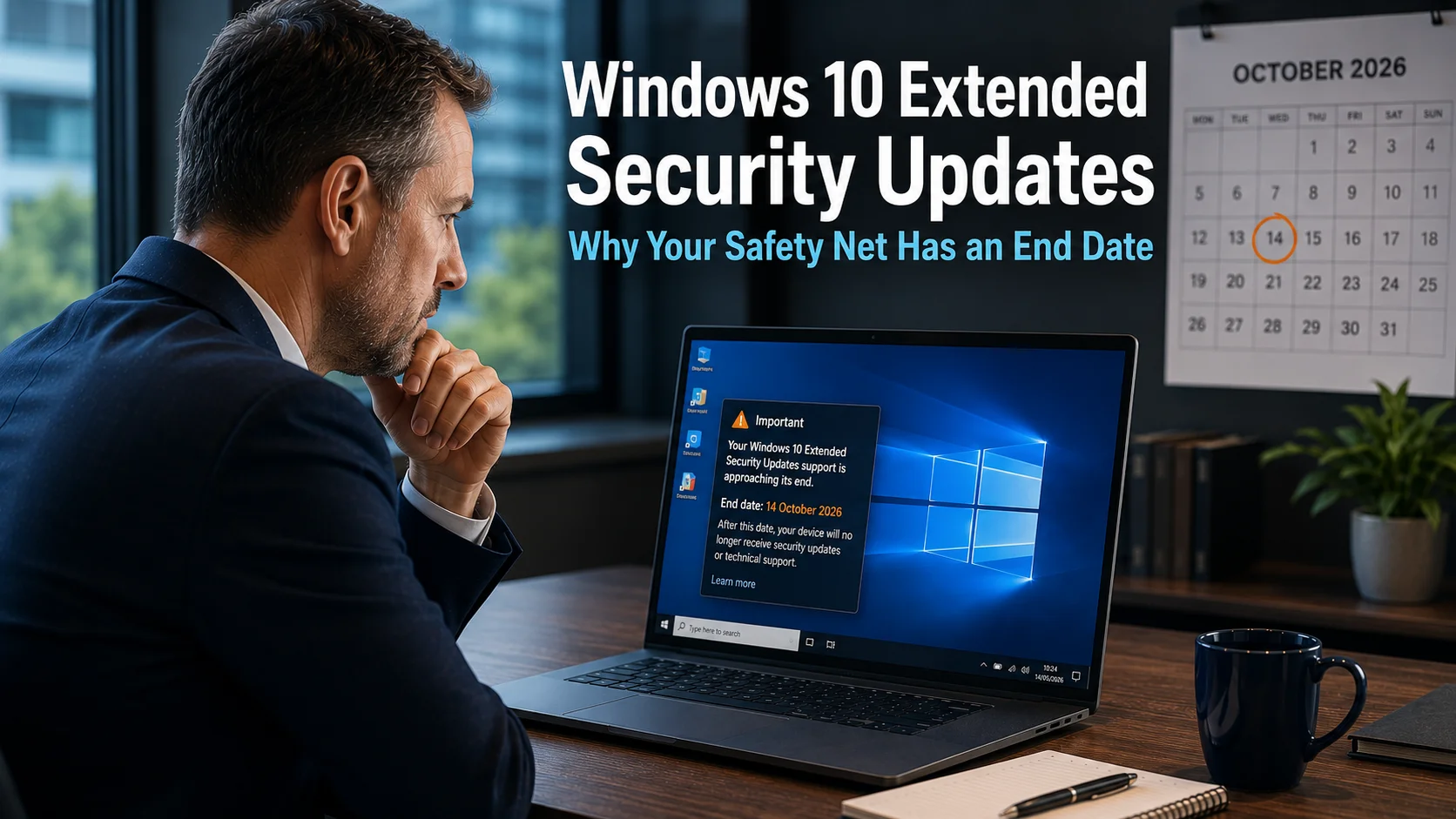
Windows 10 Extended Security Updates: Why Your Safety Net Has an End Date
Windows 10 Extended Security Updates gave businesses a route to carry on after free support ended in October 2025. Year 1 ended on 13 October 2026. Business ESU can be renewed to October 2028, but the price doubles every year, so it is a bridge to Windows 11, not a destination.
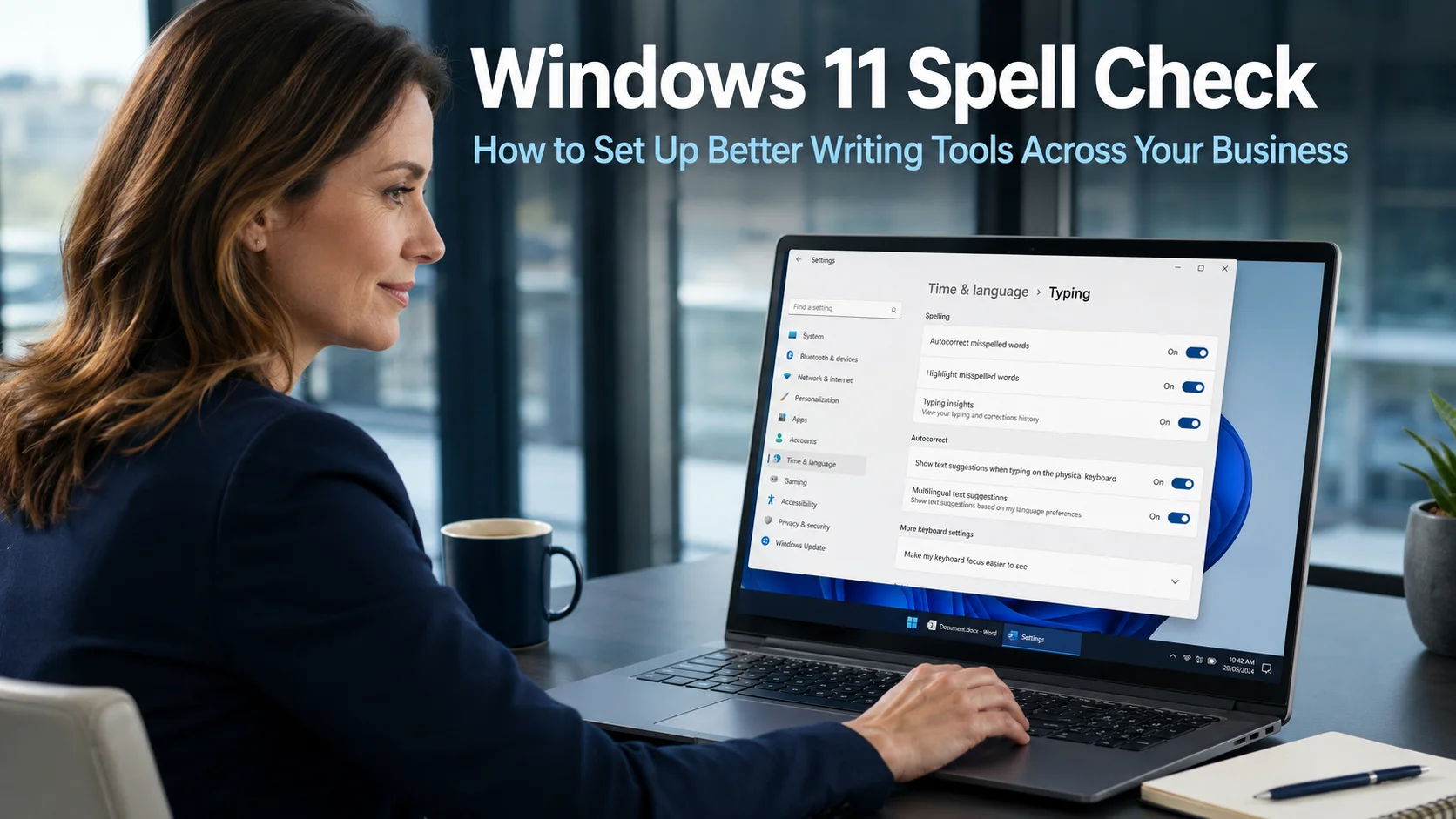
Windows 11 Spell Check: How to Set Up Better Writing Tools Across Your Business
Windows 11 spell check is a built-in feature that many business users do not realise exists, or have never taken the few minutes required to set up. Every day, businesses send emails, reports, proposals, and messages to clients and partners. A typo or spelling mistake in client-facing communication creates an impression of carelessness that is…
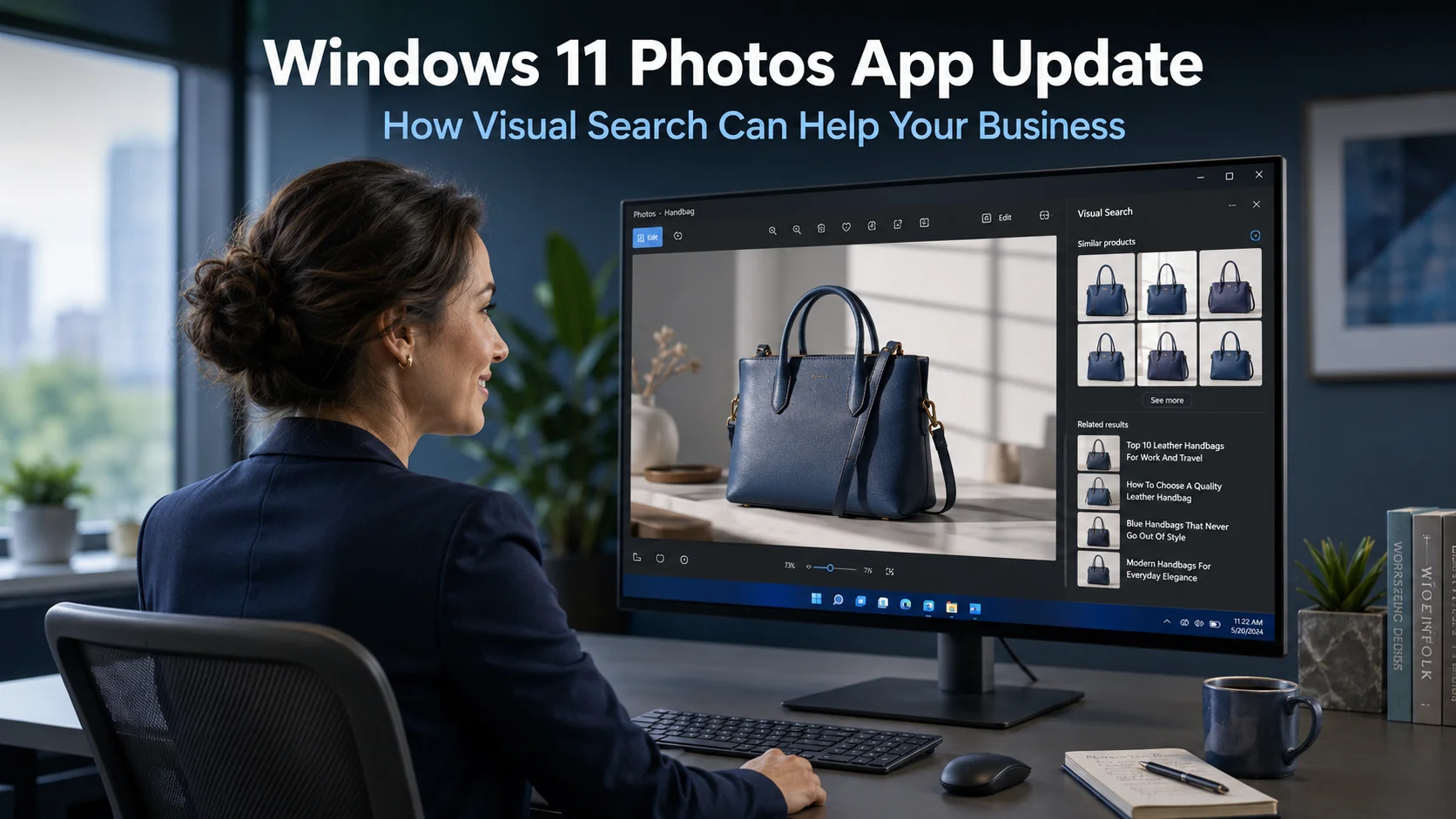
Windows 11 Photos App Update: How Visual Search Can Help Your Business
The Windows 11 Photos app update is adding a capability that most business users would not have expected from what many consider a basic image viewer. Visual Search with Bing brings reverse image search directly into the Photos app, allowing anyone with a Windows 11 device to search the web using an image rather than…
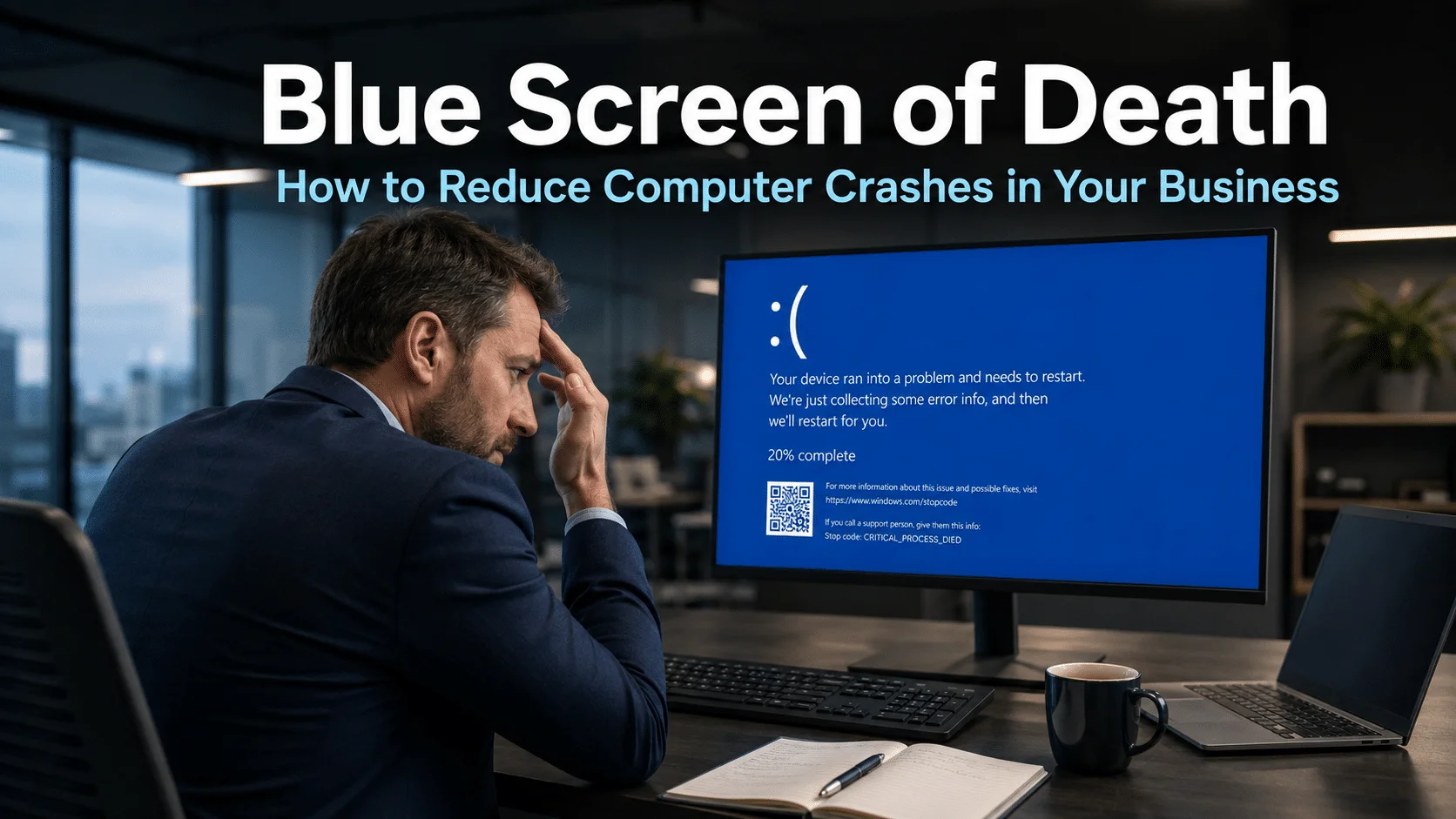
Blue Screen of Death: How to Reduce Computer Crashes in Your Business
The Blue Screen of Death is something most computer users have encountered at least once. That sudden shift to a blue screen covered in error text, followed by a forced restart, is one of the most universally recognised signs that something has gone wrong with a computer. For individuals, it is frustrating. For businesses, it…
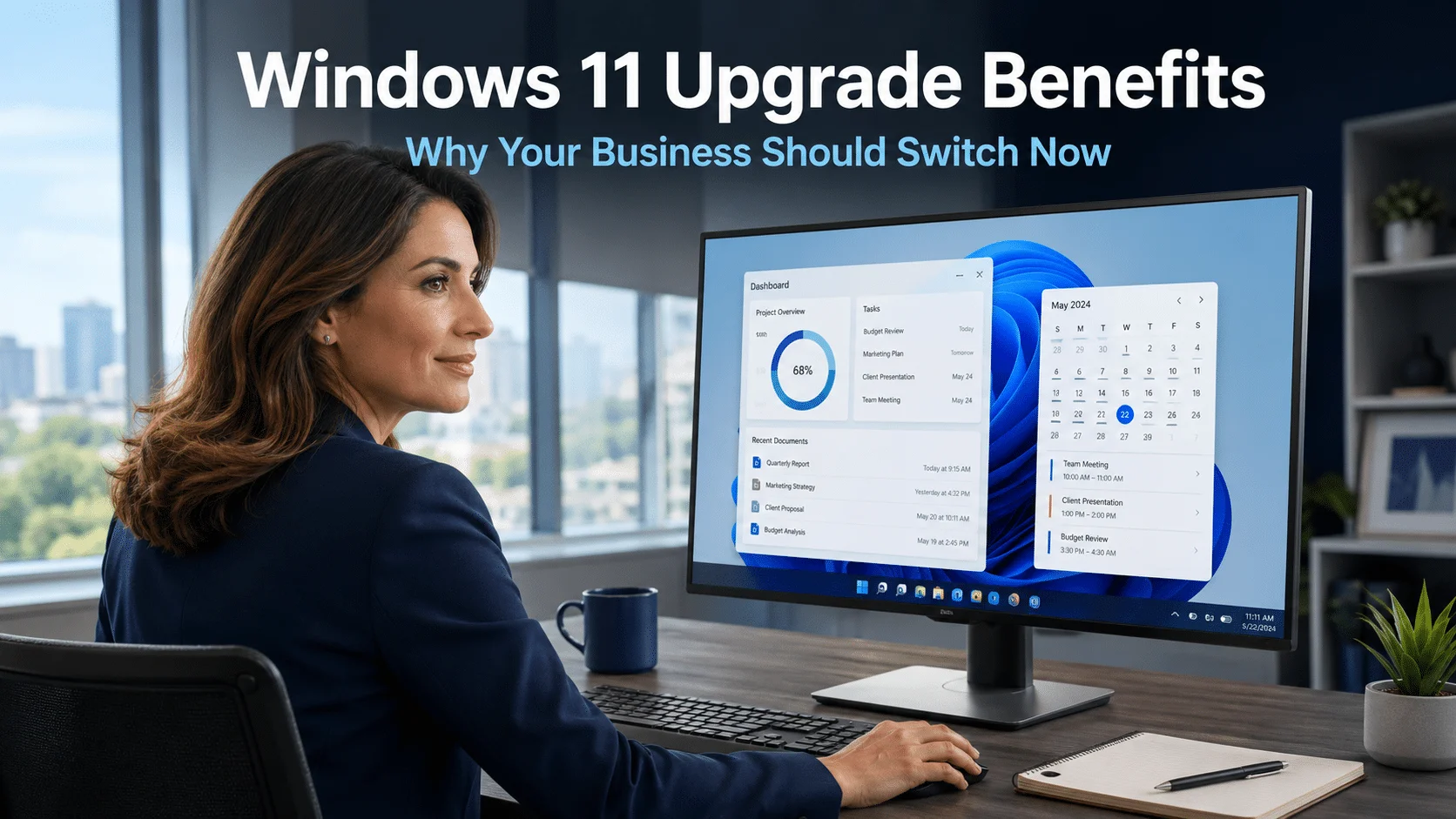
Windows 11 Upgrade Benefits: Why 88% of Businesses Are Already Ready to Switch
The Windows 11 upgrade benefits are clear, the deadline for Windows 10 support has now passed, and the majority of businesses that were still running Windows 10 were sitting on hardware that could have upgraded at no additional cost. Research of over 750,000 Windows 10 systems found that 88% of them were fully capable of…
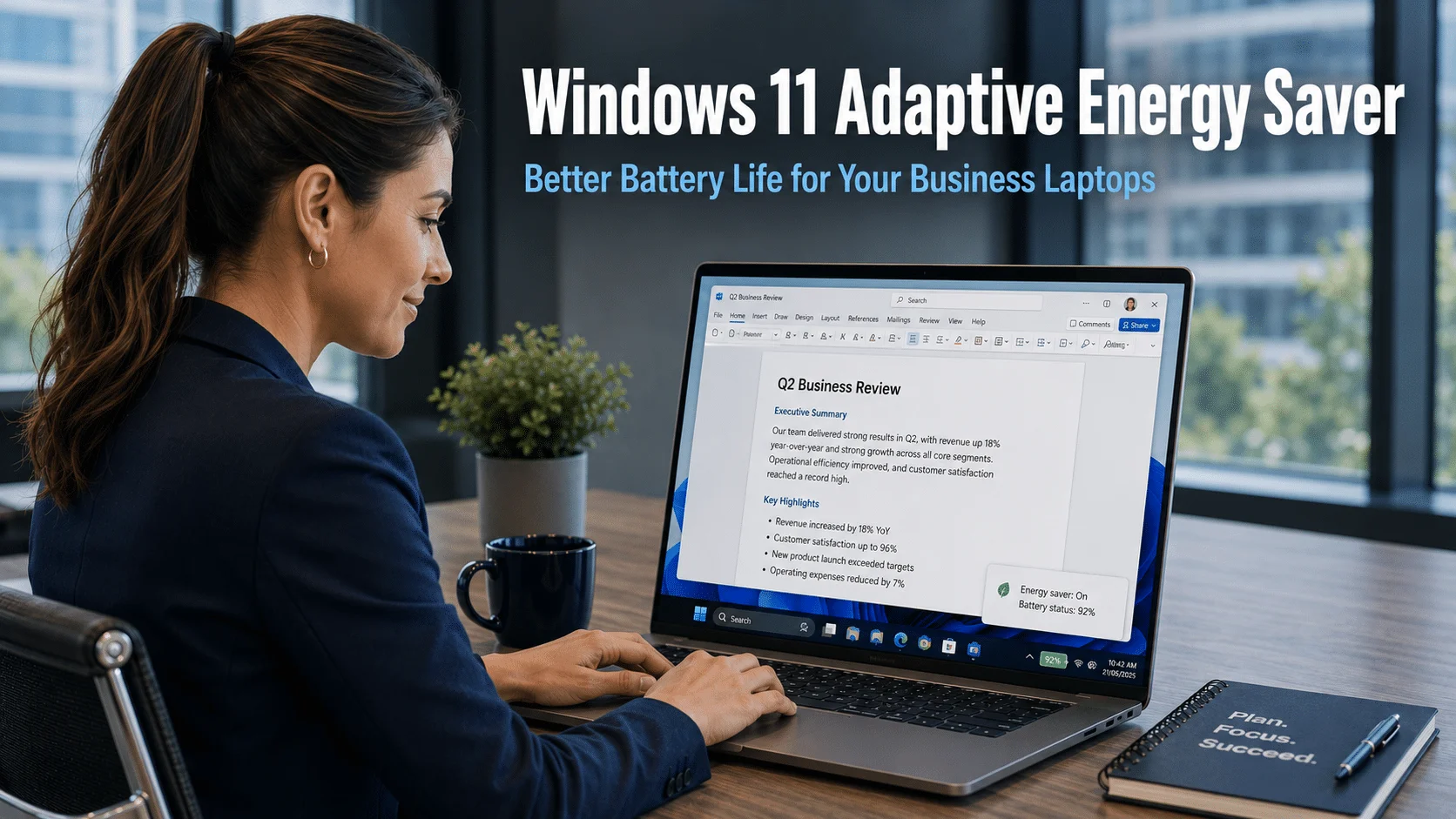
Windows 11 Adaptive Energy Saver: Better Battery Life for Your Business Laptops
Windows 11 adaptive energy saver is a new feature currently in testing that could meaningfully extend how long your team’s laptops last on a single charge. Battery life has long been one of the most practical constraints on mobile working, and any improvement that allows staff to work longer between charges, without changing how their…
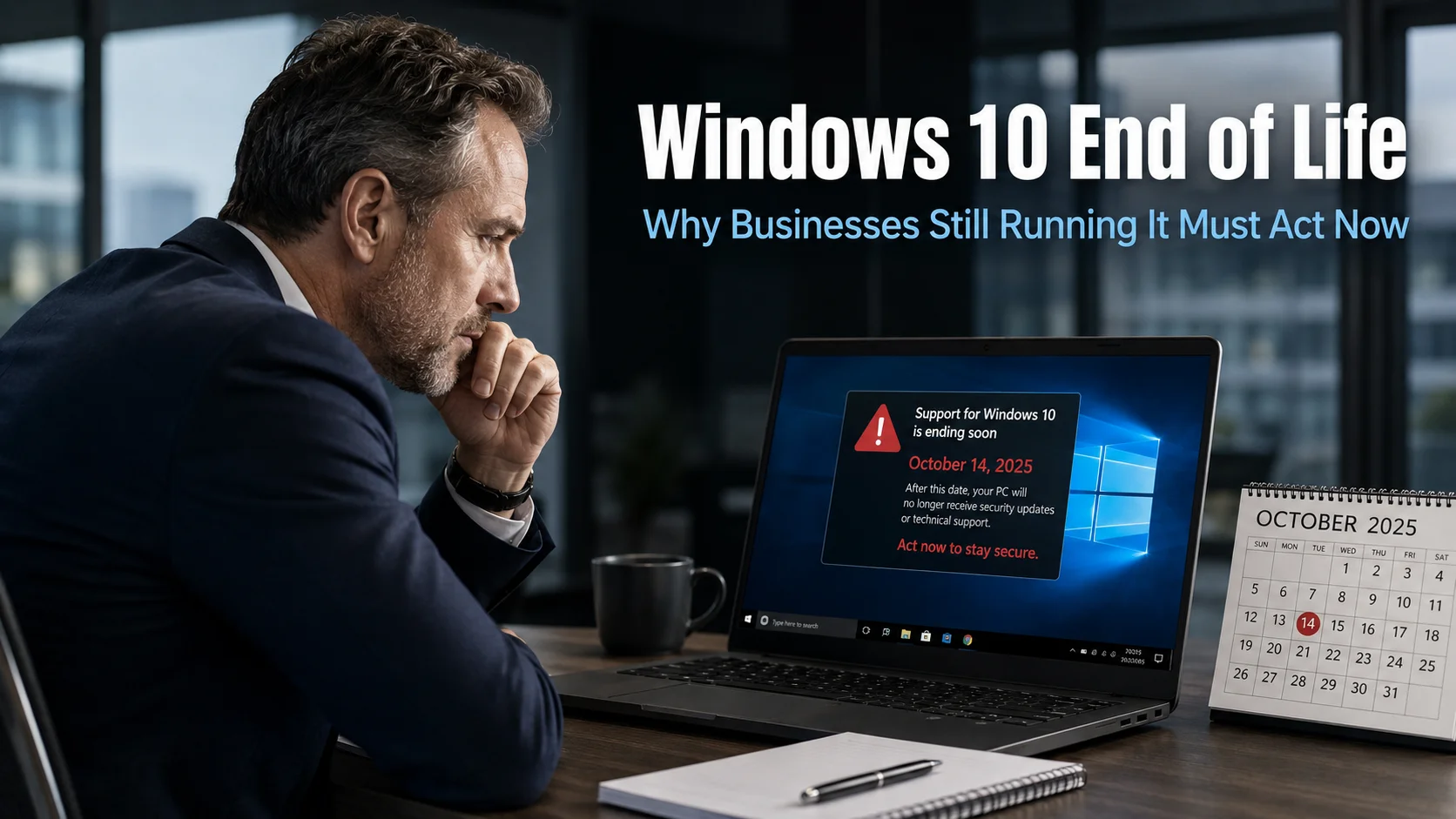
Windows 10 End of Life: Why Businesses Still Running It Must Act Now
Windows 10 end of life arrives on 14th October 2025. After that date, Microsoft will stop issuing free security updates, bug fixes, and technical support for the operating system. If your business is still running Windows 10 on some or all of its devices, the time available to act properly is now extremely short. The…
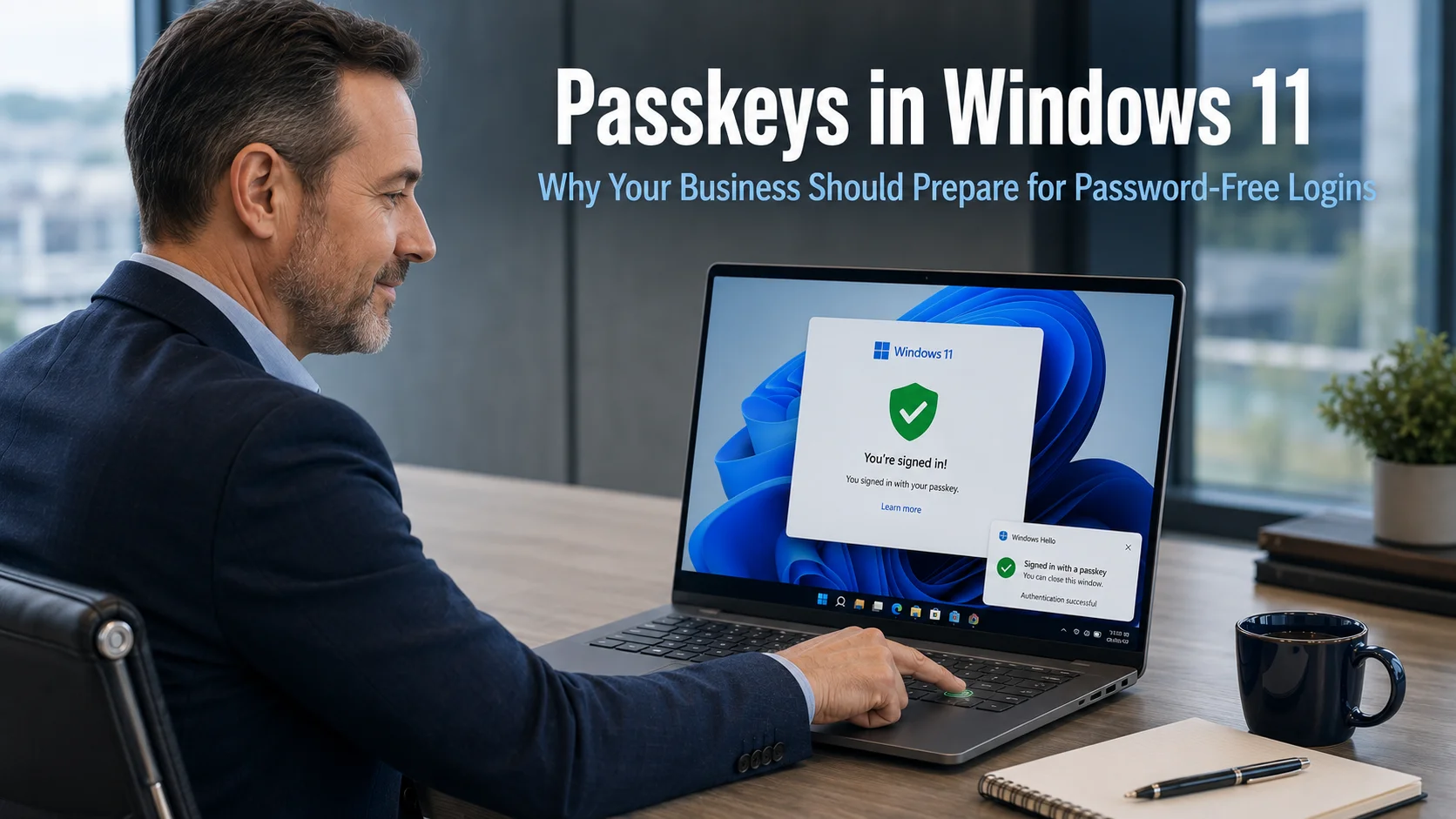
Passkeys in Windows 11: Why Your Business Should Prepare for Password-Free Logins
Passkeys in Windows 11 are about to become significantly easier to use, and the implications for business security are worth understanding now rather than after the change has arrived. Microsoft is rolling out improvements that make passkeys more accessible, better integrated with existing password management tools, and clearer to set up and manage. At the…
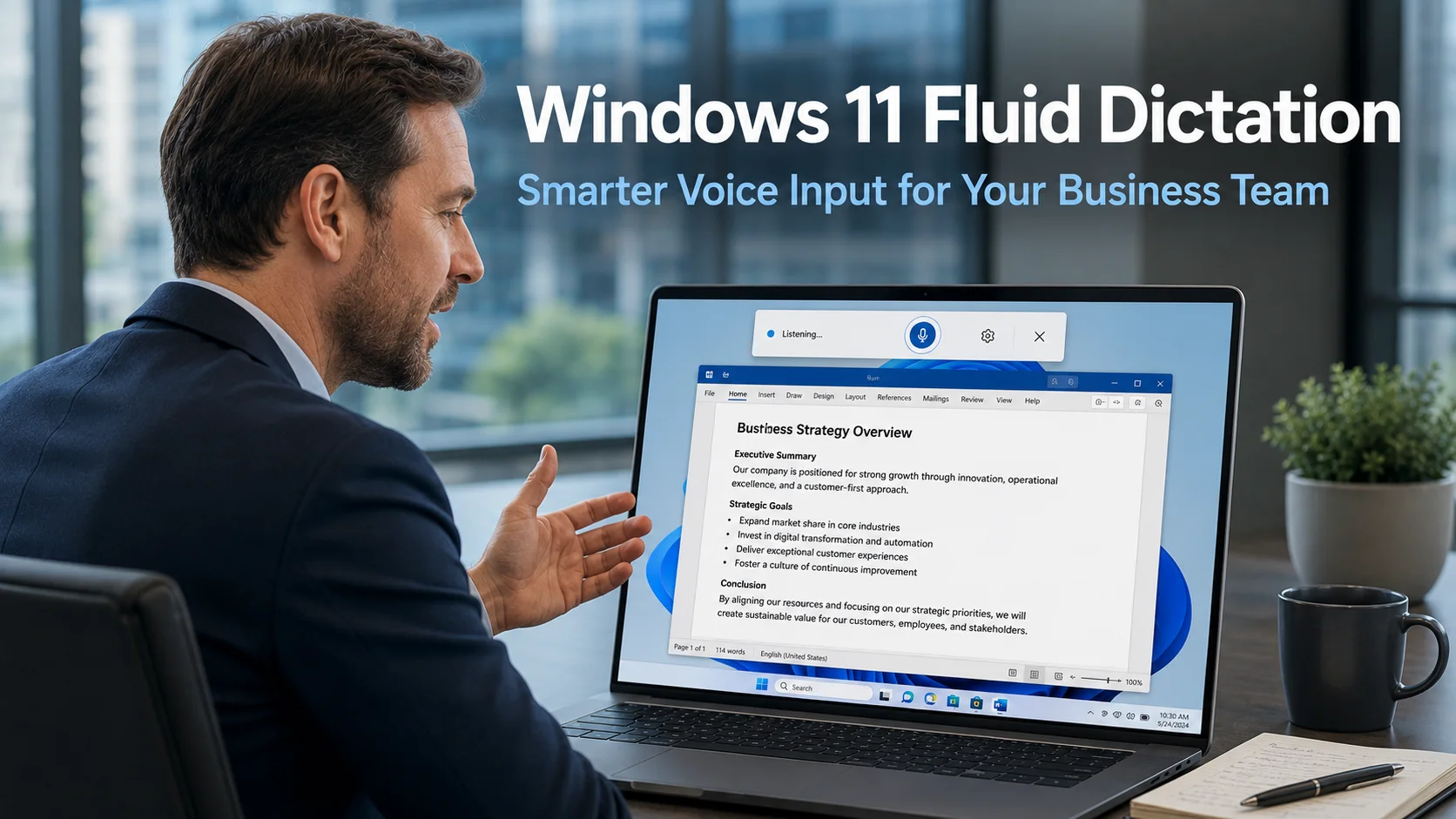
Windows 11 Fluid Dictation: Smarter Voice Input for Your Business Team
Windows 11 Fluid Dictation is a new AI-powered feature rolling out for Windows 11 that addresses one of the most common frustrations with voice dictation tools. Anyone who has used dictation to capture notes, draft emails, or write reports will know the problem: what comes out rarely matches what you intended. Filler words appear in…
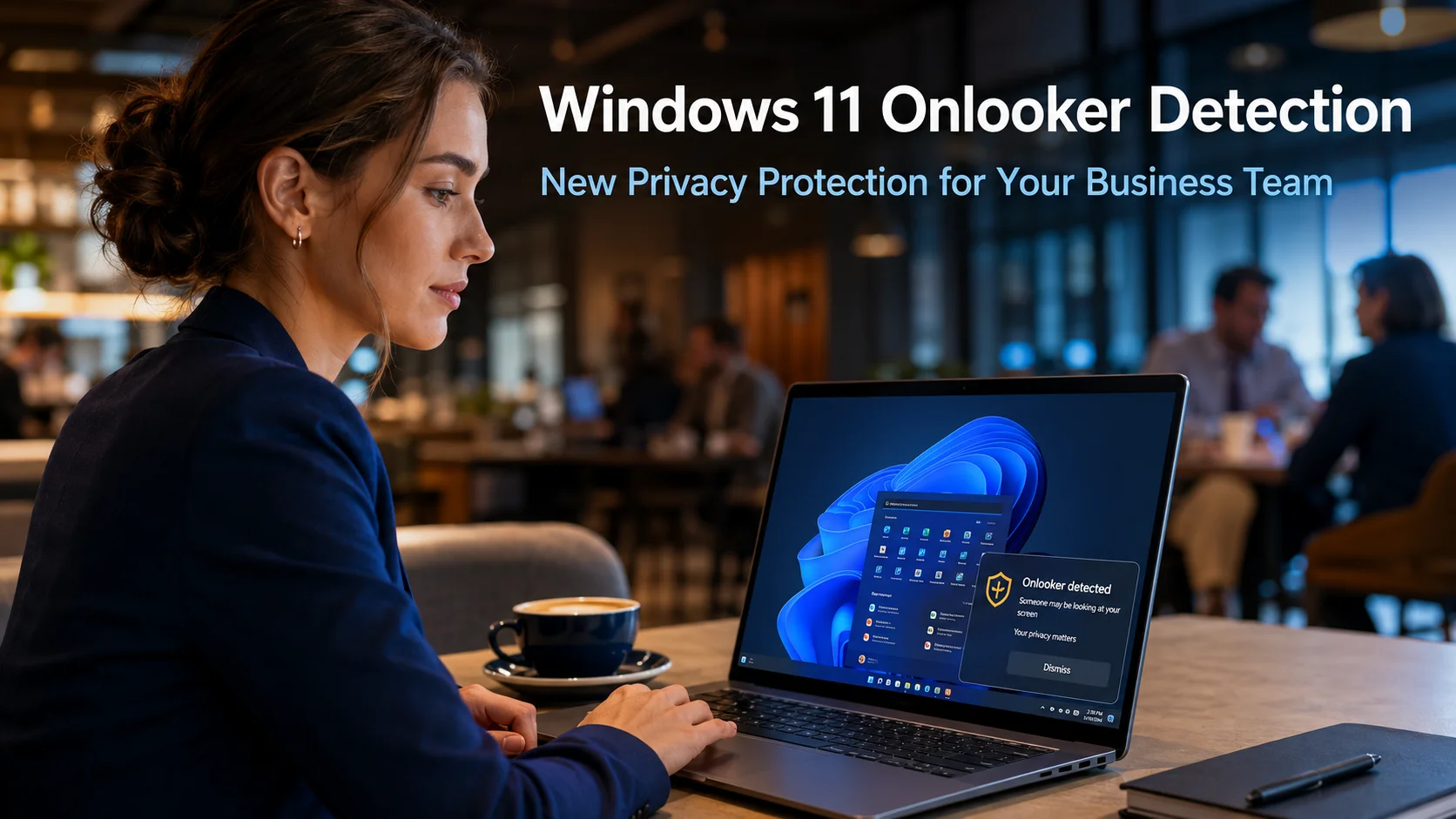
Windows 11 Onlooker Detection: New Privacy Protection for Your Business Team
Windows 11 Onlooker Detection is a new privacy feature currently in development at Microsoft that aims to protect business users from a risk most people experience but rarely think of as a security concern. Whether working in a café, on a train, or in a shared office space, having someone glance at your screen without…
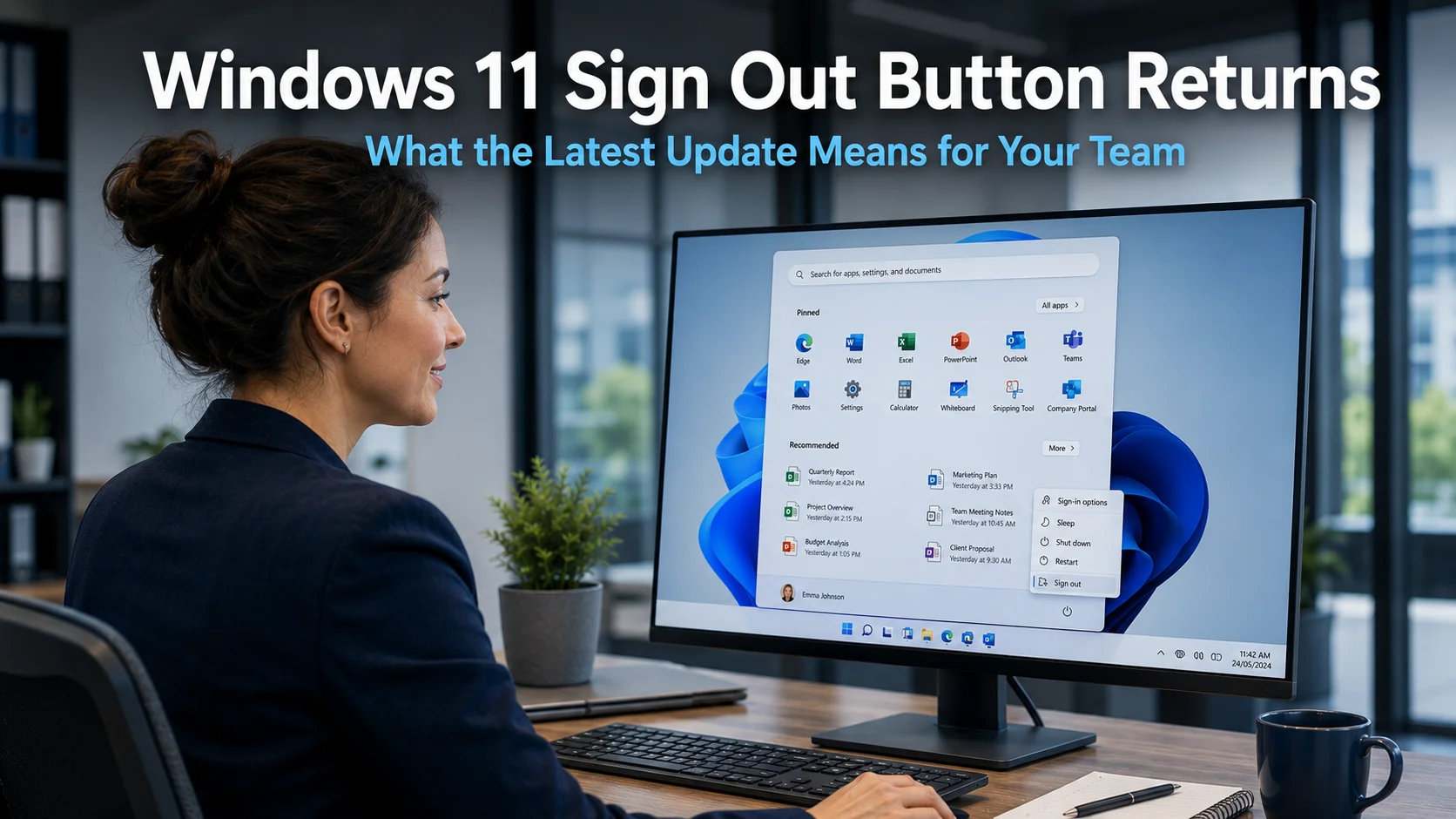
Windows 11 Sign Out Button Returns: What the Latest Update Means for Your Team
The Windows 11 sign out button has been a source of frustration for many business users over recent months. Microsoft made changes to the Start menu that moved the sign out option behind an additional click, leaving teams confused and slowing down a task most people do without thinking. Microsoft has now listened to that…
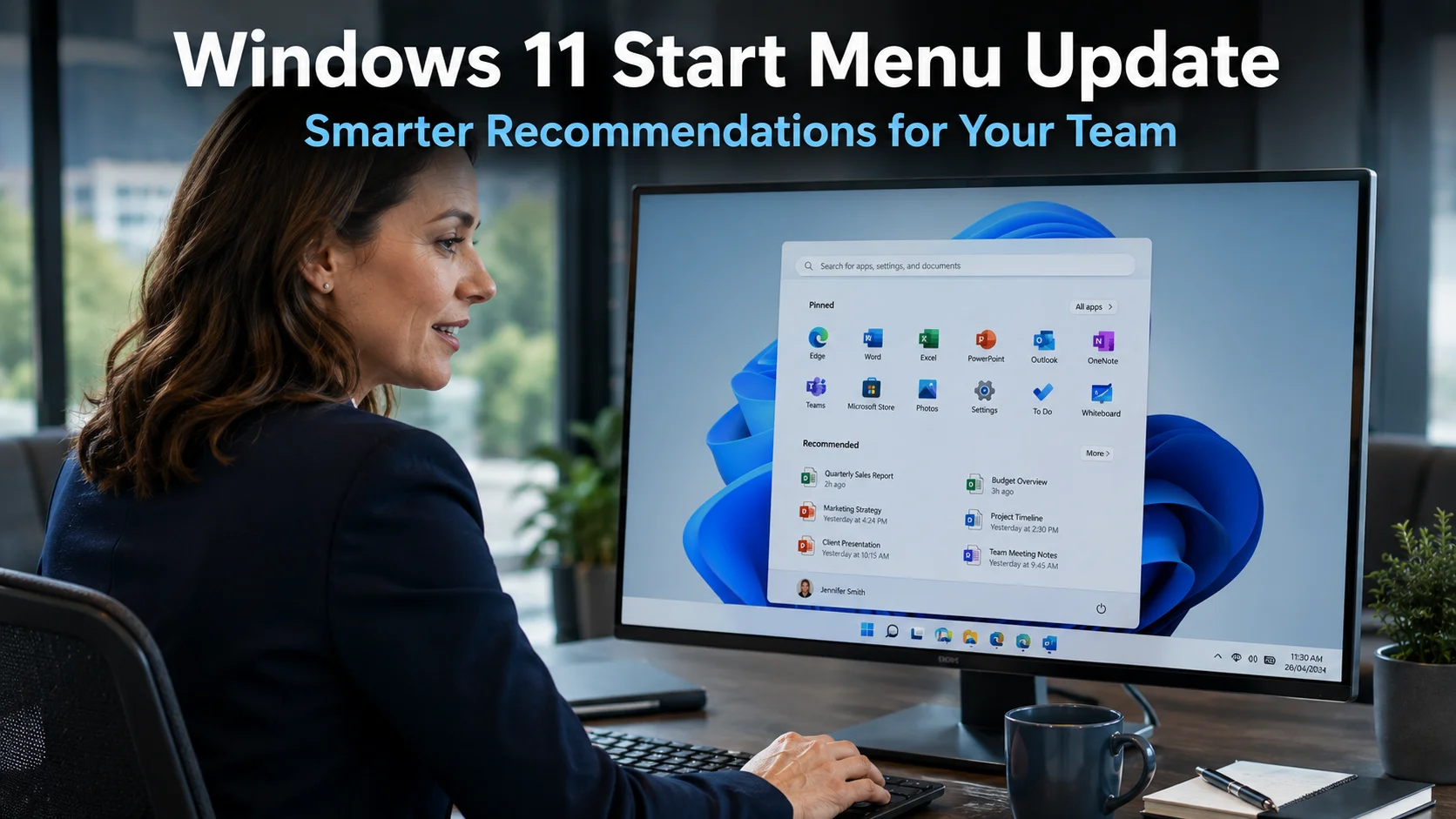
Windows 11 Start Menu Update: Smarter Recommendations for Your Team
The Windows 11 Start menu update addresses something that has frustrated many business users since the operating system launched. The Recommendations section, which sits in the lower portion of the Start menu, was designed to save time by surfacing the files, apps, and sites you need most. For many teams, however, it has delivered suggestions…
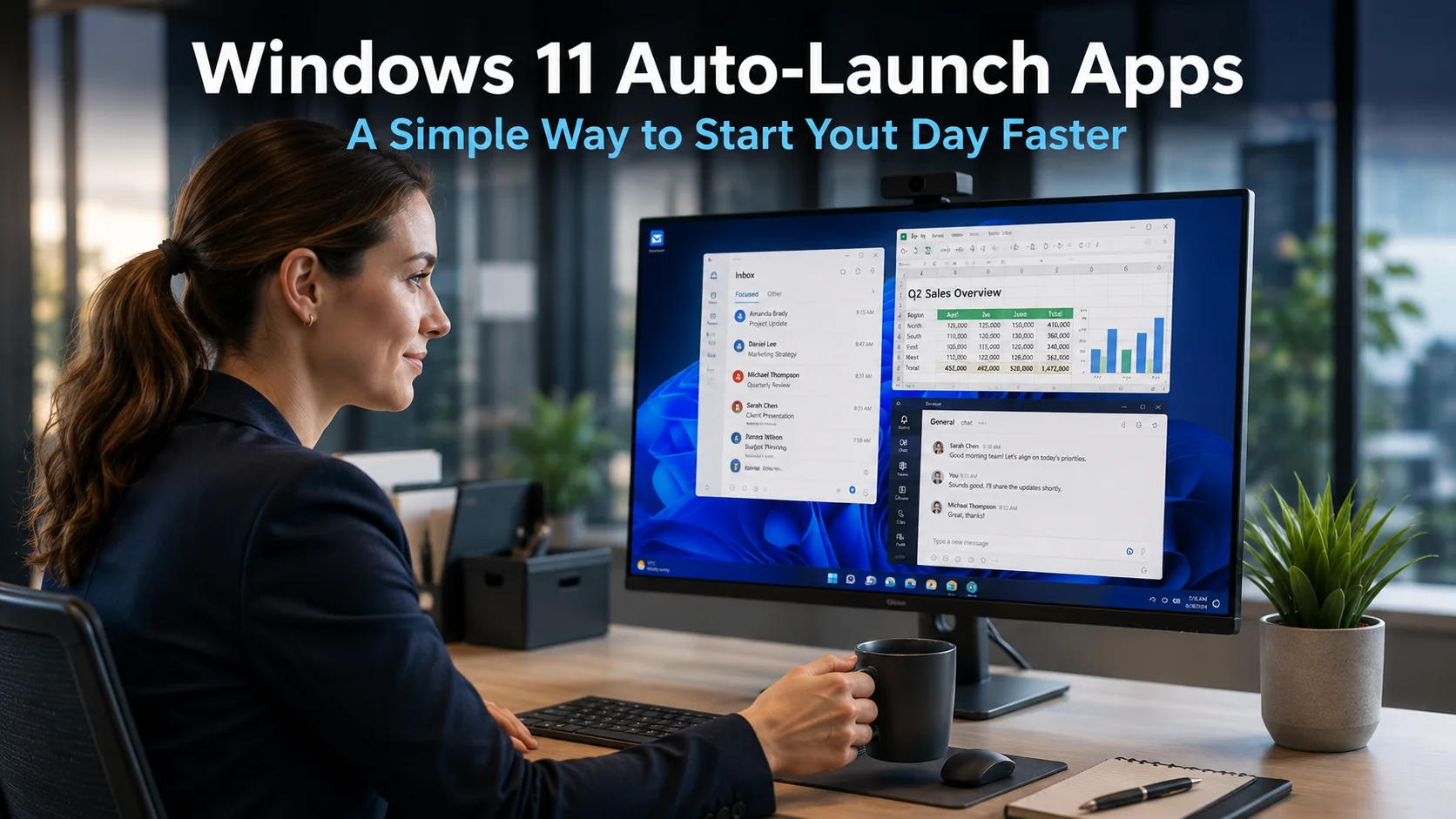
Windows 11 Auto-Launch Apps: A Simple Way to Start Your Day Faster
Every working day starts with the same ritual. You turn on your computer, wait for it to boot up, then open your email, your calendar, your project management tool, and whatever else you need before you can actually begin. It adds up. Windows 11 auto-launch apps is a built-in feature that eliminates this step entirely,…
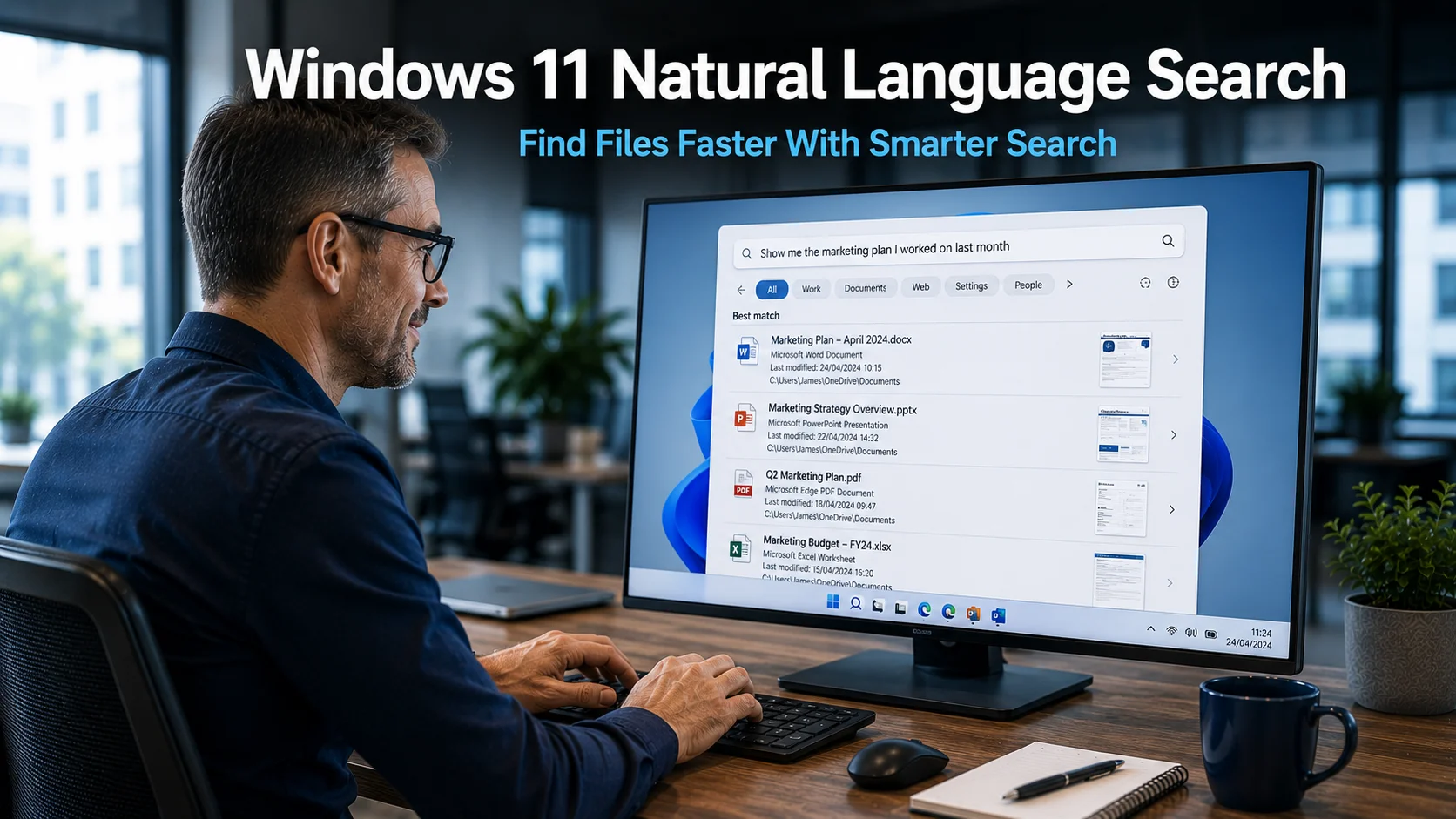
Windows 11 Natural Language Search: Find Files Faster With Smarter Search
Windows 11 natural language search is coming, and for businesses that spend any amount of time hunting for files across shared drives and project folders, it represents a genuinely useful step forward. Microsoft is introducing the ability to search for files using plain, conversational descriptions rather than needing to remember an exact file name. The…
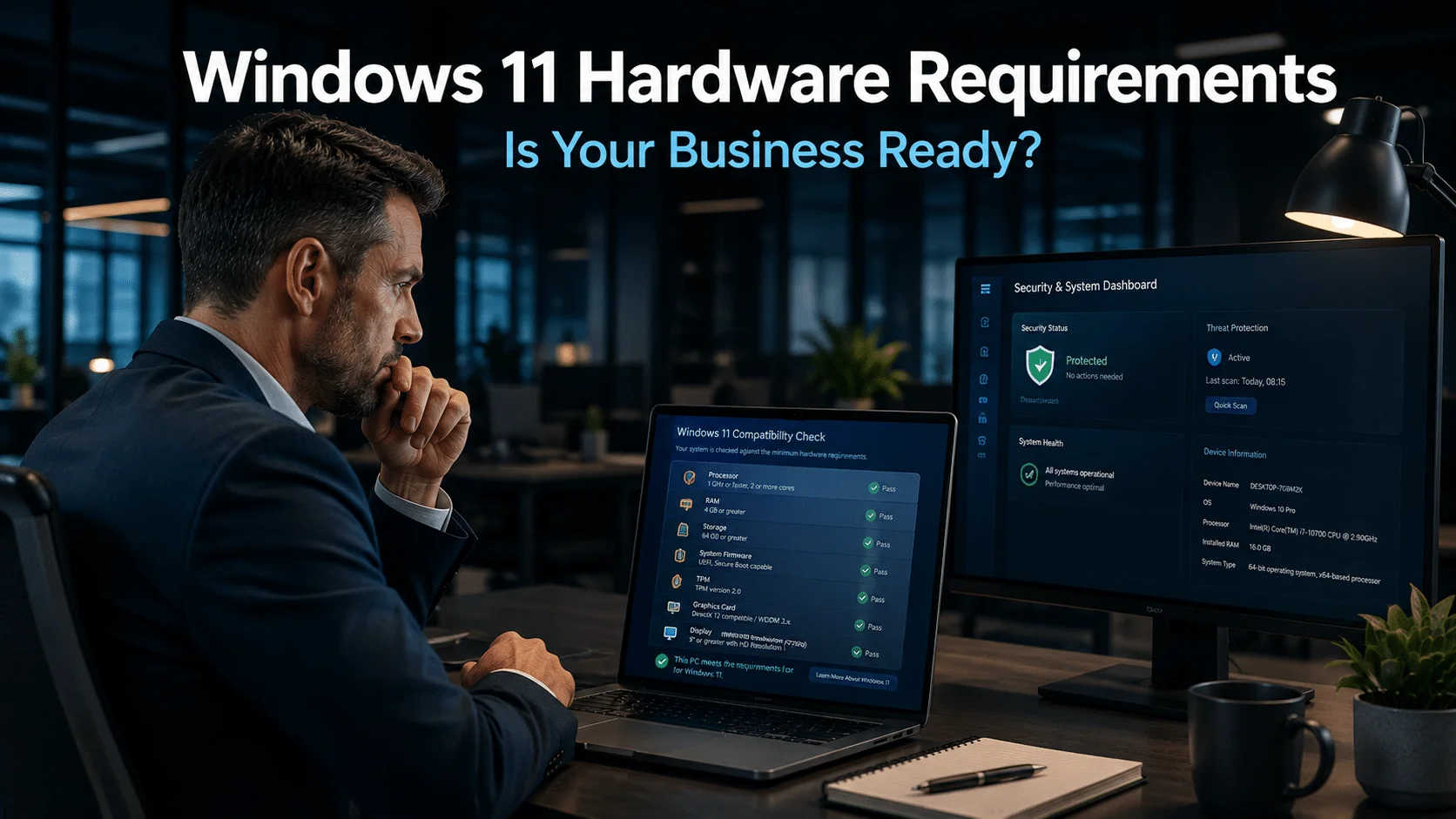
Windows 11 Hardware Requirements: What Your Business Needs to Know
Windows 10 support ends in October 2025, and many businesses face a critical decision about upgrading. However, upgrading to Windows 11 is not simply a software switch. Your devices must meet specific hardware requirements to stay secure, supported, and running smoothly. This article explains what those requirements mean for your business and why they matter.
Windows 11 Improvements That Make a Real Difference for Your Business
Microsoft is shifting its focus with Windows 11 — moving away from adding new features and concentrating instead on fixing what frustrates people most. From calmer screens and faster File Explorer to better control over updates, these Windows 11 improvements could make a real difference to how your team works every day.
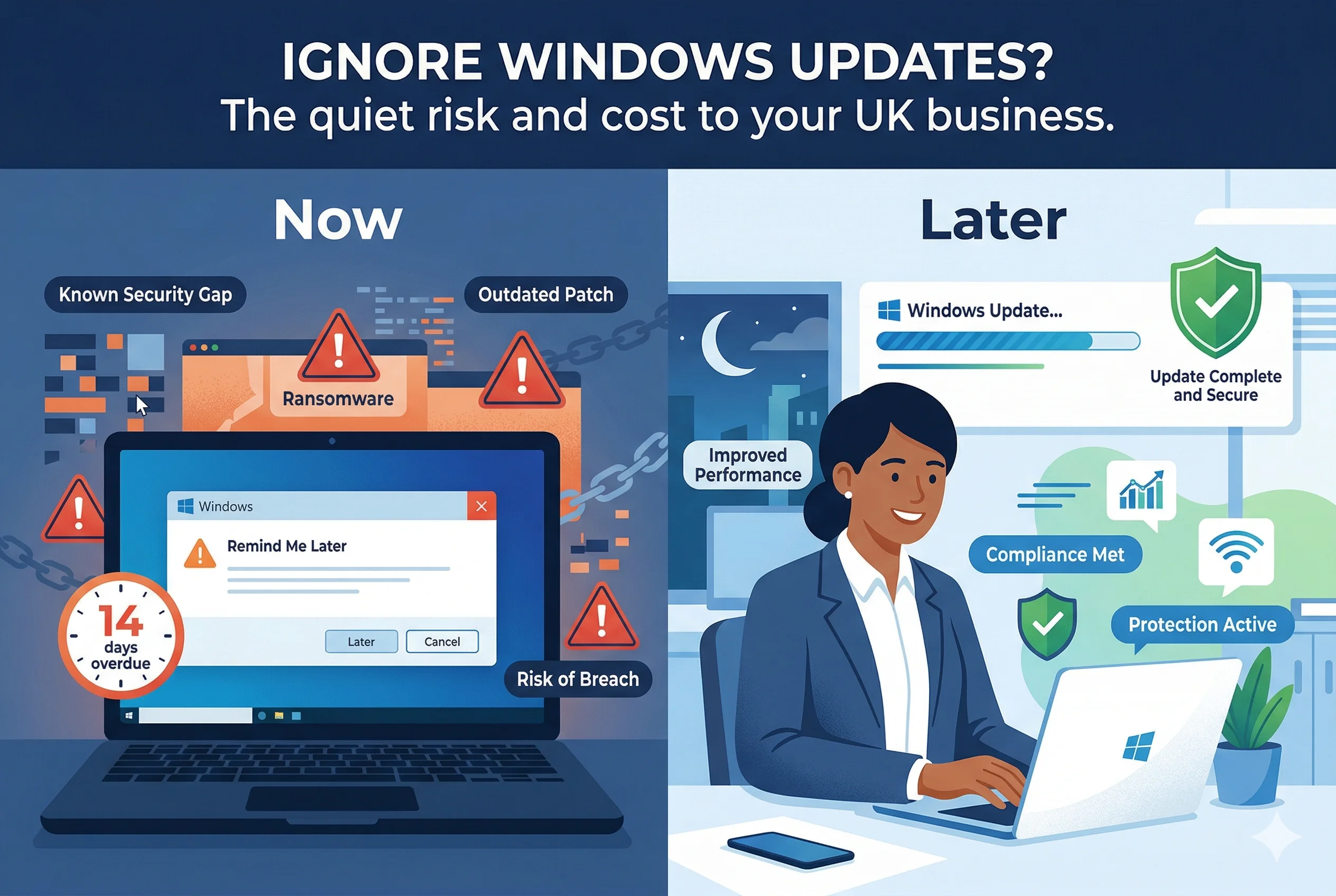
If it ain’t broke, why update Windows?
This article explains why updating Windows is essential even when everything appears to be working, the real business risks of delaying updates, and how to manage updates safely with support from My Tech Team.
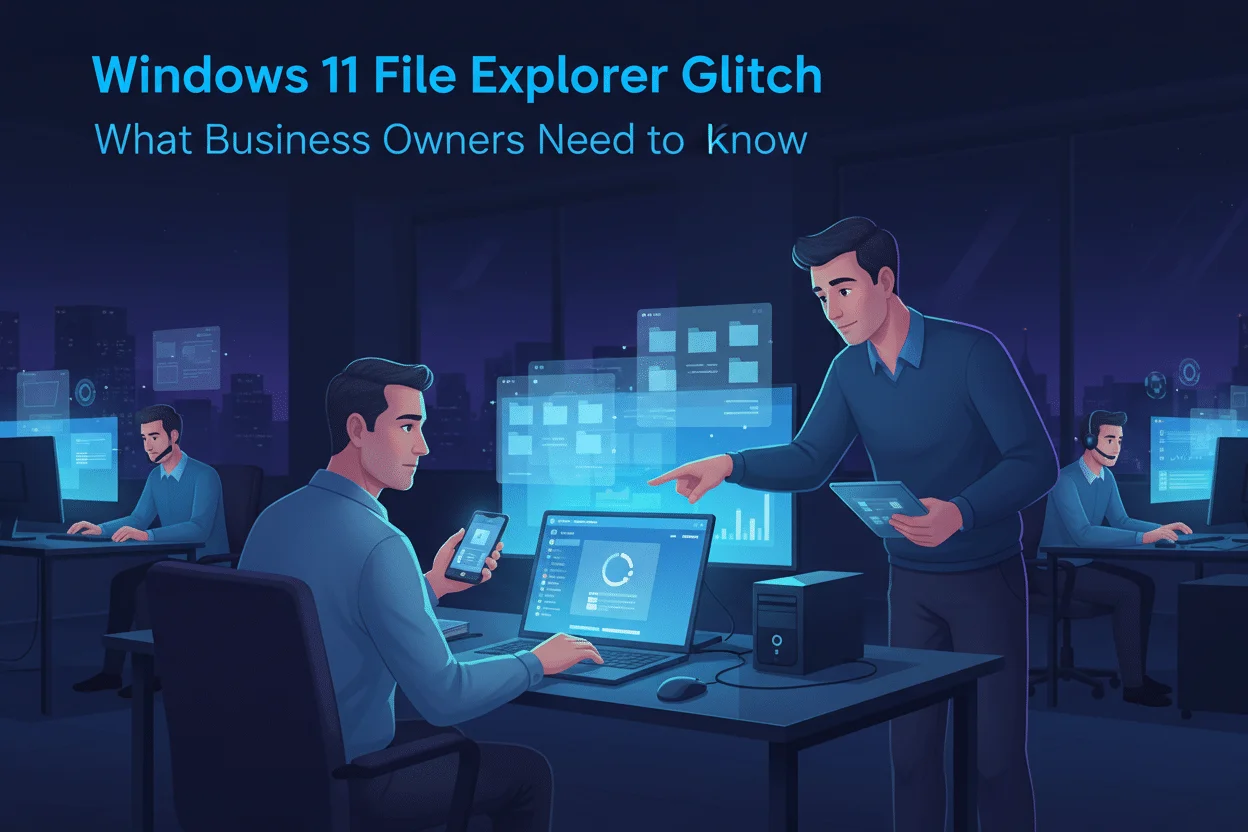
Windows 11 File Explorer glitch: what business owners need to know
Microsoft has confirmed a Windows 11 File Explorer glitch that can slow or freeze PCs. This article explains what is happening, who is affected, and practical steps UK businesses can take to stay productive and protected.
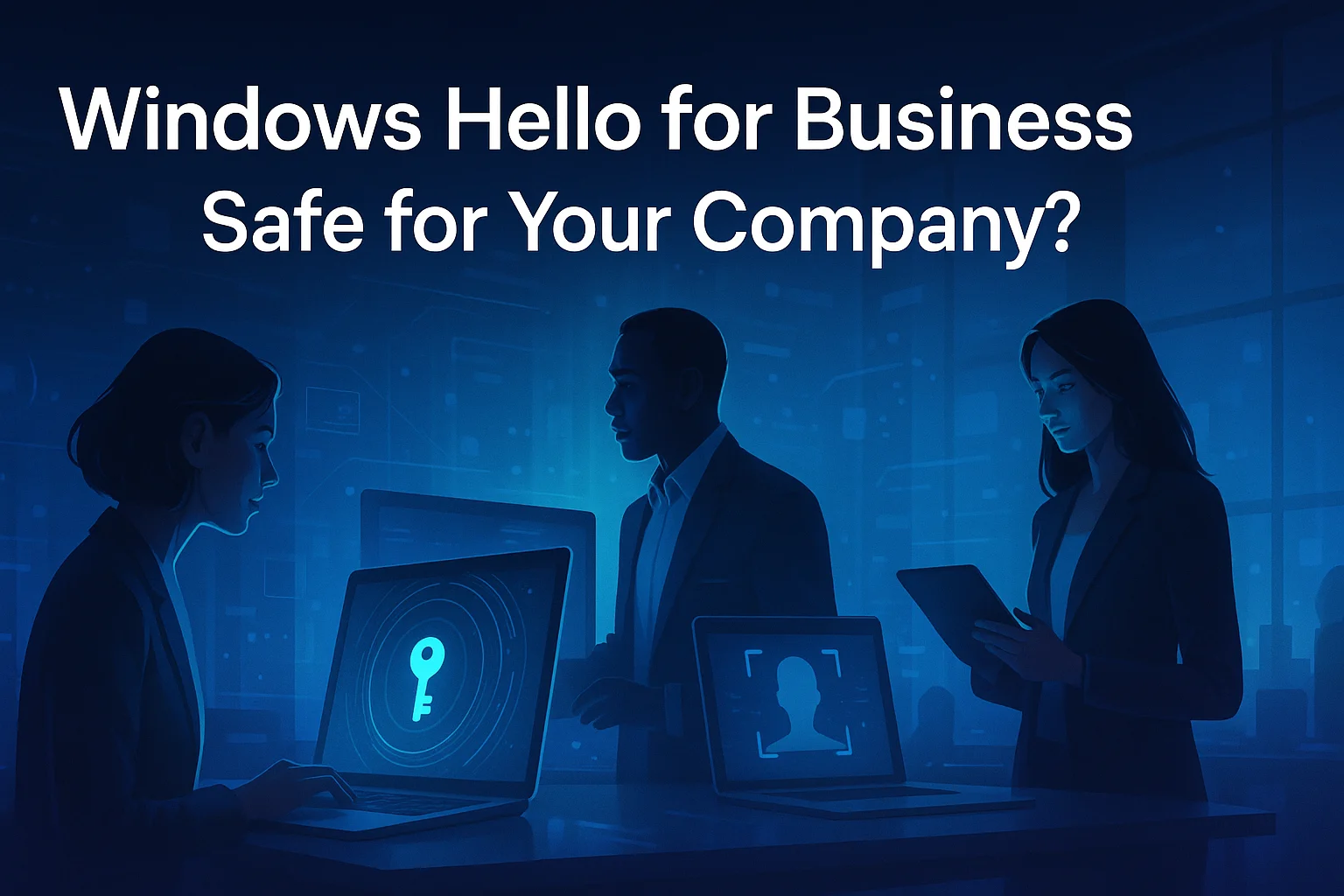
Windows Hello for Business: Is It Safe for Your Company?
This article explains what Windows Hello for Business is, how it works, and whether it is a safe and practical choice for UK companies. It covers security benefits, risks, and practical steps to roll it out securely for your staff.
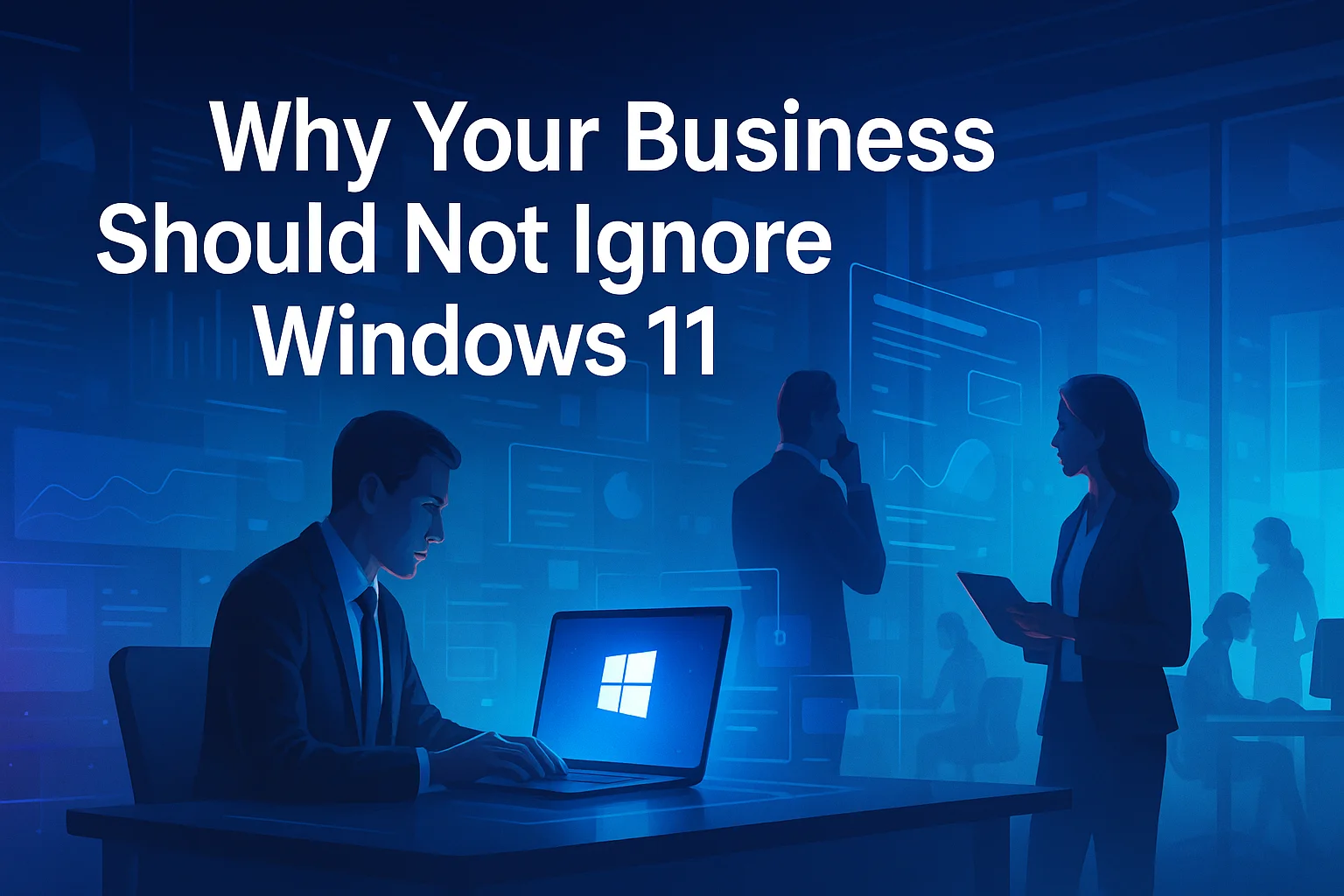
Why Your Business Should Not Ignore Windows 11
Windows 11 brings new security, management, and usability changes that UK businesses cannot afford to ignore. This article explains what Windows 11 really means for your organisation, the risks of standing still, and how to plan a smooth, low‑risk upgrade with help from My Tech Team.
Microsoft Is Making Windows Updates Faster and Less Disruptive
For many people, system updates are something they would rather avoid. They can take a while to download, use valuable bandwidth, and often appear at the most inconvenient times. If several devices in a business are updating at once, the impact can be even more noticeable. Microsoft is aiming to improve this experience with a…