Microsoft Copilot vs ChatGPT Business: Which Suits Your Team?

“Should we be using Copilot or ChatGPT?” is one of the questions we hear most from Sussex businesses at the moment. Both are AI assistants that can draft emails, summarise documents and answer questions in seconds, and both have business versions that keep your information private. So which one should your team use?
The short answer: it depends on where your work lives. This guide explains the real difference between Microsoft Copilot and ChatGPT Business, how each handles your data, what they cost and how to decide.
The key difference in one sentence
Microsoft Copilot works inside your Microsoft 365. ChatGPT Business sits alongside it.
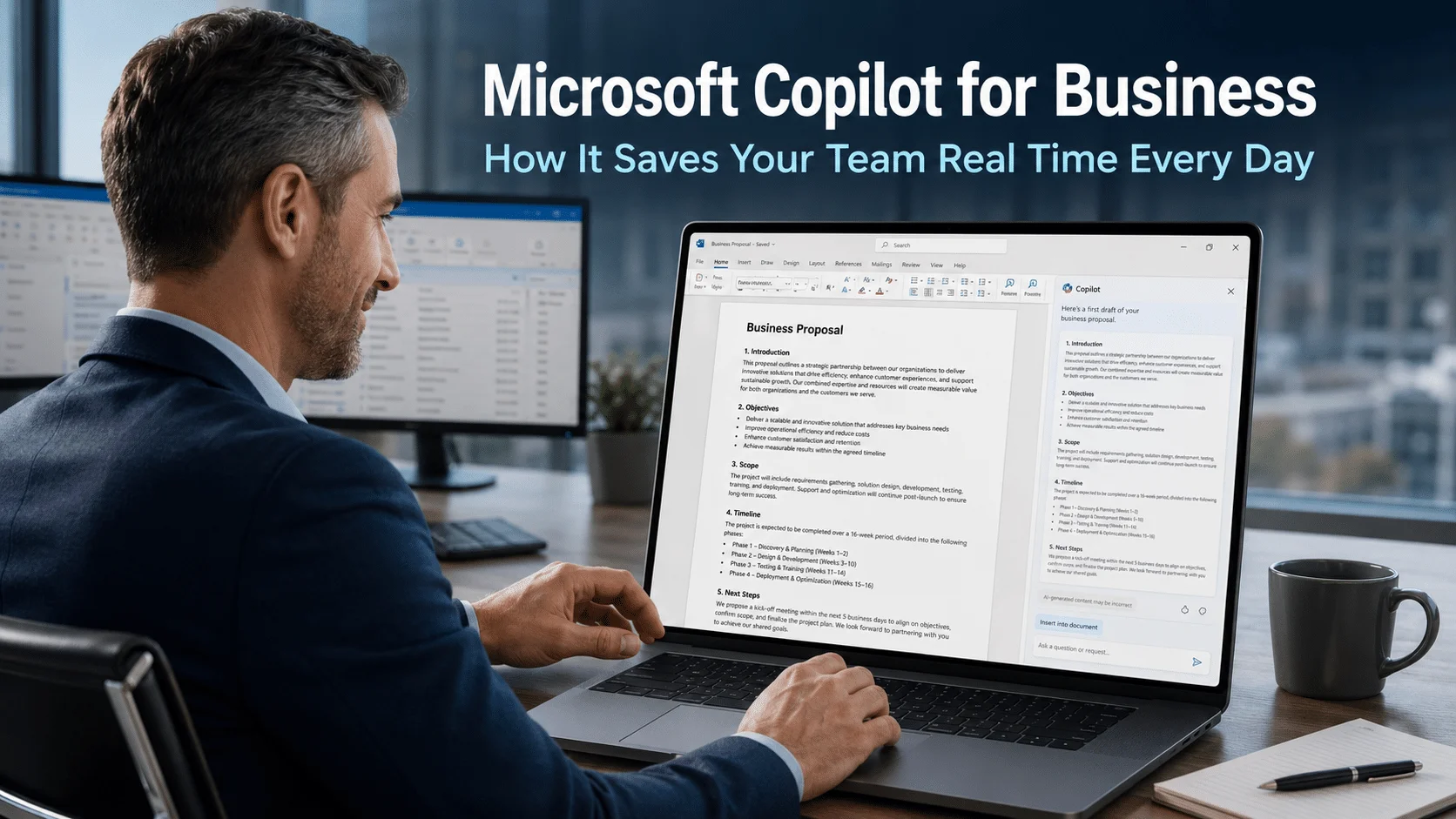
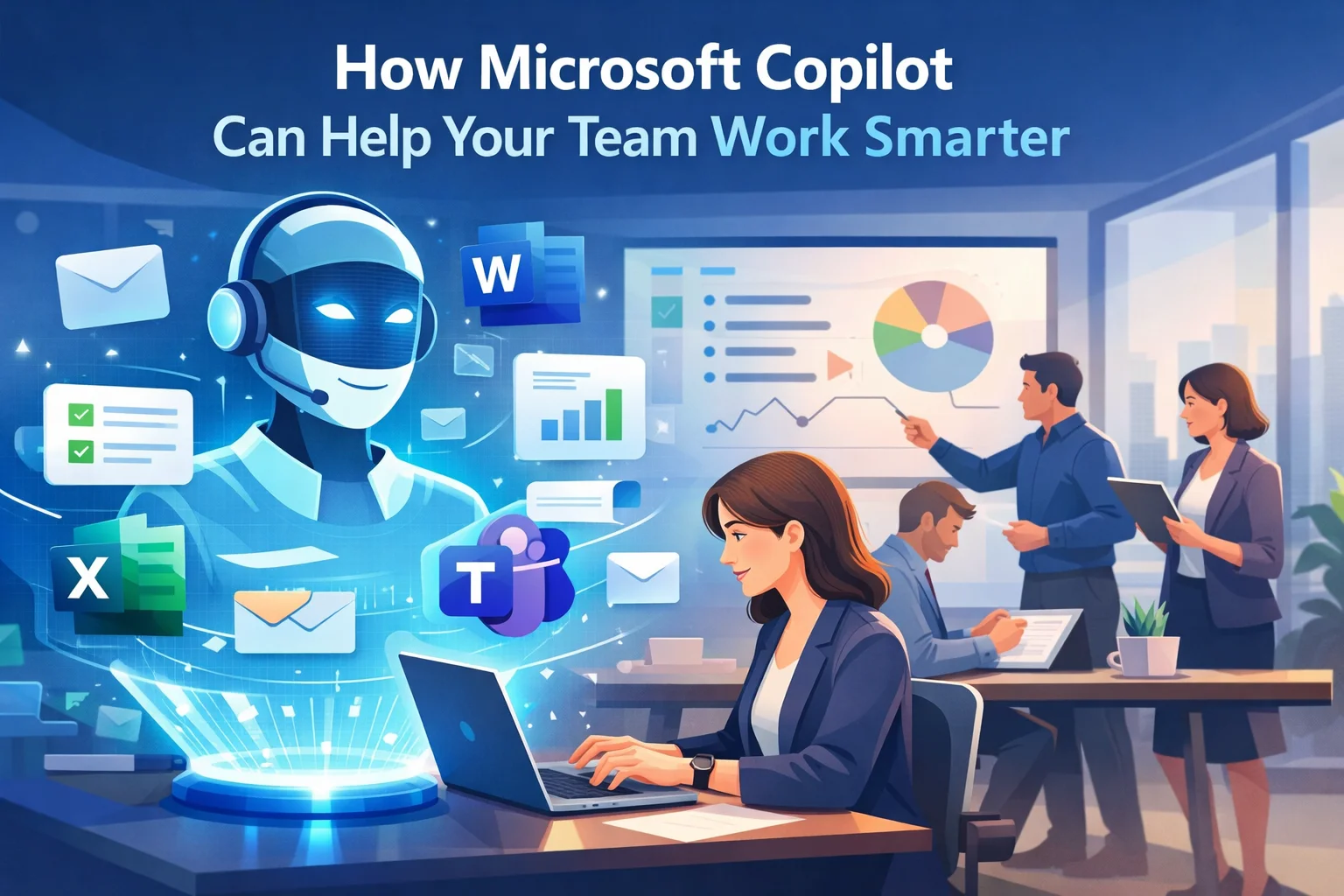
Copilot is built into Outlook, Word, Excel, PowerPoint and Teams. With the full licence, it can read your emails, meetings, chats and files (only the ones you already have permission to see) and use them in its answers.
ChatGPT Business is a separate app. It’s very good at writing, research and working through problems, but it only knows what you type in or upload, unless you connect it to other systems.
That one difference shapes almost everything else.
What Copilot is good at
If your business already runs on Microsoft 365, Copilot’s big strength is that it understands your own work:
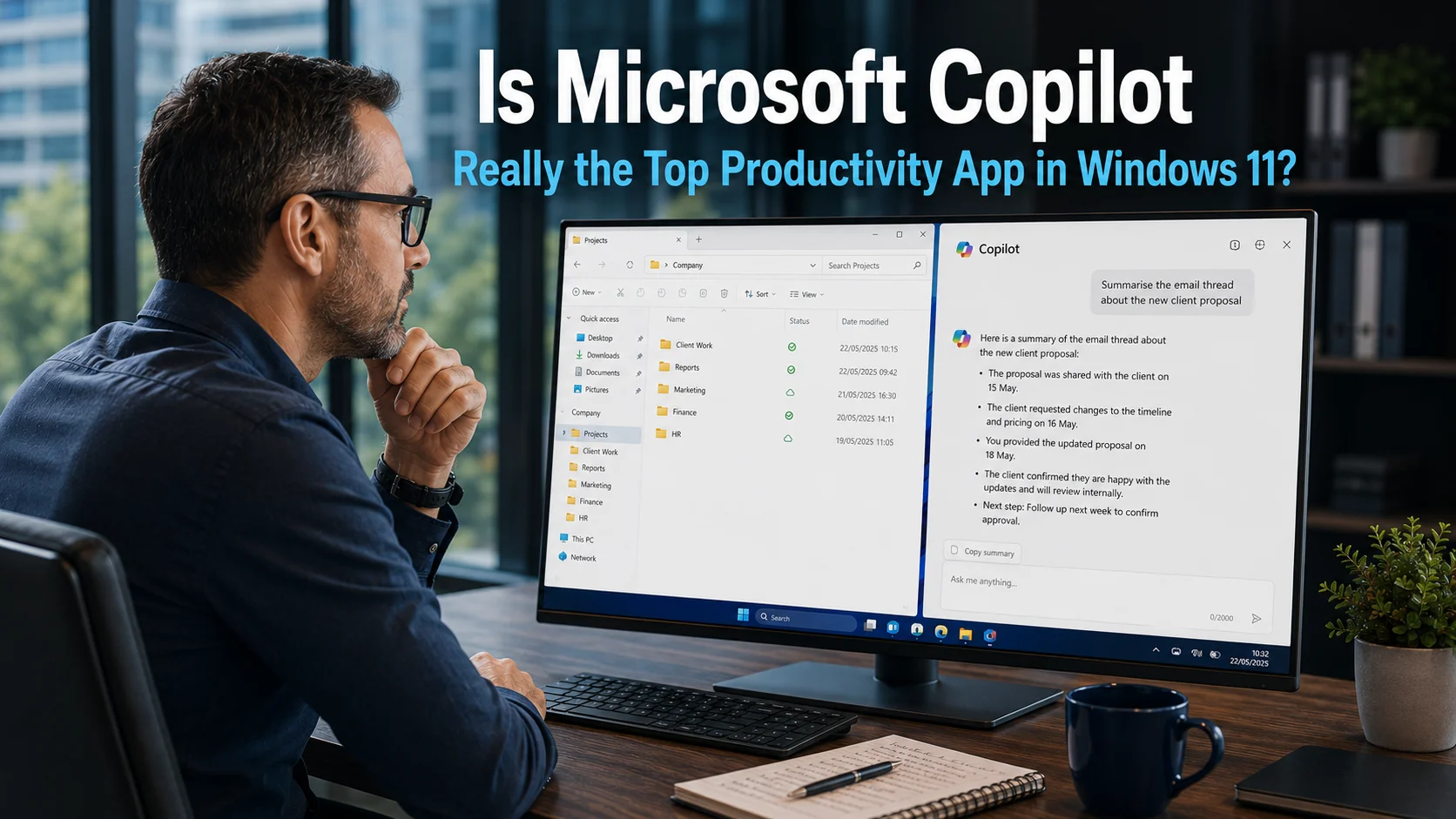
- “Summarise what I missed” in a long email thread or a Teams meeting you couldn’t attend.
- Drafting a reply in Outlook that draws on earlier messages in the conversation.
- Turning a Word document into a PowerPoint presentation, or pulling key figures out of an Excel sheet.
- Finding things: “Where’s the latest version of the supplier contract?” across your files and emails.
It also respects your existing permissions. If someone can’t open a file normally, Copilot won’t show it to them. That’s also why it pays to tidy up who can see what before you switch it on, because Copilot will happily find a file that was shared too widely years ago.
Which Copilot? Chat, or the full version
“Copilot” covers two quite different things, which causes a lot of confusion:
- Copilot Chat is included with every Microsoft 365 business plan at no extra cost. It’s a secure AI chat that can search the web and work with files you upload, and it doesn’t use your business data to train Microsoft’s AI. What it can’t do is reach into your emails, meetings, chats and files on its own.
- Microsoft 365 Copilot (for small businesses, called Copilot Business) is the full version described above: built into Word, Excel, PowerPoint, Outlook and Teams, and able to use your own work information.
Since July 2026, Microsoft has sold Business Standard with Copilot and Business Premium with Copilot, which include the full Copilot Business. So if you’ve recently bought or renewed one of those plans, your team may already have the full version. If you’re on Business Basic, or an older plan without Copilot, you have Copilot Chat only.
What ChatGPT Business is good at
ChatGPT Business (it used to be called ChatGPT Team) is strong where the work doesn’t depend on your Microsoft 365 data:
- Writing and rewriting: marketing copy, proposals, policies, job adverts.
- Thinking things through: “Help me plan a price rise and how to explain it to customers.”
- Research and analysis: working through a spreadsheet you upload, or comparing options.
- Custom assistants: you can set up assistants for repeat jobs, such as one that writes in your house style.
Many people also find it quicker to pick up, because they’ve already used the free version at home.
How each handles your business data
This is the part that matters most, and the good news is that both business versions are built for it.
- ChatGPT Business: OpenAI says it does not train its models on business customers’ data, and your conversations are kept separate from the public version.
- Microsoft Copilot (Copilot Chat and the full licence): covered by Microsoft’s enterprise data protection, the same commitments that apply to your email and files in Microsoft 365. Your prompts and answers aren’t used to train the underlying AI.
The real risk isn’t either business product. It’s staff pasting customer details into a free personal account, where those protections may not apply. We’ve written more about this in unauthorised AI tools: is your team using them without you knowing? Whichever you choose, give your team an approved option and a simple rule about what can and can’t be shared.
What they cost
Microsoft’s UK prices, per user per month on an annual subscription, before VAT:
- Copilot Chat: included with every Microsoft 365 business plan.
- Business Standard with Copilot: £18.10. This is the Office apps, business email and Teams, with the full Copilot included.
- Business Premium with Copilot: £24.60. The same, plus stronger security and device management.
- Copilot Business as an add-on: if you’re staying on a plan without Copilot (such as Business Basic), it can be added for £16.10, with a first-year offer of £13.80 for subscriptions bought before the end of December 2026.
Buying a “with Copilot” plan works out much cheaper than adding Copilot on top of a plan later, so it’s worth checking at renewal time. You also don’t have to give it to everyone: you can mix plans, putting the people who’ll get most from Copilot on a “with Copilot” plan and everyone else on a standard one. Our guide to which Microsoft 365 plan your business needs explains the plans in more detail.
ChatGPT Business is charged per user per month, with a minimum of two users, and is broadly in the same price range. Check OpenAI’s pricing page for the current figure in pounds. If you already pay for Microsoft 365 with Copilot, ChatGPT Business is an extra cost on top, not a replacement.
Which should you choose?
Choose Microsoft Copilot if:
- your business already runs on Microsoft 365;
- your team spends a lot of the day in email, Teams meetings and shared documents;
- you want AI that works with your own information without copying it anywhere else.
Choose ChatGPT Business if:
- most of the value is in writing, research and thinking work, rather than in your emails and files;
- you don’t use Microsoft 365, or use it lightly;
- you want custom assistants for specific jobs.
Or use both, deliberately. Some businesses give everyone Copilot Chat (already included), put the people who live in Outlook and Teams on a “with Copilot” plan, and give a couple of people ChatGPT Business for marketing or research. That’s fine, as long as it’s a choice rather than a free-for-all.
Before you buy: three quick checks
- Check what you already have. Everyone on Microsoft 365 has Copilot Chat, and some plans already include the full Copilot. Spend two weeks using what you’ve got and you’ll learn what your team actually wants from AI.
- Tidy up sharing permissions. Before switching on the full Copilot, check who can see which folders. Copilot only shows what people can already open, so old “everyone” shares become easier to stumble on.
- Agree some simple rules. What can go into AI tools, what can’t (customer personal data, passwords, anything confidential from clients) and who to ask if unsure.
Need a hand?
We help Sussex businesses choose and set up AI tools that actually save time, safely. That includes switching on Copilot properly, tidying up permissions first and showing your team how to get the most from it. Find out more about our AI and automation help, see our list of the best AI tools for admin, or book a free call and we’ll help you work out which option fits your business.