Will Your Scan to Email Stop Working? Microsoft's December Change
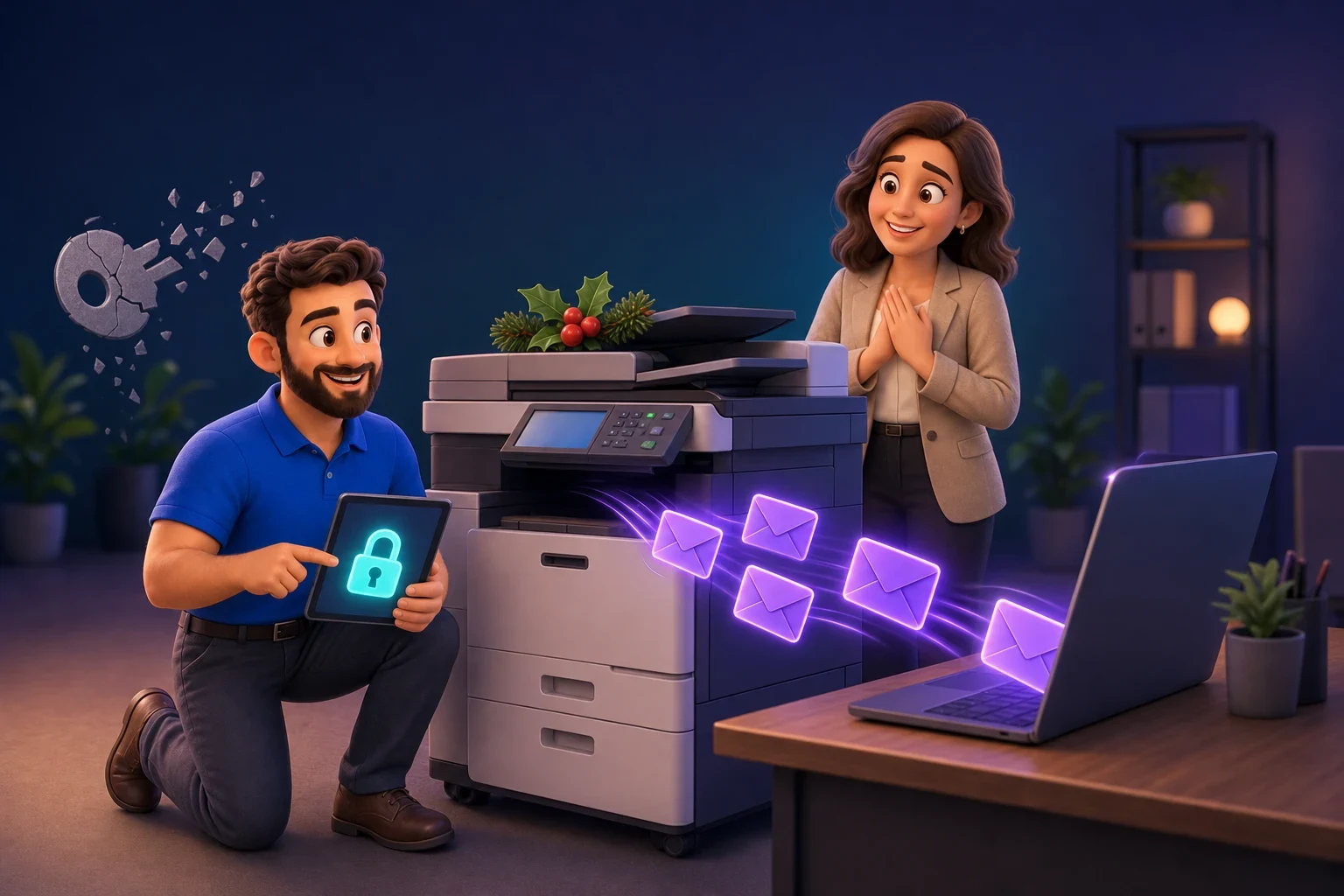
Most offices have a multifunction printer in the corner that scans a document and emails it to you. Many also have an accounts package that emails invoices, or a booking system that sends confirmations. A lot of these send their email through Microsoft 365 using an old sign-in method, and Microsoft is switching that method off by default at the end of December 2026.
If your devices and software are set up the modern way, nothing changes. If they aren’t, scans and automatic emails will simply stop arriving, often with no obvious error on the device. The good news is that there are two months to check and fix it, and for most small businesses it’s a manageable job.
What is actually changing?
When a scanner or piece of software sends email through Microsoft 365, it has to sign in to a mailbox first. The old way of doing this, which Microsoft calls “Basic authentication” for SMTP (the standard system computers use to send email), means the device stores a username and password and sends them every time.
That approach is weak. A stored password can be stolen, and it can’t be protected by two-step sign-in. So Microsoft is moving everyone to “modern authentication” (often called OAuth), where the device gets a secure, time-limited token instead of using the password directly.
Microsoft’s Exchange team updated the timeline in January 2026:
- Until the end of December 2026: nothing changes.
- End of December 2026: the old method is switched off by default for existing Microsoft 365 accounts. Administrators can switch it back on if they need to.
- New Microsoft 365 accounts created after December 2026: the old method won’t be available by default.
- Second half of 2027: Microsoft says it will announce the date the old method is removed for good.
So the December change is a warning shot rather than the final deadline. But “we’ll switch it back on” is only a short-term patch, and the last thing anyone wants is a scanner that stops working in the first week of January when half the team is still on leave.
What could be affected in your business?
Anything that sends email through your Microsoft 365 account by signing in with a mailbox name and password. The most common ones are:
- Multifunction printers and scanners using “scan to email”. This is by far the most common one, especially on machines more than a few years old.
- Accounts and invoicing software that emails invoices, statements, remittances or quotes from your own address.
- Booking, job management and practice systems, such as garage workshop systems, care home rostering or charity donor systems that send confirmations and reminders.
- Website contact and enquiry forms that send through one of your mailboxes.
- Alarms, CCTV, phone systems and building equipment that send email alerts.
What’s not affected: people using Outlook on their computer, phone or in a web browser, and Microsoft Teams. These already use modern sign-in.
How to check before the deadline
You don’t need to be technical to start this. Take 20 minutes this week:
- Walk around the office. Make a list of every printer, scanner and device that sends email. Note the make and model.
- List your software. Which systems send emails that appear to come from your company address? Ask your accounts and admin staff, as they’ll know.
- Ask whoever looks after your Microsoft 365. There is a report in the Exchange admin centre (the control panel for your company email) that shows which devices and apps are sending email using the old method. It can show up to 90 days of history, so the sooner someone looks, the better the picture.
- Check with suppliers. For each item on your list, ask the supplier or check their website: “Does this support modern authentication (OAuth) for Microsoft 365?”
Your options for fixing it
Once you know what’s affected, there are a few ways to deal with each item. In rough order of preference:
- Switch the device or software to modern authentication. Many newer printers and most current software already support it, sometimes after a firmware update (a software update for the device itself). This is the best fix because it will still work after Microsoft removes the old method completely.
- Change how the device sends email. If your office has a fixed internet address, Microsoft 365 can be set up to accept email from that address without a stored password. This suits scanners that only send to your own staff, but it needs to be set up carefully so it doesn’t open a door for anyone else.
- Use a dedicated email sending service. For software that sends a lot of email to customers, such as invoices or reminders, a specialist sending service (Microsoft has its own, and there are reputable third parties) is often more reliable anyway.
- Scan to a folder instead. Many scanners can save directly to a shared folder or to OneDrive or SharePoint, which avoids email altogether and is often quicker for staff.
- Replace the device. Some older printers simply can’t be updated. If yours is also out of warranty or near the end of its lease, this is a good moment to plan a replacement.
Switching the old method back on in January should be the last resort and a short-term one, ideally limited to a single device while a proper fix is arranged. It brings back the security weakness Microsoft is trying to close.
Why this matters for security, not just convenience
It’s tempting to see this as Microsoft making life awkward. It isn’t. Stored mailbox passwords are a favourite target for criminals: if someone gets hold of the password your scanner uses, they may be able to send convincing emails from your company address. That’s exactly how many invoice and payment scams start.
Old devices also tend to hide old passwords that nobody remembers setting up. It is common to find a scanner signing in with an account belonging to someone who left years ago, which is a risk in its own right. We’ve written more about this in our article on old business passwords.
Don’t leave it until the Christmas break
The timing is awkward. The change lands at the end of December, when many Sussex businesses are closed or short-staffed, and the problem may not show until the first busy week of January. A scanner that silently stops sending, or invoices that never reach customers, can take days to notice.
If you’re planning IT spending for next year, it’s worth adding any printer or software replacements to the list now. Our guide to planning your IT budget for 2027 covers the other changes coming, and our device lifecycle guide helps you decide when to repair, update or replace.
How we handle this for our customers
For the businesses we look after, this is part of the job. We check the email reports, list every device and system that will be affected, contact suppliers where needed and make the changes before the deadline, so nobody has to think about it. Because our support is a fixed monthly fee, we’re rewarded for preventing problems like this rather than fixing them after they’ve happened.
It’s also the kind of thing our free Get It Green IT audit picks up: old devices, stored passwords and settings that are due to stop working.
Need a hand?
If you’re not sure what in your office still uses the old method, or you’d just like someone to check it for you, we’re happy to help. Book a free 30-minute call or IT audit and we’ll tell you where you stand, in plain English.