Windows 10 Security Updates Just Doubled in Price: What Your Business Should Do Now

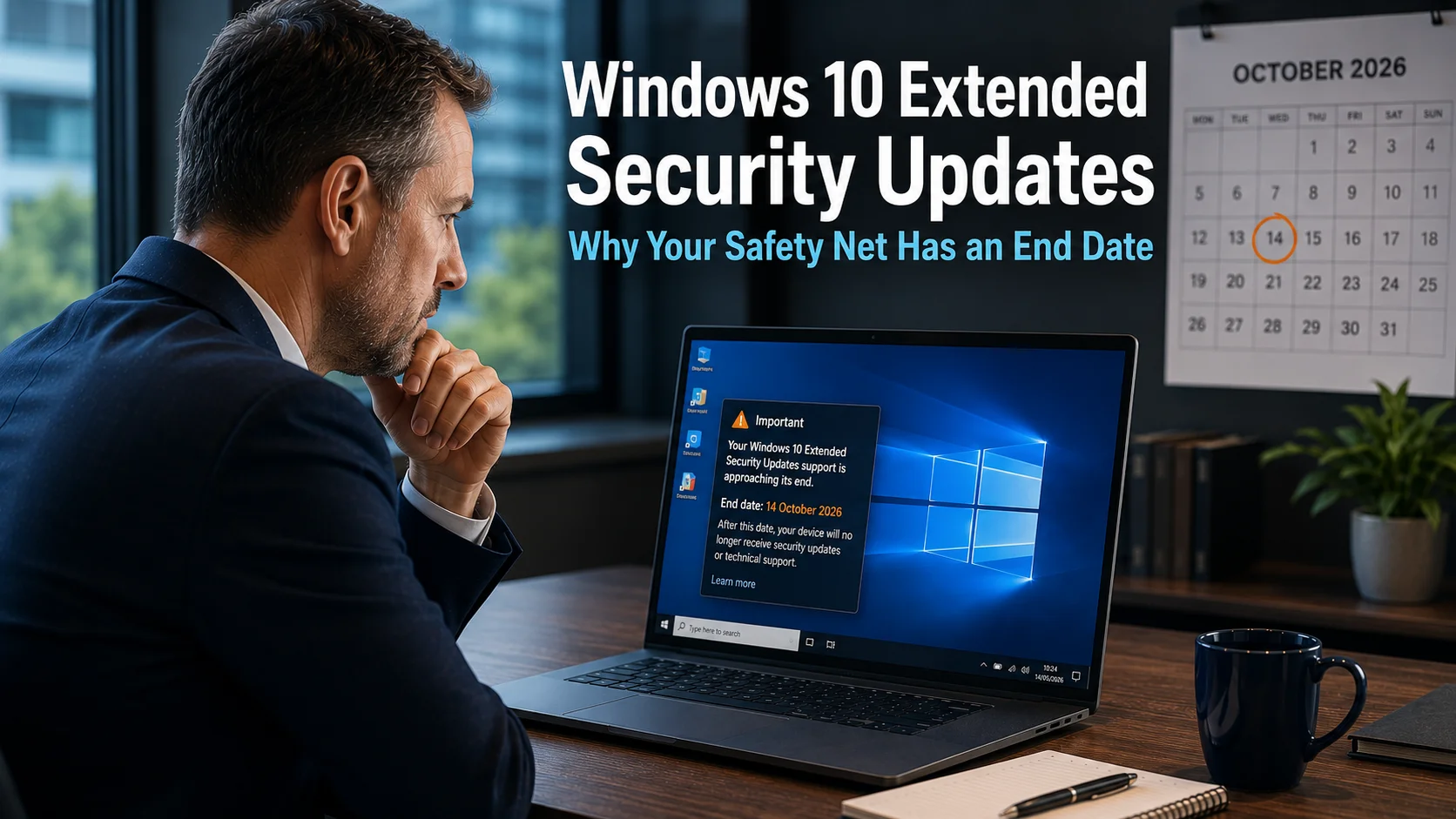
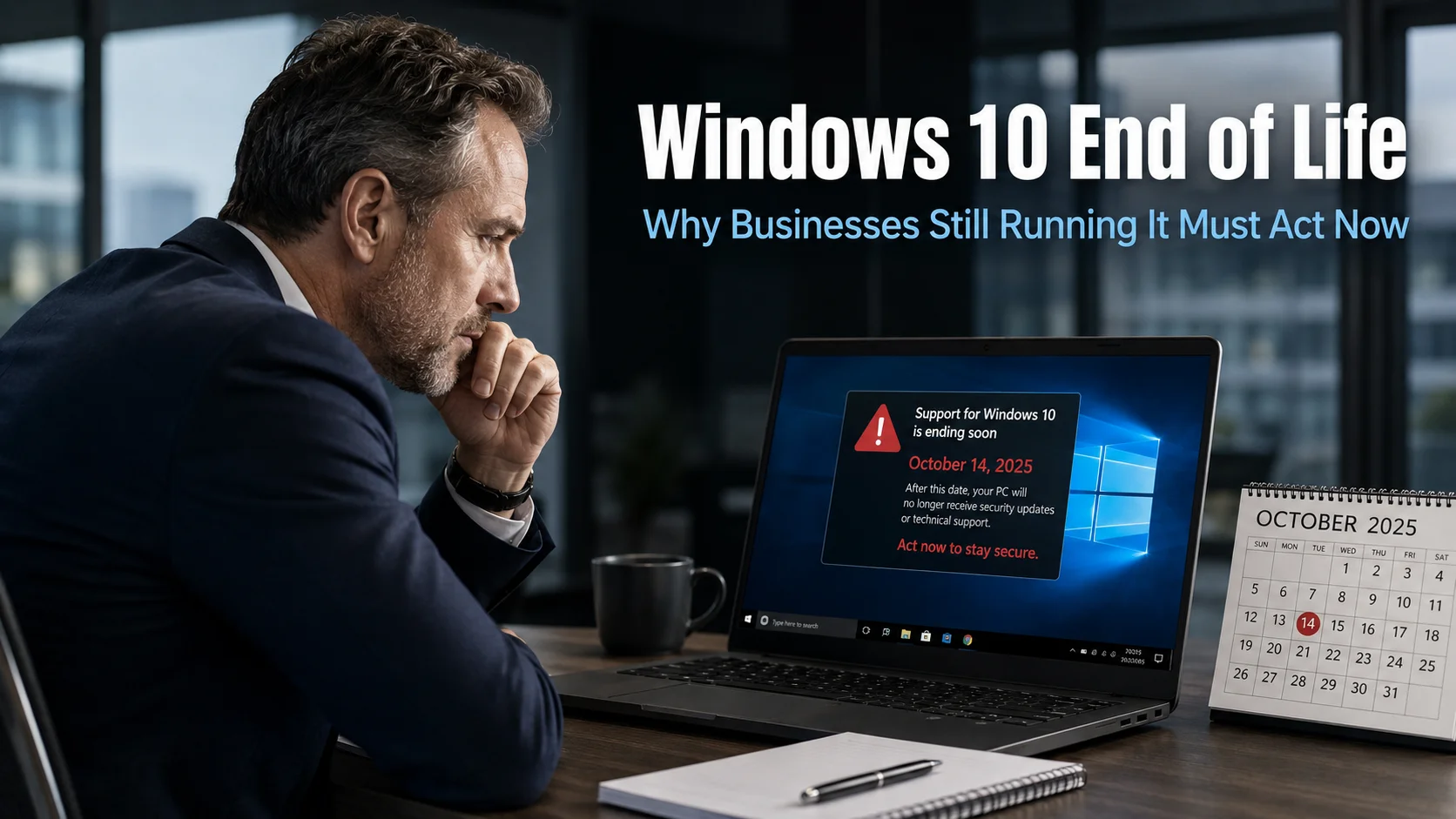
Windows 10 reached the end of its normal life in October 2025. Since then, many businesses have kept older computers going by paying Microsoft for Extended Security Updates, a paid scheme that keeps the essential security fixes coming for up to three more years.
In October 2026, the first year of that scheme ended. If you still have Windows 10 computers, here’s what has changed and what we recommend.
We’ve written before about what Windows 10 end of life means for businesses and why Extended Security Updates are only a safety net. This article covers what’s new this autumn.
The cost has doubled
Microsoft sells business Extended Security Updates per computer, per year, and the price doubles every year. Microsoft publishes its prices in US dollars:
| Year | Covers | Price per computer |
|---|---|---|
| Year 1 | October 2025 to October 2026 | $61 |
| Year 2 | October 2026 to October 2027 | $122 |
| Year 3 | October 2027 to October 2028 | $244 |
There are two catches:
- You can’t skip a year. The updates build on each other, so a business joining now has to pay for Year 1 as well. That’s $183 per computer to get covered today.
- It’s security fixes only. There are no new features, no general bug fixes and no technical support from Microsoft.
For a business with ten Windows 10 computers, that’s over $1,200 this year just to keep them safe, rising to over $2,400 next year, on machines that will need replacing anyway.
There’s also a free scheme for home users, but it doesn’t cover business computers that are managed centrally, so it isn’t an option for most businesses.
Some Windows 11 computers lost support too
This one has caught a few people by surprise. Microsoft only supports each version of Windows 11 for a set time. On 13 October 2026, Windows 11 Home and Pro version 24H2 stopped receiving updates.
So a computer can be running Windows 11 and still be unprotected, if it hasn’t been moved on to the newer version, 25H2. If updates on your computers are left to “sort themselves out”, it’s worth checking.
What are your options?
1. Upgrade to Windows 11 for free
If a computer meets the Windows 11 hardware requirements, the upgrade is free. For most businesses this is the best option for any machine that’s less than about five years old. Our guide to Windows 11 hardware requirements explains what to check.
2. Replace older computers
Computers that can’t run Windows 11 are usually getting old and slow anyway. Paying $122 or more a year to keep each one limping along rarely makes sense. Replacing them gives your team faster, more reliable machines and ends the bill.
3. Pay for Extended Security Updates, as a short-term bridge
This can make sense for a small number of machines that run specialist software that won’t work on Windows 11 yet, while you plan a proper replacement. Treat it as a bridge, not a plan.
4. Run Windows in the cloud
Microsoft provides Extended Security Updates free of charge for Windows 10 running in its Windows 365 cloud service. For some businesses with specialist software, a cloud PC can be a sensible way to keep an old application running while everything else moves on.
What we recommend
- Find out exactly which computers are still on Windows 10, and which Windows 11 computers are still on version 24H2.
- Upgrade everything that can be upgraded. It’s free.
- Replace what can’t. Spread the cost if you need to, but don’t leave unsupported computers connected to your network.
- Only pay for Extended Security Updates where there’s a genuine reason, and set a date to retire those machines.
An unsupported computer isn’t just a risk to itself. Once criminals get into one weak machine, they can move across your network to everything else.
Need a hand?
Keeping track of which computers are on which version, and making sure updates actually happen, is exactly what our managed IT support does every day. If you’re not sure where your computers stand, book a free IT audit. We’ll tell you which machines need attention and give you a clear plan, with no jargon.