Changed Your Password but Still Hacked? What to Check Next
When someone finds out their work email has been hacked, the first thing they do is change the password. That’s the right instinct, and you should absolutely do it. The trouble is that more and more attacks are designed so that a new password doesn’t actually lock the criminal out.
If you’ve ever thought “I changed it straight away, so we’re fine”, this article is for you. It explains how criminals keep their access after a reset, and the checks we run on every compromised Microsoft 365 account before we call it clean.
How criminals stay in after a password change
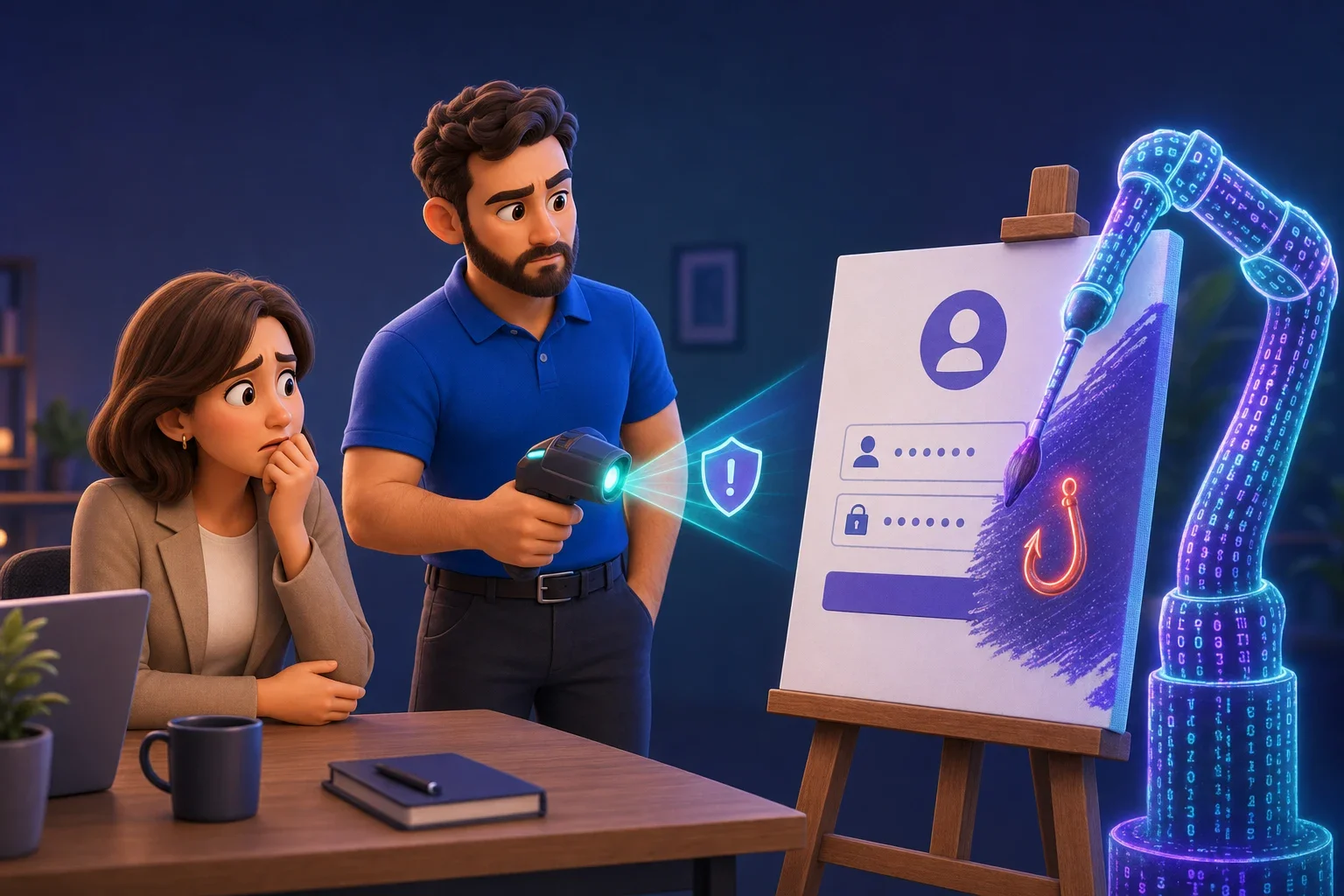
Most account takeovers still start with a phishing email or text. Someone clicks a link, lands on a page that looks exactly like the Microsoft sign-in screen, and types in their email, password and two-step sign-in code. Behind the scenes, the fake page passes all of that straight to the real Microsoft site, so the criminal is signed in as that person within seconds.
What has changed is what happens next. Instead of just reading emails, the criminal quickly adds a way of getting back in that doesn’t depend on the password at all. For example:
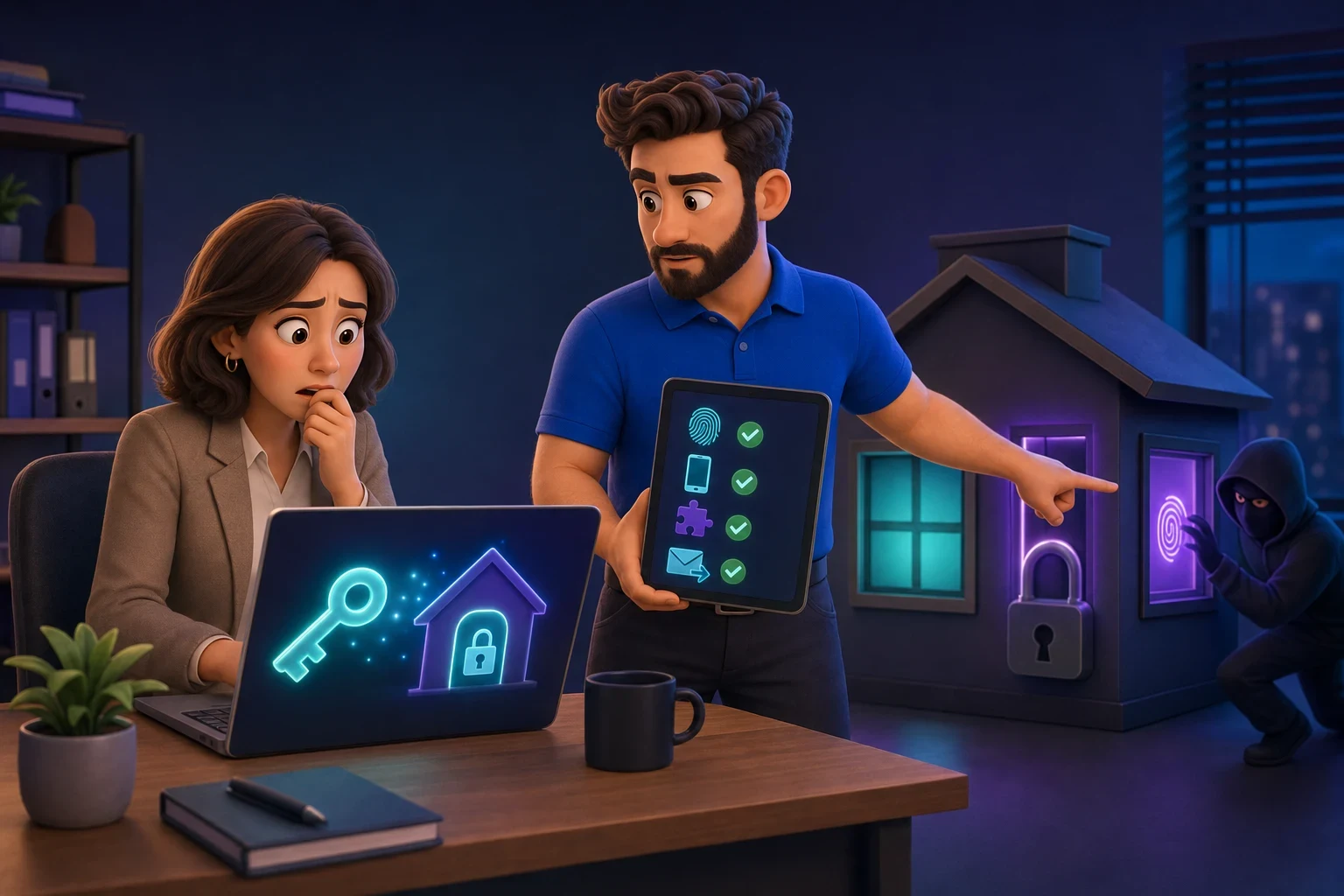
- Their own passkey. A passkey lets you sign in with a fingerprint, face or device PIN instead of a password. They’re a big security improvement, but if a criminal registers their own passkey on your account, they can sign in with it whenever they like.
- Their own authenticator app or phone number. Adding a second “two-step sign-in” method means they can pass the security check too.
- A connected app. Tricking someone into approving an app that has permission to read their mailbox gives ongoing access, even after a password change.
- Mailbox rules. A rule that quietly forwards invoices or payment emails to an outside address means they don’t even need to sign in.
This isn’t theoretical. In August 2026, researchers at Abnormal reported on a phishing toolkit being sold on a criminal forum for around $10,000 that registers the attacker’s own passkey during the phishing attack, so the access survives a password reset and session sign-out. Earlier in the summer, Okta researchers described a campaign where criminals phoned staff pretending to be the IT team, walked them through a fake “passkey setup” on a copy of the Microsoft sign-in page, and enrolled their own passkey while the victim was distracted. Microsoft’s own security researchers have also reported attackers adding their own authenticator apps and phone numbers to accounts they’ve broken into.
What to check after an account is hacked
Changing the password is step one. Here’s what should happen alongside it. If you’re not confident doing these yourself, this is exactly what your IT support should be doing for you.
- Sign the account out everywhere. In Microsoft 365 an administrator can revoke all sessions, which forces every device and browser to sign in again. Do this at the same time as the password reset, not later.
- Review every sign-in method. Look at the passkeys, authenticator apps, phone numbers and security keys on the account. Remove anything the person doesn’t recognise, then have them set up their own methods again if in doubt.
- Check the recovery details. A criminal may have changed the backup email address or phone number so they can reset the password themselves.
- Look at connected apps. Check which apps have been given permission to the account and remove anything unfamiliar.
- Check mailbox rules and forwarding. Look for rules that forward, move or delete emails, especially anything mentioning invoices, payments, your bank or “urgent”.
- Review recent sign-ins. Microsoft 365 keeps a log of where and when the account was used. Unusual countries, devices or times tell you how long the criminal had access.
- Check what they did. Look at sent items, deleted items and any files shared from OneDrive or SharePoint. If they emailed customers or suppliers from your account, those people need to know.
Don’t skip the last one. Criminals who get into a business mailbox often sit quietly for days, reading conversations about payments, then send a fake “our bank details have changed” email at exactly the right moment. If you want to know more about that type of attack, our article on business email compromise explains how it works.
Work out how they got in
Once the account is secure, find out how the criminal got access in the first place. Was it a phishing email? A phone call from “IT”? A device code request? Our guide to device code phishing covers one tactic that’s catching a lot of people out.
Knowing the route in matters for two reasons. First, if one person fell for it, others in your team probably received the same message. Second, it tells you which gap to close so it doesn’t happen again.
Stop it happening in the first place
You can’t prevent every phishing email arriving, but you can make a stolen password far less useful. In Microsoft 365, a few settings make a big difference:
- Only let staff add new sign-in methods from trusted situations, for example from a company device or the office, so a criminal can’t add their own from abroad.
- Move people to phishing-resistant sign-in, such as passkeys or Windows Hello, set up properly by your IT team rather than via a link or a phone call.
- Block unusual sign-ins, such as from countries you never work in.
- Get alerts when someone adds a new sign-in method or creates a forwarding rule, so you spot problems in hours rather than weeks.
- Tell your team a simple rule: our IT team will never phone you out of the blue and ask you to set up a passkey or read out a code. If anyone does, hang up and call us back on the number you already have.
Most of these are available in Microsoft 365 Business Premium. If you’re on a different plan, it’s worth asking what you’re missing. Our article on passkeys in Windows 11 explains how to roll them out safely.
What we do when a client’s account is hacked
When one of the 70 or so businesses and charities we look after across Sussex reports a suspicious email or sign-in, we treat it as a security incident, not a password reset. We lock the account, sign out every session, go through every sign-in method and mailbox rule, check what the criminal did and tell the client plainly what happened and what we’ve changed.
If things are more serious than one account, our step-by-step guide on how to recover from a cyber attack covers the wider steps, including who to report it to.
Need a hand?
If you think one of your business accounts has been hacked, or you’d like someone to check whether your Microsoft 365 setup would stop a criminal staying in, we can help. Our cyber security service includes round-the-clock monitoring and the settings described above.
Book a free 30-minute call or IT audit and we’ll tell you where you stand.