How to Recover From a Cyber Attack: A Step-by-Step Guide

Most business owners only think about recovering from a cyber attack when it’s already happening: the screens show a ransom message, customers are receiving odd emails from your address, or money has gone to the wrong bank account. It’s stressful, and it’s easy to make it worse by acting too fast.
It’s also more common than most people think. In the UK Government’s Cyber Security Breaches Survey 2025/2026, 46% of small businesses said they had identified a breach or attack in the previous 12 months. Only a quarter of businesses overall had a formal plan for responding to one.
This guide is for the moment something has gone wrong. Keep it somewhere you can find it without your computer, and work through the steps in order.
Step 1: Stay calm and stop the spread
Your first job is to stop the problem getting bigger, not to fix it.
- Disconnect affected computers from the network. Unplug the network cable and turn off Wi-Fi on any device you think is affected. Don’t switch it off or wipe it yet: it may hold clues about what happened.
- Don’t plug in your backup drive. If ransomware (software that locks your files and demands payment) is spreading, connecting a backup can get that locked too.
- Stop payments. If the attack involves a fake invoice or changed bank details, ring your bank straight away. The faster you call, the better the chance of stopping or recovering the money.
- Use a clean device to communicate. If your email may be compromised, talk to your team by phone or from a device you know is safe.
Step 2: Get expert help
Ring your IT support provider now, before you try fixing things yourself. A good provider will help you work out what has been affected and contain it properly.
If you have cyber insurance, call the insurer’s incident line early too. Many policies include access to specialist response teams, and some expect you to contact them before you take certain actions. Our cyber insurance guide explains what policies usually cover.
Step 3: Report it to the right people
In the UK there are a few places to report an attack, and they do different jobs.
- Report Fraud (police). If the attack is happening right now, call 0300 123 2040. The NCSC says this line is open 24 hours a day and live attacks are prioritised. Report Fraud replaced Action Fraud in England, Wales and Northern Ireland in December 2025. In Scotland, call Police Scotland on 101.
- The NCSC. For a significant attack that’s no longer live, the National Cyber Security Centre asks you to report it through its reporting service.
- The ICO. If personal data (customer, staff or supporter details) may have been seen, stolen, changed or lost, you may need to report it to the Information Commissioner’s Office. You have 72 hours from when you discover the breach, not from when it happened. The ICO says don’t wait until you have every detail: report what you know and follow up later. Its breach advice line is 0303 123 1113.
Start a written log as soon as you can: what happened, when you noticed, who is involved and every action taken. The ICO recommends keeping this record even if you decide the breach doesn’t need reporting.
Step 4: Work out what happened
Before restoring anything, you need a clear picture. Otherwise you risk bringing back the same problem. With your IT provider, answer these questions:
- How did the attackers get in? (A clicked link, a stolen password, an out-of-date system?)
- Which computers, accounts and systems are affected?
- Has any data been copied or sent out of the business?
- Are the attackers still in any accounts?
- When did it start? This tells you which backups are safe to use.
Step 5: Lock the attackers out
Once you know what’s affected, close the doors.
- Change passwords for every affected account, starting with email and admin accounts. Do this from a clean device.
- Turn on two-step sign-in (a code from your phone as well as your password) for every account that doesn’t already have it. Our guide on who needs two-step sign-in explains where it matters most.
- Check email accounts for rules you didn’t set up, such as forwarding copies of messages to an outside address or deleting replies from your bank. Attackers often add these quietly.
- Remove any unknown users, apps or devices from Microsoft 365 or your other systems. A password change alone often isn’t enough: see changed your password but still hacked? for what else to check.
- Install any missing security updates on the systems that were attacked.
Step 6: Restore safely
Now you can start getting back to work.
- Clean or rebuild affected computers. Often the safest option is to wipe a device and set it up fresh, rather than trying to remove the infection.
- Restore data from a backup taken before the attack started. Check the restored files open properly before telling everyone it’s fixed.
- Bring systems back in order of importance. Decide what you need first: usually email, your main business software and the files your team uses every day.
- Watch closely for a few weeks. Attackers sometimes come back, so keep an eye out for unusual sign-ins or behaviour.
If your backups were also affected, this is where recovery gets much harder. Backups that can’t be changed or deleted, even by someone with your passwords, make a huge difference. Our article on immutable backup storage explains how they work.
Should you pay a ransom?
Be wary of anyone who gets in touch offering to recover or delete your stolen data for a fee. Some of these “rescuers” are the attackers themselves: see ransomware recovery scams.
We’d strongly advise against it. Paying doesn’t guarantee you get your files back, it doesn’t guarantee your data won’t be leaked anyway, and it marks you as a business that pays. Speak to your IT provider, insurer and the police before making any decision.
Step 7: Tell the people who need to know
Be honest and clear with staff, customers and suppliers who are affected. If customers’ personal data is at high risk, the ICO says you must tell them without undue delay and give them practical advice, such as watching for scam emails or changing passwords.
Keep messages short and factual. Say what happened, what it means for them and what you’re doing about it. Avoid guessing about things you don’t know yet.
Step 8: Learn from it
Once things are back to normal, sit down with your team and IT provider and ask:
- What let the attackers in, and has it been fixed?
- What slowed us down during the recovery?
- Did our backups work as expected?
- What would we do differently next time?
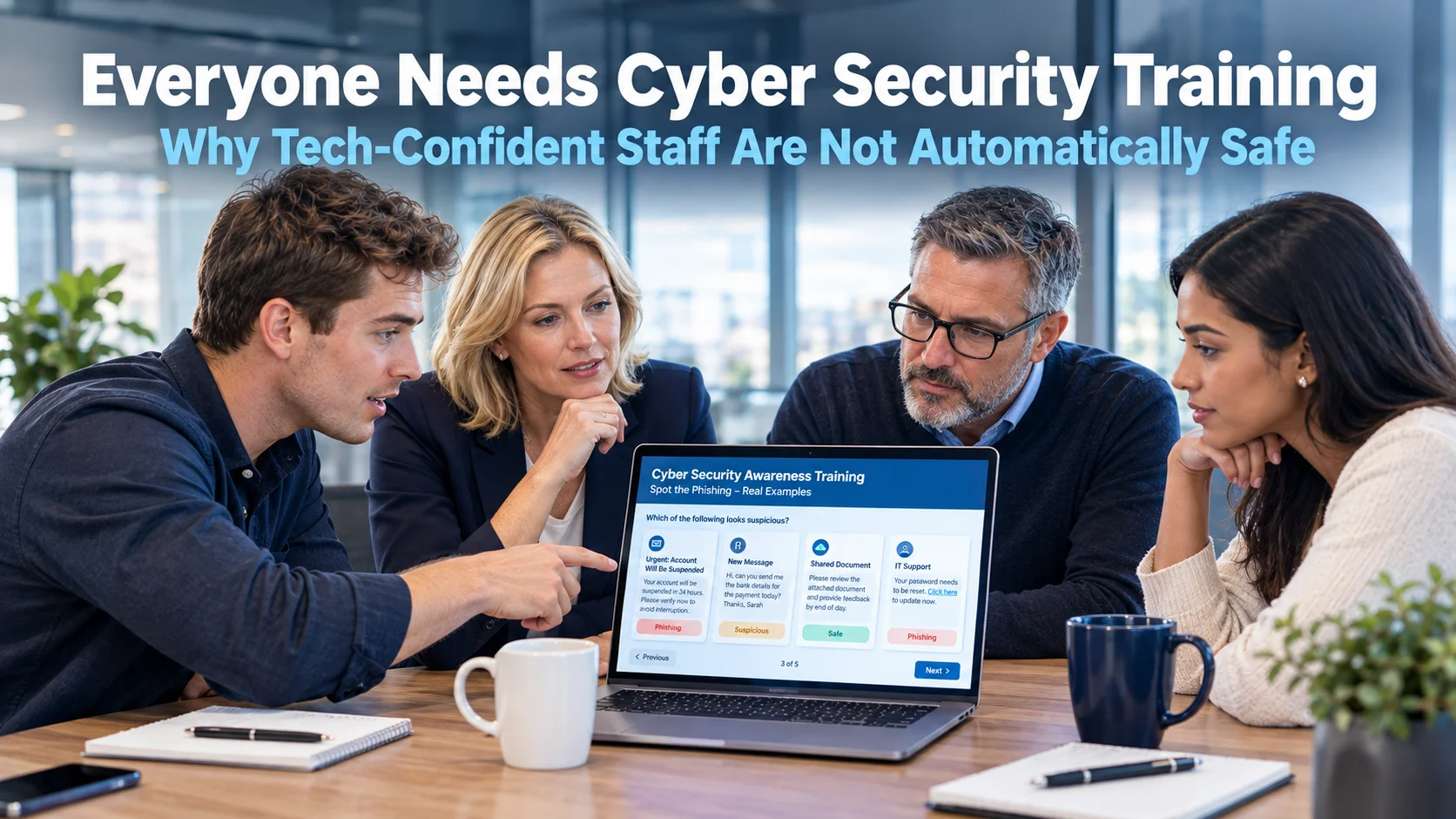
Turn the answers into a simple plan. If you don’t already have one, our guide on how to create a cyber incident plan walks you through it. Then make sure the basics are in place: two-step sign-in, regular updates, tested backups, staff awareness training and someone keeping an eye on your systems day and night.
Need a hand?
If you’re dealing with an attack right now, call your IT provider and the 0300 123 2040 line first. If you’re reading this before anything has gone wrong, that’s the best time to act.
At My Tech Team we’ve been looking after Sussex businesses and charities since 2009. Our support includes round-the-clock security monitoring, backups of your computers and Microsoft 365, and a clear plan for what happens if something does go wrong. Our free IT audit shows you where you stand today, with a simple red, amber and green report.
Book a free IT audit or a 30-minute call, or read more about our cyber security services.